
Gling is a desktop AI video editor built for YouTube creators, automatically cutting bad takes, silences, and filler words, with AI captions, titles, and chapters.
About
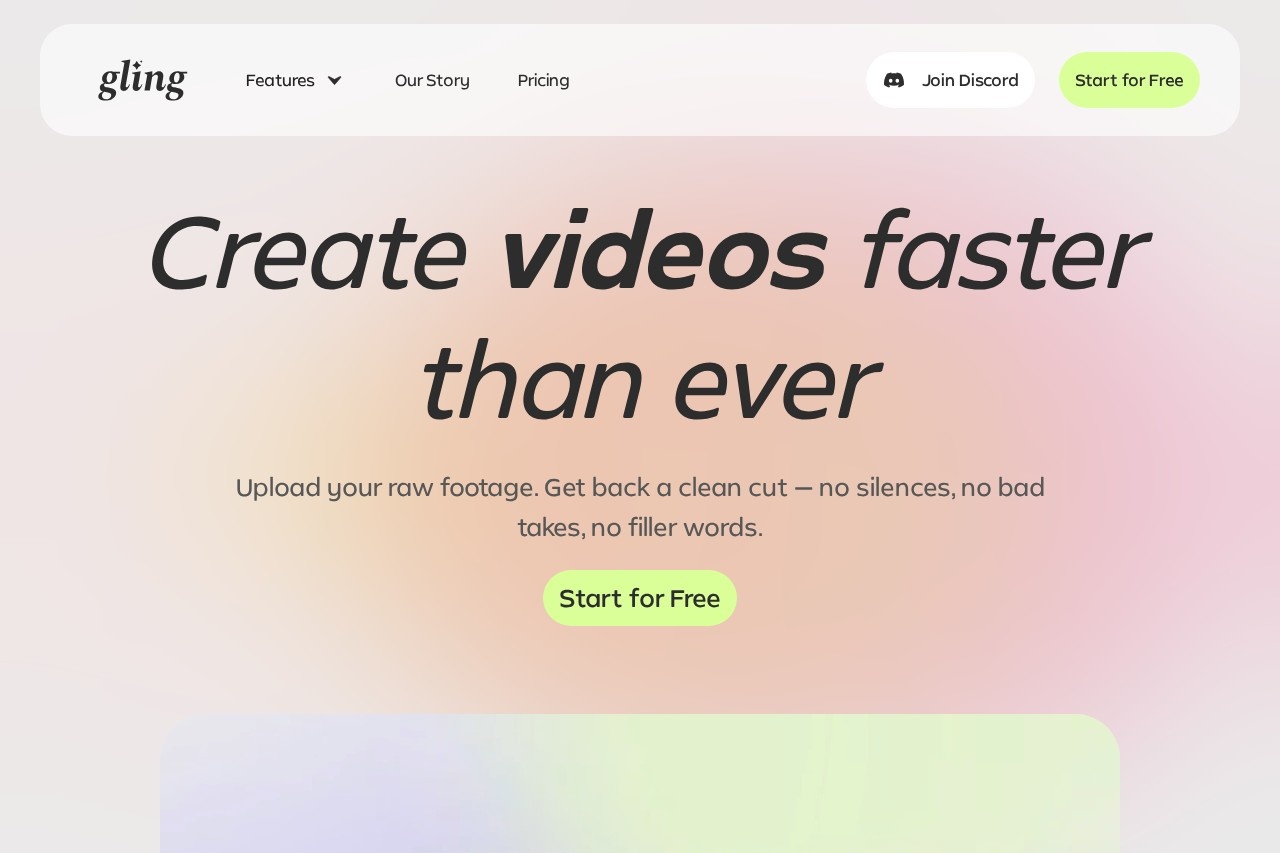
Gling is an AI-powered video editing application designed specifically for YouTube creators. Its core purpose is to eliminate the most tedious part of post-production: manually reviewing raw footage to cut mistakes, long pauses, and filler words such as "um" and "uh." The software transcribes recordings, analyzes the transcript, and removes unwanted segments automatically so creators can publish videos faster.
Gling is developed by Gling Inc. and runs as a desktop application rather than a browser tool. After a raw video or audio file is uploaded, the AI handles the first editing pass; the user can then refine the result by editing text or adjusting the timeline before exporting. Finished projects can be sent to professional editors such as Final Cut Pro, DaVinci Resolve, and Adobe Premiere via XML, or exported directly as MP4 or MP3 files with SRT captions.
Key Features
Pricing & Fees
- Pricing: Gling uses a freemium subscription model. The Free plan costs $0 and includes 1 hour of AI-edited media per month with watermarked MP4 exports. Plus costs $20/month (10 hours of AI-edited media or 300 generated words), Pro costs $40/month (30 hours or 900 words), and Elite costs $100/month (100 hours or 2,700 words). Annual billing is advertised at a 50% discount, and paid plans export without a watermark.
- Platform availability: Gling is a desktop-only application; the download link is delivered by email after sign-up.
- Editor integration: Projects export via XML to Adobe Premiere Pro, Final Cut Pro, and DaVinci Resolve, in addition to direct MP4, MP3, and SRT exports.
- Additional capabilities across plans: Multicam editing, AI B-rolls, and premium support are included in the feature list, with premium support reserved for paid tiers.
Who It's For
Gling is aimed primarily at YouTube creators who record themselves talking to camera, including educators, commentators, and vloggers who face long hours of cutting bad takes and dead air. It also suits solo video producers and freelance editors who want a fast first-pass edit before finishing in a professional NLE. Creators producing talking-head videos, voiceovers, and short clips from longer footage will get the most value from its transcription-driven trimming and automatic captioning.
FAQ
What is Gling?Gling is an AI video editing application for desktop that automatically removes bad takes, silences, and filler words from raw recordings and helps generate captions, titles, and chapters for YouTube videos.
Does Gling have a free plan?Yes, the Free plan includes 1 hour of AI-edited media per month and unlimited exports with a watermark, but no premium support.
How much does Gling cost?Paid plans are Plus at $20/month, Pro at $40/month, and Elite at $100/month, with annual billing offered at a 50% discount.
What platforms and editors does Gling work with?Gling runs as a desktop application and exports directly to MP4, MP3, and SRT, or via XML timelines to Adobe Premiere Pro, Final Cut Pro, and DaVinci Resolve.
Can Gling work entirely in the browser?No, Gling is designed exclusively as a desktop application, and the download link is sent to the user's email address.
Related Tutorials
View all →

Related Tools
View all → invideo invideo is a web-based AI video platform that turns text prompts into finished videos, with AI scripting, stock media, voiceovers, and a timeline editor for creators and marketers.
 SkyReels - AI Video Generation SkyReels is an AI-powered video generation tool that helps you create stunning videos from text or images in minutes.
 Descript Descript is an AI audio and video editor that lets creators and teams record, transcribe, and edit content by editing text, then publish and repurpose it everywhere.
 ClipFinder ClipFinder turns Twitch and Kick VODs or uploaded files into captioned vertical shorts and 4–6 finished YouTube videos, using AI to find, cut and publish the moments worth posting.
 EchoWave EchoWave is a browser-based video and audio editor offering auto subtitles in 86 languages, 63 AI voices, audio visualizers, templates and up to 8K export with no install required.