
Descript is an AI audio and video editor that lets creators and teams record, transcribe, and edit content by editing text, then publish and repurpose it everywhere.
About
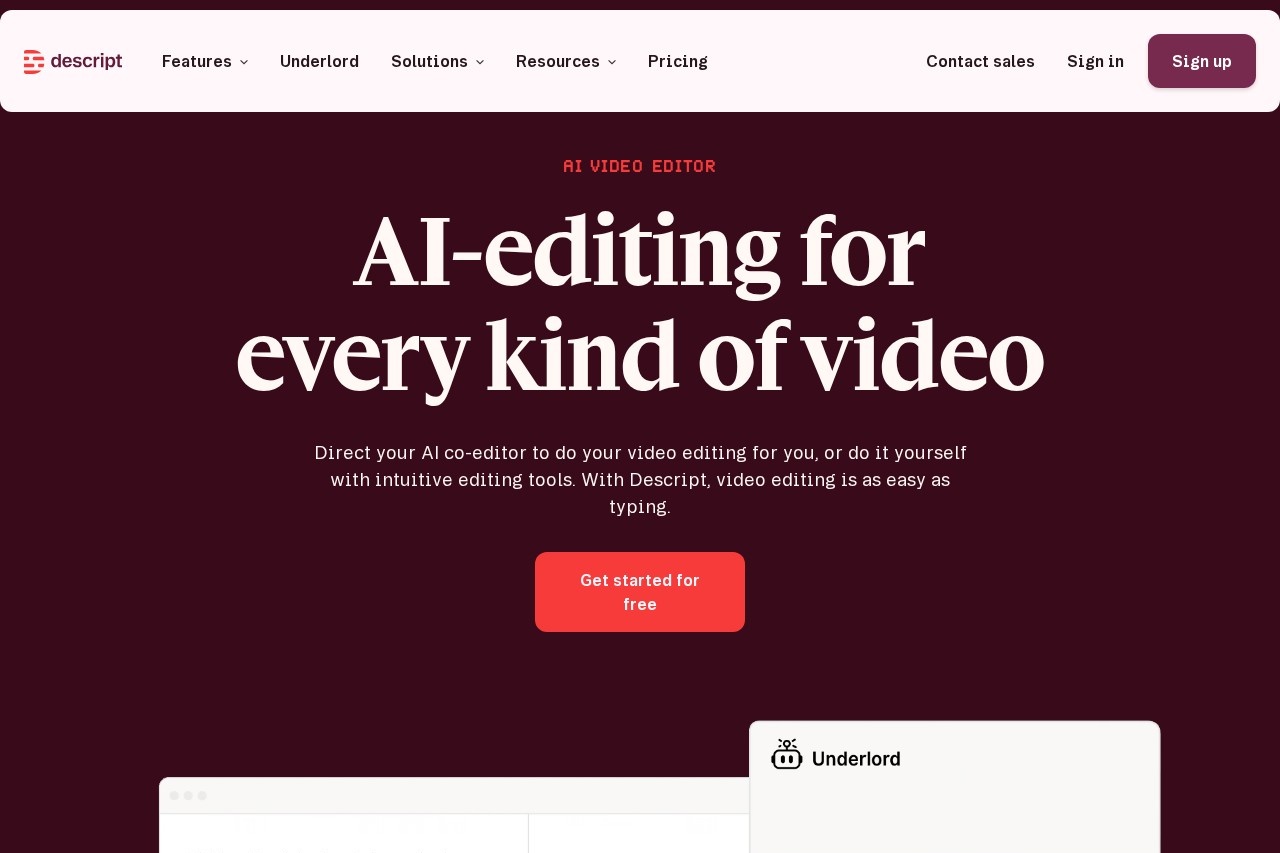
Descript is a text-based audio and video editing application that treats recordings like documents. Instead of scrubbing through a timeline, users edit a transcript: deleting a sentence in the text removes the corresponding segment from the media. This approach makes editing accessible to people who are not professional video editors, and it bundles recording, transcription, editing, and publishing into a single tool.
The workflow follows five stages: record, edit, refine, share, and multiply. Users can record directly in Descript, import existing footage or a Zoom call, and receive an automatic transcript within seconds. An AI assistant called Underlord can perform edits on request, and additional AI tools handle audio cleanup, filler-word removal, clip creation, and translation. Descript is used by individual podcasters as well as enterprise teams at companies such as Amazon, Canva, and Salesforce.
Key Features
Pricing & Fees
- Pricing: Paid plans start at $16 per person per month (Hobbyist, annual billing; $24 monthly), $24 (Creator, annual; $35 monthly), and $50 (Business, annual; $65 monthly); Enterprise pricing is custom. Annual billing saves up to 35% versus monthly.
- Free plan: Descript offers a free way to get started, with paid tiers adding features such as 4K export, more media hours, and AI credits.
- Plan limits: Hobbyist includes 10 media hours and 400 AI credits per month; Creator includes 30 media hours and 800 AI credits; Business includes 40 media hours and 1,500 AI credits plus team Brand Studio access and translation in 30+ languages.
- Enterprise features: Business and Enterprise plans add collaboration controls, brand controls, priority support with an SLA, and enterprise-grade security.
Who It's For
Descript suits podcasters, YouTubers, and solo creators who want to edit without learning complex timeline software. It also serves marketing, sales, customer support, and learning-and-development teams that need to produce demos, tutorials, webinars, and educational video at volume. Enterprises with brand and security requirements can use its collaboration and admin controls, while developers can automate editing through its API. Anyone whose workflow revolves around talking-head video or spoken audio is the core audience.
FAQ
What is Descript?Descript is an AI-powered audio and video editor that records, transcribes, and edits media through a text interface, so deleting words in a transcript removes them from the recording.
Is Descript free to use?Descript can be started for free, and paid plans begin at $16 per person per month on annual billing, with higher tiers adding 4K export, more AI credits, and team features.
What file types and sources can be brought into Descript?Users can import footage they shot, scripts, screen recordings, and Zoom calls; imported media is transcribed automatically before editing.
Does Descript work for teams?Yes, the Business plan supports teams of up to 5 people with collaboration features, Brand Studio, and priority support, and an Enterprise tier offers custom terms and enterprise-grade security.
Can Descript repurpose content for other platforms?Yes, it can turn one video into clips, translate and dub into 30+ languages on Business plans, and reformat content for YouTube, TikTok, LinkedIn, and other destinations.
Related Tutorials
View all →
Related Tools
View all → MindVideo AI MindVideo AI is an AI-powered video generation tool that creates videos from text or images, offering a seamless and creative video production experience.
  AI Content Generator An AI-powered content generator that produces high-quality text for various purposes. It leverages AIGC to create engaging articles, posts, and more.
  Best Free AI Photo Editor & Video Generator Online | YouCam YouCam offers free AI-powered photo editing and video generation tools for creative projects.
  AI Translator - Accurate Translation AI Translator provides high-accuracy translations with 98% precision, supporting 1200+ AI models and 100+ languages.
  KooX AI Transform any image into a video with realistic motion and cinematic effects using our free AI generator.