
UnblurImage AI is a free online tool that removes blur from photos, sharpens details, reduces noise, and upscales images up to 4K without requiring sign-up.
About
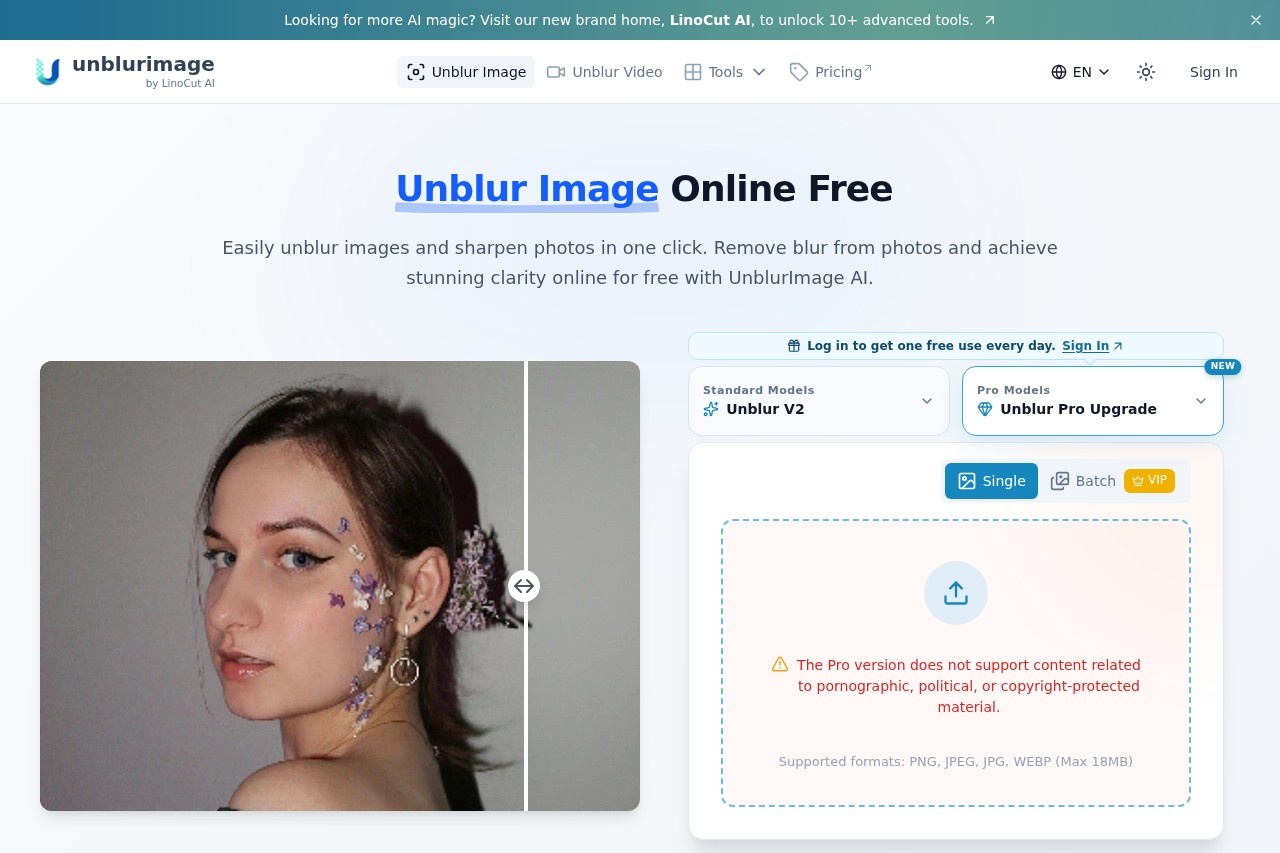
UnblurImage AI is a web-based image editing tool that fixes blurry photos. It addresses a common problem: images damaged by motion blur, poor focus, or low sharpness that would otherwise be unusable. Users upload a photo, and the service applies AI processing to restore detail and clarity.
The product is made by LinoCut AI and runs entirely in the browser, so no software installation is needed. Beyond unblurring, the platform bundles related tools including upscaling to 4K resolution, noise reduction, general photo enhancement, video unblurring, old photo restoration, a watermark remover, an image upscaler, and an object eraser. The core image workflow takes three steps: upload a file in a common format such as PNG, JPG, or HEIC, select enhancement options, and download the result. The site states that no account registration is required for basic use.
Key Features
Pricing & Fees
- Pricing: Not publicly listed on the pages we reviewed; check the official site for current plans. The homepage advertises free use, and the FAQ references a paid "Unblur Pro" tier.
- Free tier: The main unblur tool is promoted as free to use online.
- Platform: Runs in the browser on any device; no desktop or mobile app installation is mentioned.
- Related tools: The same site offers Unwatermark, ImgUpscaler, MagicEraser, video unblurring, and old photo restoration.
Who It's For
UnblurImage AI is aimed at photographers rescuing soft or motion-blurred shots, e-commerce sellers who need sharp product photos, and graphic designers preparing artwork where text and texture must stay crisp. Social media managers and content creators can use it to improve posts for platforms such as Instagram, Facebook, and Twitter. It also suits hobbyists restoring old family photos or preparing images for printed photo books, posters, and large-format enlargements where sharpness at high resolution matters.
FAQ
Is UnblurImage AI really free?The site advertises the online unblur tool as free to use, while a paid "Unblur Pro" tier is referenced in the FAQ; full pricing details are not published on the pages reviewed.
Which image formats does UnblurImage AI support?It accepts common formats including PNG, JPG, and HEIC, and files can be uploaded from any device.
Can UnblurImage AI handle high-resolution images and upscaling?Yes, the tool can process high-resolution images and upscale them up to 4x at up to 4K resolution.
Can it remove blur from videos?Yes, the company operates a separate Unblur Video tool at unblurimage.ai/unblur-video/.
Do I need an account to use it?No, the site states that no sign-up is required to process and download unblurred images.
Related Tutorials
View all →
Related Tools
View all → ImgUpscaler ImgUpscaler is an online AI image upscaler that enlarges photos, anime, product shots, portraits, and old pictures by 2x or 4x for web, print, and creative work.
  VanceAI VanceAI is a web and desktop suite of AI tools for upscaling, sharpening, denoising, restoring, colorizing and editing photos and video, aimed at creators, e-commerce sellers and developers.
  Image Upscaler An online AI image upscaler and photo enhancement suite that enlarges images up to 4×, removes blur and JPEG artifacts, and serves bloggers, sellers, and designers.
  BetterImage.AI BetterImage.AI is a free online AI image upscaler that enlarges, sharpens, and denoises photos up to 4K resolution for photographers, sellers, and creators.
  Bigjpg Bigjpg is an AI image upscaling service that enlarges anime-style artwork, illustrations and photos up to 16x using deep convolutional neural networks, with configurable noise reduction.