
ImgUpscaler is an online AI image upscaler that enlarges photos, anime, product shots, portraits, and old pictures by 2x or 4x for web, print, and creative work.
About
ImgUpscaler is a browser-based AI image upscaler that enlarges low-resolution images by 2x or 4x while adding clearer edges, cleaner textures, and more natural-looking detail. It targets a common problem: small, soft, or pixelated pictures that look poor on websites, marketplaces, social media, or printed materials. Instead of simple resizing, which stretches existing pixels, the service applies AI super-resolution to reconstruct detail.
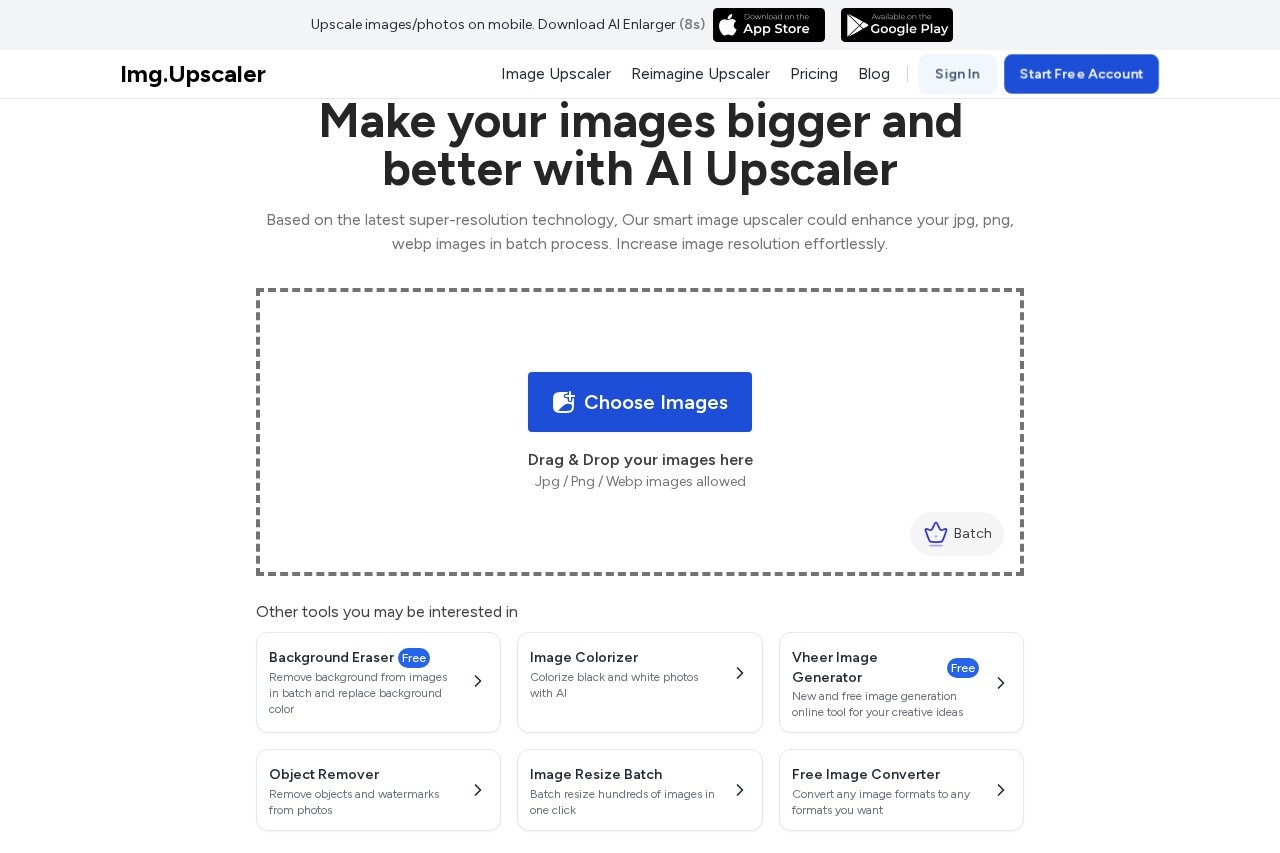
The workflow is deliberately short. A user uploads a JPG, PNG, or WebP file, picks a 2x or 4x enlargement ratio, previews the result, and downloads the higher-resolution image. Single-image upscaling is available for free, while paid plans add credits, batch processing, and an ad-free workspace. ImgUpscaler also offers a related desktop app called Upscal for offline batch work, though web subscriptions and app licenses are sold separately. A Chrome extension and additional tools such as an image enhancer and a Reimagine feature round out the product line.
Key Features
Pricing & Fees
- Pricing: A free plan offers 50 credits per month with single-image processing and ads. Premium costs $9.90/month with 500 credits, batch processing, email support, and no ads. Business costs $19.90/month with no credits limit.
- Free tier: No subscription is required to try AI upscaling, enhancement, and the Reimagine feature, though free use is limited to one image at a time.
- Supported formats: The upload area accepts JPG, PNG, WebP, and AVIF images.
- Cancellation: Subscriptions can be cancelled from the account billing page at any time.
Who It's For
ImgUpscaler suits ecommerce sellers who need sharper product listings, marketers preparing social and campaign assets, and designers enlarging thumbnails or illustrations for print. It also fits photographers and hobbyists restoring old or scanned pictures, as well as anime artists who want higher-resolution versions of their artwork. Teams doing high-volume production can use the batch mode on paid plans, while occasional users can stay on the free tier and process a single image at a time.
FAQ
What is ImgUpscaler?ImgUpscaler is an online AI image upscaler that enlarges and enhances images by 2x or 4x, designed for photos, anime, product images, portraits, and old pictures.
Is there a free plan?Yes, the free plan provides 50 credits per month, single-image processing, and access to upscaling, enhancement, and Reimagine features, with ads included.
How much do paid plans cost?Premium is $9.90 per month with 500 credits and batch processing, and Business is $19.90 per month with no credits limit; both remove ads.
Are uploaded images kept private?Uploaded images and generated results are automatically deleted within 24 hours, so files are not stored long term.
Do I need to install software to use it?No, ImgUpscaler runs in a web browser, though a separate desktop app called Upscal is available for offline batch upscaling under its own license.
Related Tutorials
View all →

Related Tools
View all → Upscale.media Upscale.media uses AI to upscale images up to 2x or 4x, preserving quality and detail.
 Melhorar Imagem - AI Photo Enhancer Melhorar imagem - improve photos with AI for free. Enhance quality and details.
 Upscale Image Free AI image upscaler supporting 2x to 8x enlargement, right in your browser.
 UnblurImage AI UnblurImage AI is a free online tool that removes blur from photos, sharpens details, reduces noise, and upscales images up to 4K without requiring sign-up.
 AI OCR Extract text from images and convert to editable Word documents with AI-powered OCR.