
An online AI image upscaler and photo enhancement suite that enlarges images up to 4×, removes blur and JPEG artifacts, and serves bloggers, sellers, and designers.
About
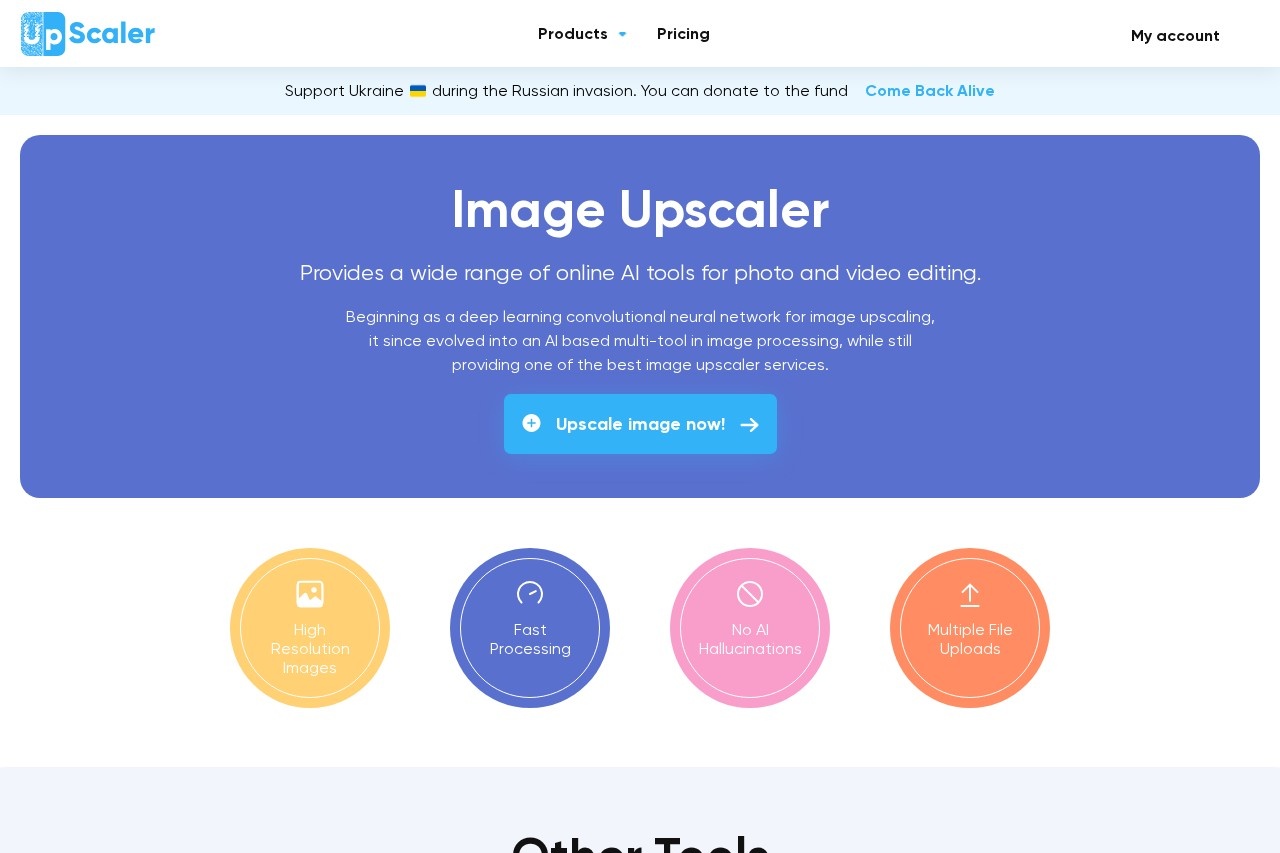
Image Upscaler is a web-based service for increasing the resolution and clarity of digital images using artificial intelligence. It addresses common problems such as low-resolution photos, motion blur, soft focus, and JPEG compression artifacts, producing larger and sharper versions of the original files.
The service began as a deep learning convolutional neural network focused on upscaling and has since expanded into a multi-tool image processing platform. Its upscaling system analyzes shapes, edges, and contrast in a photo to reconstruct detail, and the site states that the technology avoids the invented, unnatural detail sometimes produced by AI models. Alongside the core upscaler, the platform offers tools for unblurring images (including a FacePro mode for blurred faces), enlarging images, general enhancement, and JPEG artifact removal. It also supports video-to-cartoon conversion and AI image generation. Images are processed in seconds, and uploads are deleted 60 minutes after processing completes.
Key Features
Pricing & Fees
- Pricing: Free use of 3 credits per month per tool; paid individual plans are Starter ($9.90/month or $69/year for 50 credits), Premium ($25/month or $180/year for 500 credits), and Premium Plus ($29/month or $208/year for 1000 credits). Business plans run from $49/month (2000 credits) to $299/month (20000 credits), with annual billing discounts of roughly 40%.
- Free tier: Every user receives 3 free credits per tool each month, enough to evaluate results before subscribing.
- Credit system: One credit processes one image, and subscriptions grant access to all current and future tools on the platform.
- Automatic deletion: Files are removed from the service 60 minutes after enhancement, according to the vendor.
Who It's For
Image Upscaler is aimed at anyone who needs higher-quality visuals without desktop software: Instagram and Pinterest bloggers preparing posts, Amazon and other e-commerce sellers improving product photos, freelance designers refining client artwork, and photographers correcting soft or low-resolution shots. The vendor also names website owners, coaches, students, managers, and scientists as typical users, noting that the tools suit presentations, advertisements, websites, and social media content. Business plans with API access target companies that need to process large volumes of images programmatically.
FAQ
What is Image Upscaler?It is an online platform that uses deep learning convolutional neural networks to upscale, sharpen, and otherwise enhance images, and it has grown into a broader suite of AI photo and video editing tools.
Is Image Upscaler free to use?Each user gets 3 free credits per month for each tool; paid subscriptions add between 50 and 1000 credits monthly depending on the plan.
Which file formats does it support?Supported image formats include JPEG, PNG, WebP, HEIC, BMP, TIFF, AVIF, JFIF, and PDF, and the video tools accept MP4 and AVI.
Is it safe to upload photos?According to the vendor, uploaded photos are processed securely and deleted 60 minutes after the enhancement is finished.
Can it be used for business purposes?Yes, the tools can be used for commercial work such as product listings, ads, and websites, and business plans add API access for the upscaler and deblurring tools.
Related Tutorials
View all →
Related Tools
View all → BetterImage.AI BetterImage.AI is a free online AI image upscaler that enlarges, sharpens, and denoises photos up to 4K resolution for photographers, sellers, and creators.
  AI Photo Enhancer AI Photo Enhancer is a free online tool from AIEnhancer that sharpens blurry photos, removes noise, restores faded colors, and upscales images to 4K quality.
  ImgUpscaler ImgUpscaler is an online AI image upscaler that enlarges photos, anime, product shots, portraits, and old pictures by 2x or 4x for web, print, and creative work.
  VanceAI VanceAI is a web and desktop suite of AI tools for upscaling, sharpening, denoising, restoring, colorizing and editing photos and video, aimed at creators, e-commerce sellers and developers.
  UnblurImage AI UnblurImage AI is a free online tool that removes blur from photos, sharpens details, reduces noise, and upscales images up to 4K without requiring sign-up.