
HyperFrames is a video editor built for AI agents from HeyGen, letting users create and render videos through chat prompts, a Studio app, or a CLI using open web technologies.
About
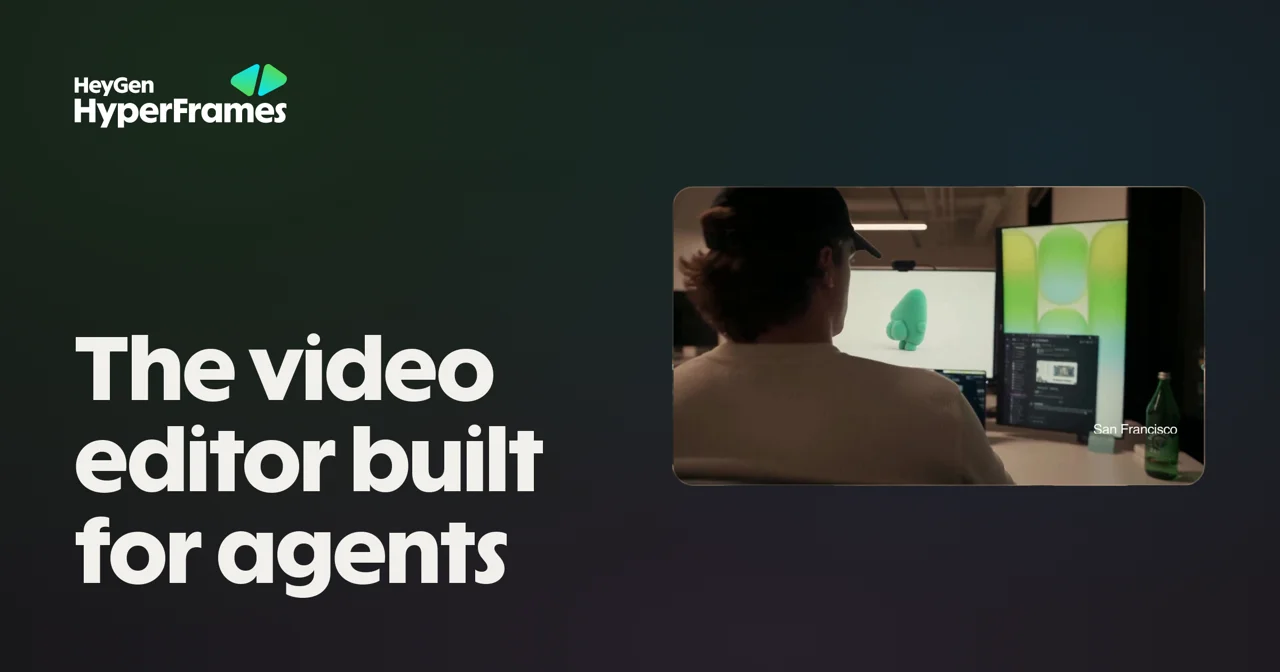
HyperFrames is a video editor built for AI agents, made by HeyGen. It addresses a common problem: describing a video in plain language rarely produces a usable result in traditional editors, because agents have no structured way to assemble and render the project. HyperFrames solves this by exposing an open source "skill" that an AI agent can install and use to author complete videos with ordinary web technology.
Users install the skill with a single command (npx skills add heygen-com/hyperframes), then describe what they want in one short request. Work can continue through the agent in chat, the HyperFrames Studio desktop application, or the command-line interface. HeyGen, the company behind the product, also publishes a prompt guide, examples, and a structured lesson series to help users move from one-shot videos to precise, design-controlled compositions.
Key Features
Pricing & Fees
- Pricing: Not publicly listed on the pages we reviewed; check the official site for current plans.
- Platform availability: The HyperFrames Studio desktop application is available for macOS and Linux, with an "other systems" download option listed on the official site.
- No local install required for chat use: A hosted HyperFrames MCP connector lets users create and render videos through an AI chat without installing the local CLI.
- Learning resources: The official site offers a quick start, verified example prompts, an examples gallery, and the "30 Days of HyperFrames" lesson series.
Who It's For
HyperFrames is aimed at developers and technical teams who want to generate videos programmatically or through AI agents, including product teams producing launch videos and pull-request walkthroughs. It also suits content marketers and technical communicators who need explainers, captioned talking-head clips, or motion graphics from a written brief. Designers can bring Figma work into motion, and anyone comfortable with prompt-driven tools can use the Studio app or CLI to refine results.
FAQ
What is HyperFrames?HyperFrames is a video editor built for AI agents, made by HeyGen, that creates and renders videos from chat requests using ordinary web technology.
How much does HyperFrames cost?Pricing is not publicly listed on the pages reviewed; the official site should be checked for current plans.
Which platforms does HyperFrames support?The HyperFrames Studio desktop app can be downloaded for macOS and Linux, and videos can also be created through a hosted MCP connector or the CLI without the desktop app.
Can HyperFrames work with existing designs?Yes, projects can start from a Figma file or design-tool draft, keeping the original look while rebuilding only the elements that must move.
What kinds of videos can it produce?Documented use cases include product launch videos, explainers, code-change and pull-request walkthroughs, captioned talking-head clips, music videos, slideshows, and motion graphics.
Related Tutorials
View all →

Related Tools
View all → MindVideo AI MindVideo AI is an AI-powered video generation tool that creates videos from text or images, offering a seamless and creative video production experience.
 AI Content Generator An AI-powered content generator that produces high-quality text for various purposes. It leverages AIGC to create engaging articles, posts, and more.
 Yuxi - RAG Harness for AI Agents Yuxi provides a RAG harness to enhance AI agents with retrieval-augmented generation capabilities.
 omp - A Coding Agent with the IDE Wired In Oh My Pi (omp) is a coding agent that integrates with your IDE, leveraging LSP and DAP for seamless development. Built in Rust for performance.
 DeepEval by Confident AI - LLM Evaluation Framework Open-source LLM evaluation framework with 50+ plug-and-play metrics for AI agents, RAG, chatbots, and more.