
Dewatermark AI is a web-based tool that removes watermarks, logos, timestamps, and text overlays from photos and videos using AI inpainting, with apps, an API, and batch processing.
About
Dewatermark AI is an online watermark removal tool that uses artificial intelligence to erase watermarks, logos, timestamps, date stamps, text, and sticker overlays from photos and videos while reconstructing the background underneath. The service addresses a common editing problem: traditional removal methods often leave blur or color shifts, whereas Dewatermark AI applies inpainting and GAN-based techniques to rebuild the covered pixels.
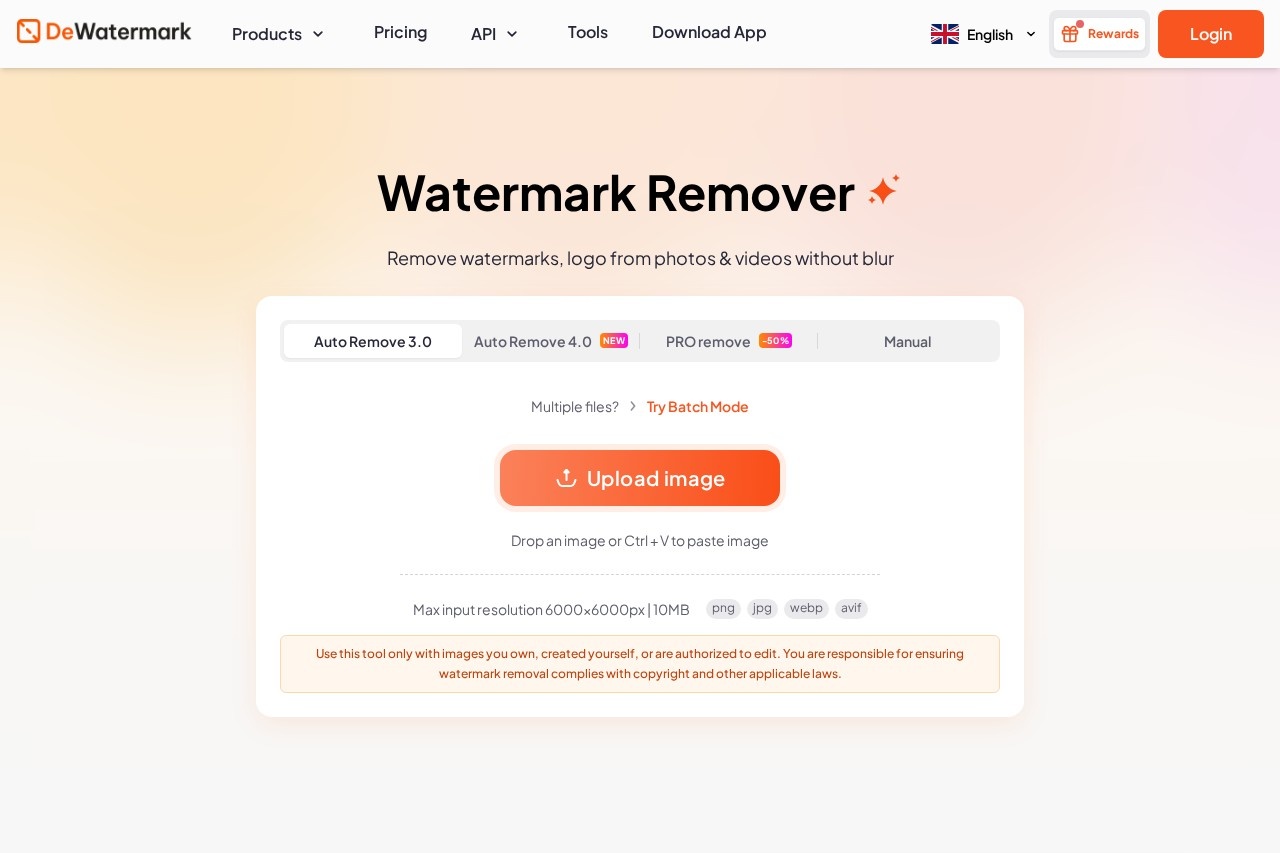
The tool works in a simple flow: a user uploads an image (JPG, PNG, WEBP, or AVIF, up to 10MB or 6000×6000px), the AI detects and removes the watermark automatically in a few seconds, and an optional manual AI brush lets the user clean up any remaining artifacts before downloading the result. Dewatermark offers three removal models — Auto Remove 2.0 for simple overlays like emojis, Auto Remove 3.0 for general cases, and PRO Remove for multi-layered or low-opacity watermarks. It is available as a web app, mobile apps for iOS and Android, and a desktop app for Windows and macOS, plus a REST API for developers.
Key Features
Pricing & Fees
- Pricing: The API starts at $0.83 per 1,000 images (1 credit per image); subscription and credit plan details for the web app are not fully listed on the pages reviewed, so check the official site for current plans.
- Free tier and Pro: A free tier exists, while Pro subscribers can download full-HD images without compression and access the desktop app.
- Upload limits: Images up to 10MB or 6000×6000px in JPG, PNG, WEBP, or AVIF formats; clipboard paste with Ctrl+V is supported.
- Privacy: The vendor states that uploaded images are not stored, shared, or published and are deleted from servers immediately after download.
- Responsible use notice: The site instructs users to edit only images they own or are authorized to modify, since watermark removal can carry legal implications.
Who It's For
Dewatermark AI suits photographers and designers who need to clean timestamps, signatures, or overlays from their own work, e-commerce sellers processing large product photo libraries through batch mode, and content creators restoring personal images and videos. Developers and teams building image-editing workflows can use the REST API or MCP integration. It also helps anyone who wants to remove watermarks without desktop software like Photoshop, directly in a browser or on a phone.
FAQ
What is Dewatermark AI?Dewatermark AI is a web-based tool that removes watermarks, logos, text, timestamps, and emoji overlays from images and videos using AI inpainting, with additional tools for PDFs, background removal, and upscaling.
Is there a free option?Yes, the service operates on a freemium model with a free tier, while Pro subscriptions unlock full-HD downloads without compression and desktop app access; detailed plan prices are on the official pricing page.
What platforms does Dewatermark AI support?It works in any modern browser, has mobile apps for iPhone and Android, and offers a desktop app for Windows and macOS, plus a REST API for developer integrations.
Does removing a watermark reduce image quality?The vendor states that the AI reconstructs the background rather than blurring it, and Pro subscribers can download results in full HD without compression.
How is uploaded data handled?According to the site, uploaded images are not stored, shared, or published, and files are deleted from servers immediately after download.
Related Tutorials
View all →
Related Tools
View all → Cleanup.pictures Cleanup.pictures is a free AI inpainting tool that removes unwanted objects, people, text, logos, watermarks and blemishes from photos in seconds, with a Pro plan for high-resolution exports.
  AI Object Remover AI Object Remover is a browser-based photo cleanup tool: brush over any person, object, text
  WatermarkRemover.io WatermarkRemover.io is a free online AI tool that removes watermarks, text, and logos from images while preserving quality, aimed at photographers, designers, and content creators.
  Remover AI Remover AI is a free online tool that removes image backgrounds with AI, producing transparent HD PNGs for products, portraits, logos, and social media without watermarks or signup.
  FillDream FillDream is a web-based AI inpainting tool that lets users remove objects, change backgrounds, restyle outfits, and expand photos using simple text prompts in any language.