
WatermarkRemover.io is a free online AI tool that removes watermarks, text, and logos from images while preserving quality, aimed at photographers, designers, and content creators.
About
WatermarkRemover.io is a web-based tool that uses artificial intelligence to remove watermarks, overlaid text, and logos from images. The problem it addresses is straightforward: photos often carry semi-transparent marks from stock services, editing apps, or earlier workflows, and removing them by hand in a traditional editor requires time and retouching skill. The tool automates that task and aims to leave the underlying image largely intact.
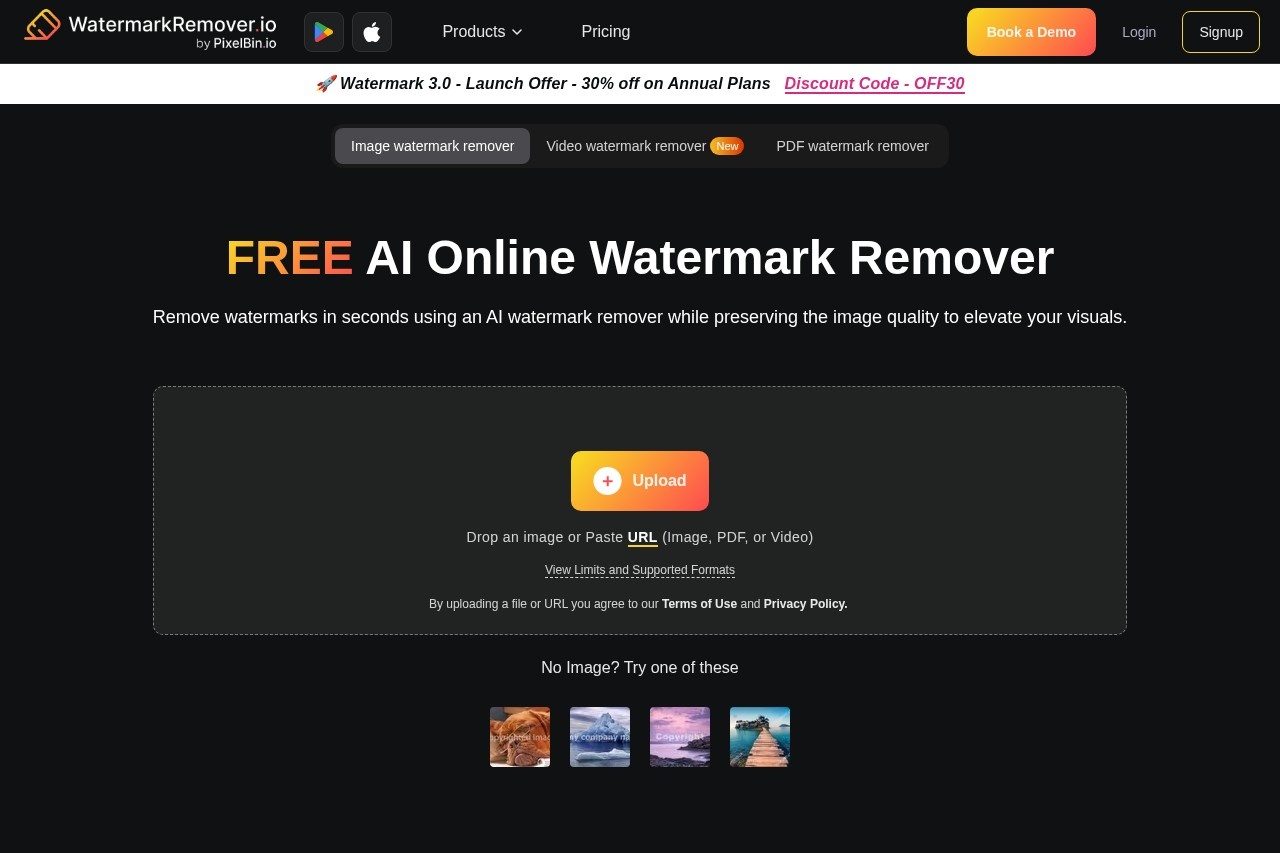
The service is operated by PixelBin, a company that offers a broader suite of image tools including background removal, upscaling, and file conversion. Users upload a file or paste a URL, the AI detects the watermark and fills in the affected area, and a preview lets them compare the result against the original before downloading. It runs entirely in the browser, so nothing needs to be installed, and an Android app is also listed on Google Play.
Key Features
Pricing & Fees
- Pricing: A free plan gives 3 credits and 3 downloads per month. Yearly subscriptions start at $44.99 for 1,200 credits ($0.04 per credit) and run up to $159.99 for 12,000 credits ($0.01 per credit). One-time packs run from $8.99 for 30 credits to $34.99 for 500 credits, with a 50-credit pack at $11.99 ($0.24 per credit).
- Free tier: No account is needed for up to 2 images per day; signing up grants 3 free credits each month. One credit equals one image or two PDF pages.
- Size limits: Images can be up to 5,000 × 5,000 pixels; PDFs are capped at 25 pages and videos at 2 minutes.
- Bundled tools: Paid plans include access to the wider PixelBin AI suite, such as an object remover, background remover, image upscaler, and image generator.
- No refunds on paid credits: The vendor states credits are non-refundable and valid for one year, and recommends trying the free plan first.
Who It's For
WatermarkRemover.io is aimed at photographers, content creators, and graphic designers who need to clean up images that carry unwanted text or logo overlays, such as product photos or portfolio shots. E-commerce sellers can use it to prepare listings, and marketers can tidy visuals before publishing. It also suits casual users who lack Photoshop skills and want a quick browser-based fix. Note that the tool should only be used on images the user owns or is authorized to edit; removing marks from licensed stock content without permission is not a legitimate use.
FAQ
What is WatermarkRemover.io?It is an online AI tool from PixelBin that automatically removes watermarks, text, and logos from images, with additional support for PDFs and short videos.
Is WatermarkRemover.io free?Yes, it has a free tier: 2 images per day without an account, and 3 free credits plus 3 downloads per month after a free signup. Heavier use requires paid credits or a subscription.
Which platforms and file formats does it support?It runs in any modern browser on mobile and desktop, with an Android app on Google Play, and accepts PNG, JPEG, JPG, WebP, and HEIC images, plus PDF and MP4, MOV, and WebM video.
What are the size and length limits?Images are limited to 5,000 × 5,000 pixels, PDFs to 25 pages, and videos to 2 minutes per file.
Are paid credits refundable?No. The vendor states that due to the cost of AI processing, credits are non-refundable and remain valid for one year from purchase.
Related Tutorials
View all →
Related Tools
View all → AI Object Remover AI Object Remover is a browser-based photo cleanup tool: brush over any person, object, text
  Cleanup.pictures Cleanup.pictures is a free AI inpainting tool that removes unwanted objects, people, text, logos, watermarks and blemishes from photos in seconds, with a Pro plan for high-resolution exports.
  Editaimg - AI-Powered Image Editing and Translation Tools Editaimg is a versatile online platform that leverages AI to simplify complex photo editing tasks. It offers specialized features for both creative and practical use.
  Airbrush Studio Airbrush Studio is an AI-powered desktop photo editor for Windows and macOS that retouches portraits, removes objects, upscales images, and batch-edits hundreds of photos at once.
  SnapEdit SnapEdit is an AI photo editor for web and mobile that removes objects and people, erases backgrounds, enhances blurry photos, and restores old images.