
Codia AI is a vision-based design platform that turns screenshots, PDFs, slides, and design files into fully editable designs, decks, and code for designers and developers.
About
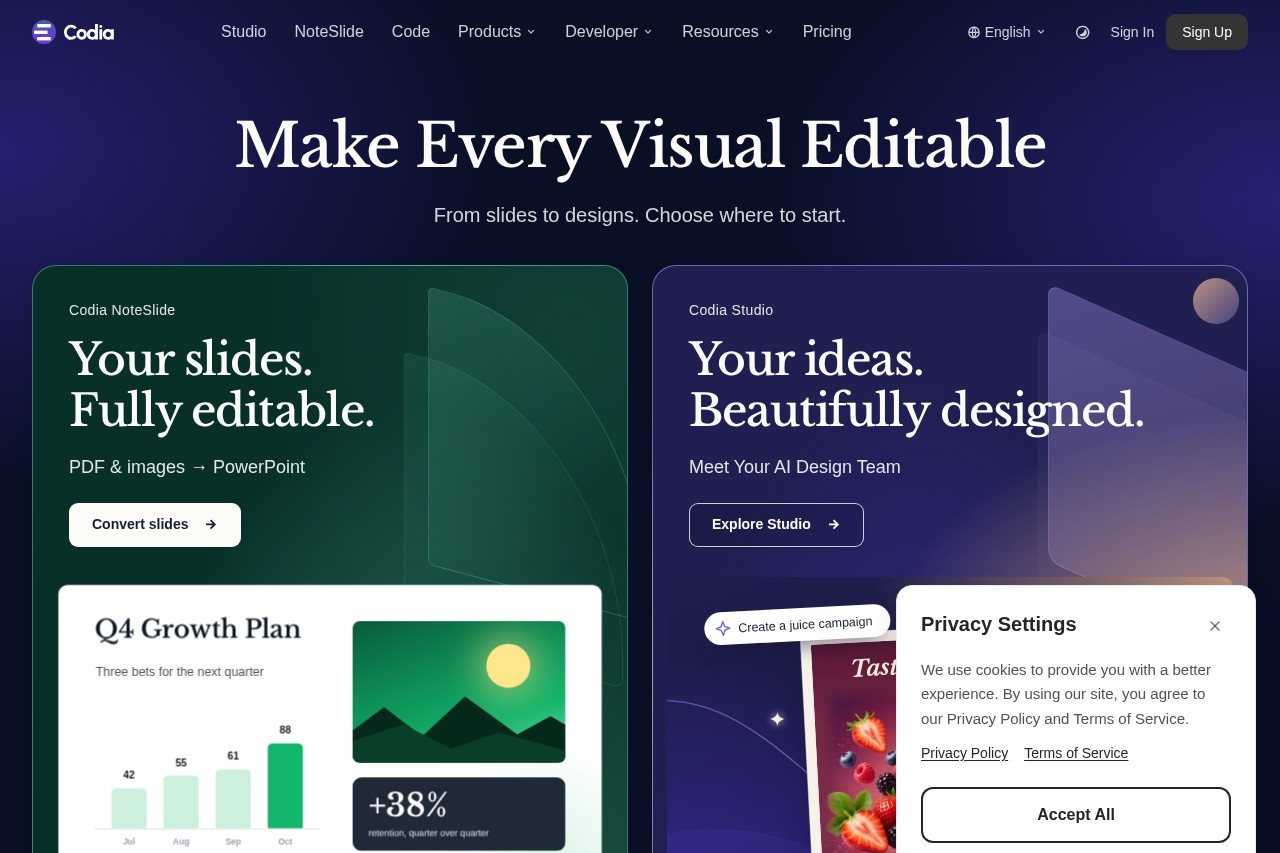
Codia AI is a Vision AI platform for editable design reconstruction, creative generation, and visual automation. Its core purpose is to free visual content that is locked inside flat images, PDFs, screenshots, or rigid design formats by rebuilding it into editable text, shapes, layers, and layouts that teams can continue working with.
The platform operates through a technology layer called Codia AI Vision, which analyzes an image's structure — text, shapes, layout grids, colors, hierarchy, and components — and then reconstructs those elements as editable objects. Codia is organized as a family of products rather than a single tool: Codia Studio for design work, NoteSlide for presentations, Figma and Canva plugins, a Figma-to-code tool, and developer APIs. Outputs can be exported to PowerPoint, Figma, Canva, Keynote, SVG, and other production-ready formats.
Key Features
Pricing & Fees
- Pricing: Not publicly listed on the pages we reviewed; check the official site for current plans. The pricing page confirms a free starting tier, paid per-product plans with monthly and yearly billing, and credit packs.
- Free tier: The site states users can start free and upgrade as they grow.
- Team purchasing: Supports team workspaces with per-seat subscriptions, shared billing, and member invitations.
- Developer access: Offers an Open API and Visual Struct API, plus documentation and API references.
- Honest limitations: The company notes that OCR quality depends on the source file, clean sources work best for slide conversion, and designer review of AI-rebuilt output is still recommended.
Who It's For
Codia AI fits designers and developers who regularly need to reverse flat visuals into working files: UI/UX designers turning screenshots or websites into Figma layers, presenters converting PDF or image-based decks into editable PowerPoint, and marketing teams repurposing posters and product visuals as reusable assets. Front-end developers can use the Figma-to-code tool and the Visual Struct API to extract structured layout data, while teams that split work between Figma and Canva can move files between the two while keeping editability.
FAQ
What is Codia AI?Codia AI is a Vision AI platform that reconstructs screenshots, PDFs, slides, and design files into editable designs, presentations, and code, and also generates editable UI from prompts.
Is Codia AI free to use?Codia AI offers a free plan to start, with paid per-product subscriptions available in monthly or yearly billing plus credit packs and team seat-based purchasing.
Which tools and formats does Codia AI integrate with?It works as Figma and Canva plugins and exports to PowerPoint, Figma, Canva, Keynote, SVG, and other formats, with an Open API and Visual Struct API for developers.
Does Codia AI have limitations?Yes — text recognition depends on source quality, slide conversion works best with clean source files, and the company recommends designer review of rebuilt output before use.
Can Codia AI outputs be used commercially?The pricing FAQ includes a question about commercial use of outputs, but the specific answer terms are not detailed on the pages reviewed; users should confirm with the official site's terms.
Related Tutorials
View all →

Related Tools
View all → AI Logo Generator Create unique logos with AI. Generate professional designs, brand kits, and VI in minutes.
 Kivo Kivo is an AI presentation maker that generates deck designs inspired by reference visuals, then lets users edit slides in a canvas-style editor.
 DesignKit DesignKit provides a suite of AI-powered design tools to enhance creativity and efficiency, making design accessible to everyone.
 GlyPho GlyPho is an AI SVG generator that creates editable, style-consistent sets of SVG logos, icons, and illustrations from a single text prompt. It also supports PNG/JPG/WebP to SVG conversion, making it ideal for designers and brand asset creation.
 Mermaid Viewer - Online Diagram Editor with Live Preview MermaidViewer is an online diagram editor with live preview. Create and edit Mermaid diagrams effortlessly, enhanced by AI.