GlyPho

GlyPho

4.0

GlyPho is an AI SVG generator that creates editable, style-consistent sets of SVG logos, icons, and illustrations from a single text prompt. It also supports PNG/JPG/WebP to SVG conversion, making it ideal for designers and brand asset creation.

Last Updated Oct 18, 2026
GlyPho screenshot

About

GlyPho is an AI tool focused on SVG vector graphics generation. Its core capability is to output a complete SVG suite that is editable and stylistically consistent directly from a single text prompt—covering logos, icons, and illustrations. Unlike mainstream AI image generators (such as Midjourney and Stable Diffusion), which output bitmaps, GlyPho targets the production pipeline: the generated vector files can be directly imported by designers into tools like Figma and Illustrator for further editing, rather than stopping at the "reference image" stage.

Its core differentiation lies in two aspects: editability and consistency. Bitmaps generated by traditional AI drawing tools are difficult to adjust precisely at the vector level, whereas GlyPho's SVG output inherently carries node, path, and layer properties, allowing users to continue making modifications after generation. At the same time, the tool supports deriving an entire set of visual assets from a single prompt, ensuring stylistic unity across different graphics and addressing the common pain point of "style drift" in brand material design.

Beyond text generation, GlyPho also offers companion tools such as static image-to-vector conversion and SVG icon generation, covering the complete workflow from concept to implementation.

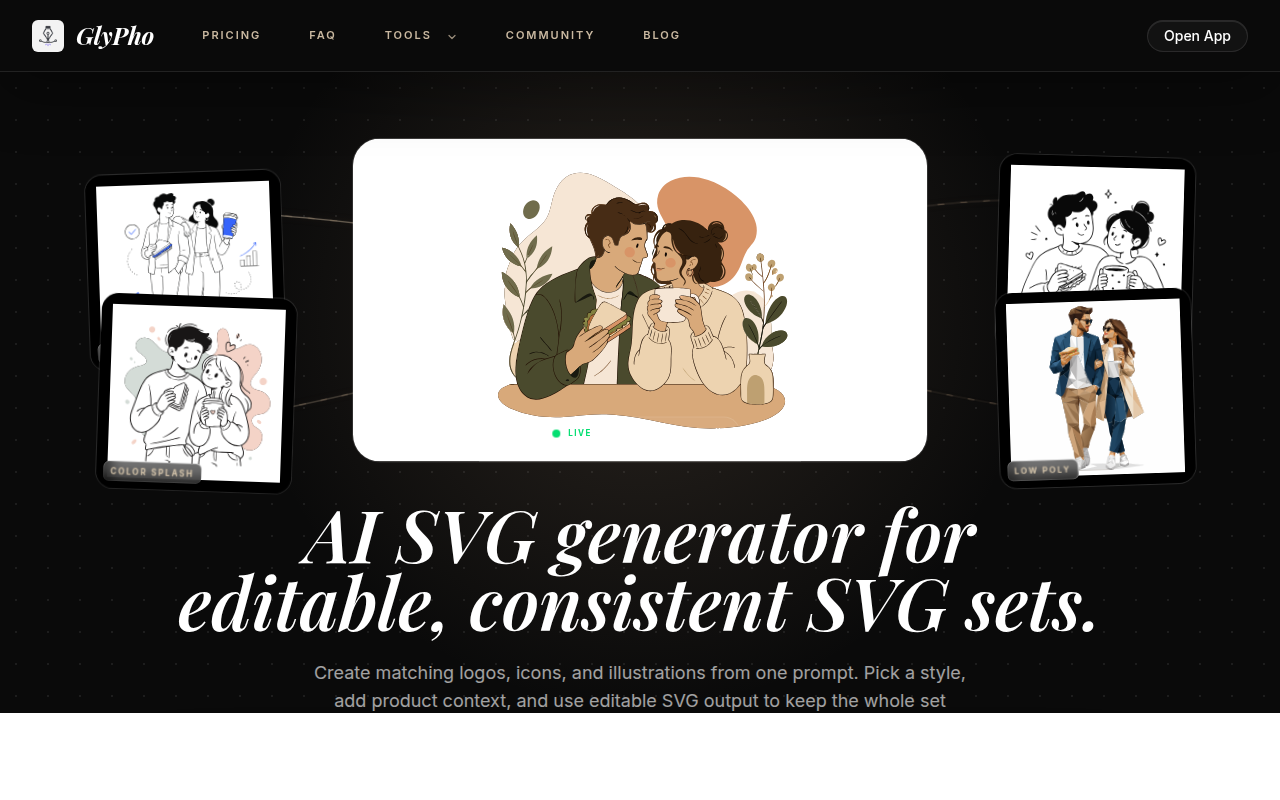
Key Features

Native AI SVG Generation: Enter a text description (e.g., "a minimalist cloud logo"), and GlyPho outputs an editable SVG file directly—no manual tracing required.
Consistent-Style Kit Output: A single prompt can generate a complete set of logos, icons, and illustrations, with all graphics maintaining a **consistent design language** (e.g., the same corner radii, stroke widths, and color logic).
Image to SVG Converter: Convert bitmap formats such as PNG, JPG, and WebP into scalable SVG vector format in one click, making it easy to enlarge losslessly or use in print scenarios.
JPG to SVG Converter (Specialized Conversion): Vectorizes JPG-compressed images, ideal for extracting outlines from photos or complex bitmap assets.
SVG Icon Generator: Generates ready-to-use SVG icons based on a text brief and a selected visual style, maintaining consistent perspective, detail density, and visual weight across icons.
Style Customization & Download: Specify a visual style before generation; after the kit is generated, filter and fine-tune items one by one, then download all SVG files with a single click.

Who It's For

  • UI/UX Designers: Quickly generate icon sets and illustration assets with a consistent style, embedding them directly into design drafts and replacing repetitive manual tracing work.
  • Brand Designers: Generate systematic Logos and supporting graphics for startups or Refreshed brands, greatly reducing upfront exploration costs.
  • Front-end Developers: Get lightweight, scalable SVG assets that avoid the blurring issues of bitmaps across screens with different DPIs, and SVGs make it easy to adjust colors and animations directly in code.
  • Product Managers / Entrepreneurs: Obtain basic visual assets during the concept and prototyping stages for MVP validation or product sketches without waiting for design resources.
  • Non-design Roles Needing Vector Assets: For example, when operations staff need to create simple Banner graphics or marketing staff need to convert old JPG images into editable vector files, the conversion feature can be used directly.

More

Key Advantages

  • Vector-editable, not pixel puzzles: All outputs are natively in SVG format, with paths, anchors, and colors fully re-editable—this is a difference in the underlying technical approach, not a simple format conversion.
  • Consistency first: Logos, icons, and illustrations share the same prompts and style parameters, making it ideal for projects that require a unified brand visual language.
  • Bitmap-to-vector conversion: The built-in converter supports converting common bitmap formats (PNG/JPG/WebP) to SVG, which is highly practical for extracting vector assets from legacy materials.
  • Lightweight workflow: From prompt to downloadable SVG kit without needing to open a vector editor and draw stroke by stroke, significantly shortening early-stage design exploration time.
  • Clear product structure: The Pricing / FAQ pages are clean and straightforward, with well-defined tool boundaries—focused on SVG generation and conversion, without bloated all-in-one feature redundancy.