
Kivo is an AI presentation maker that generates deck designs inspired by reference visuals, then lets users edit slides in a canvas-style editor.
About
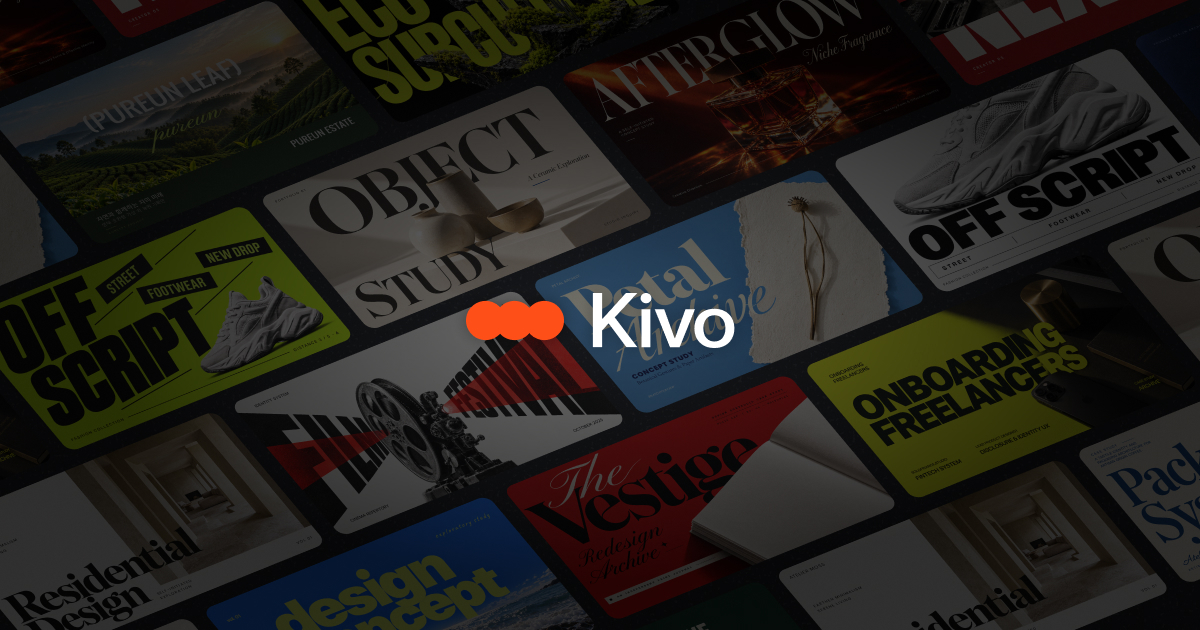
Kivo is an AI presentation maker that builds slide decks styled after a visual reference the user provides, such as a design pinned on Pinterest. It addresses a common frustration with template-based tools: generic output that looks the same as everyone else's deck. Instead of starting from a stock template, users point Kivo at a look they admire and supply their own content, and the tool generates slides that carry that visual style.
The workflow has three steps. First, the user submits a reference image and their content. Kivo then produces eight style variations based on that reference, each populated with the user's material. After the user picks a favorite, Kivo builds out the complete deck in that style. Slides can then be edited directly in the browser — text, colors, fonts, and layout are all adjustable in an editor that resembles Figma's canvas approach. Kivo is operated by OptimizerAI, Inc., a company based in Middletown, Delaware. A first deck is offered free of charge.
Key Features
Pricing & Fees
- Pricing: Three plans in USD — Starter at $0/month (1,000 credits, roughly 20 slides), Plus at $19/month (5,000 credits, roughly 160 slides), and Pro at $49/month (20,000 credits, roughly 600 slides). Slide counts are estimates since credit use varies by generation.
- Free tier: The Starter plan costs nothing and includes AI image generation plus all export formats; the site also states a user's first deck is free.
- Credit rollover: Unused credits roll over without time or quantity limits, though credits expire when a paid membership actually ends and are not restored on rejoining.
- Cancellation policy: Subscriptions can be cancelled in Plan & Billing; a full refund applies if cancelled within 7 days of payment with no credits used in that period.
Who It's For
Kivo suits anyone who wants polished presentations without design skills or time spent in traditional slide software. Marketing teams can produce on-brand decks quickly, freelance designers can accelerate first drafts for clients, and startup founders can build pitch materials styled after references they admire. Students and teachers preparing lectures or class projects, as well as sales professionals assembling proposal decks, can benefit from the reference-driven workflow. It is especially useful for people who already have a clear visual direction in mind and want a tool to execute it across a full deck.
FAQ
What is Kivo?Kivo is an AI presentation maker that generates slide designs based on a reference image the user provides, applies them to a full deck, and allows detailed editing of text, colors, and layout in a browser-based editor.
Is Kivo free to use?Yes. Kivo offers a free Starter plan with 1,000 credits per month (roughly 20 slides), AI image generation, and export to image, PPTX, and PDF, and the first deck is free.
How much does Kivo cost?Paid plans are Plus at $19 per month with about 160 slides and Pro at $49 per month with about 600 slides, both billed in USD with monthly credit allowances.
What formats can I export from Kivo?Decks can be exported as images, PowerPoint (PPTX) files, or PDF documents on all plans, including the free Starter plan.
What happens to unused credits?Credits roll over without a time or quantity limit while the membership is active, but when a paid membership actually ends, remaining credits expire and are not restored if the user rejoins.
Related Tutorials
View all →
Related Tools
View all → Free AI PPT Maker & Presentation Creator - AiPPT Create stunning presentations in minutes with AiPPT. Our AI-powered maker turns your content into professional PowerPoint & Google Slides decks. Try it free!
  SlidesAI Turn text into professional slides for PowerPoint and Google Slides.
  AI PPT Maker PPT.AI-The World's Best AI PPT Maker.Transform your ideas into professional presentations in minutes,saving 95% of creation time.
  Presentations.AI | Best AI Presentation Maker Create stunning presentations with the best AI presentation maker.
  Beautiful.ai Beautiful.ai is an AI presentation software for teams that builds polished, brand-consistent slides faster using auto-aligning Smart Slides, AI generation, and designer templates.