
Camtasia is a screen recording and video editing suite from TechSmith for creating tutorials, training videos, and software demos with AI-assisted editing tools.
About
Camtasia is a screen recording and video editing application developed by TechSmith, a company based in Michigan known for visual communication software. It addresses a common workplace problem: subject-matter experts need to produce clear tutorial, training, and demo videos without professional video production skills or equipment.
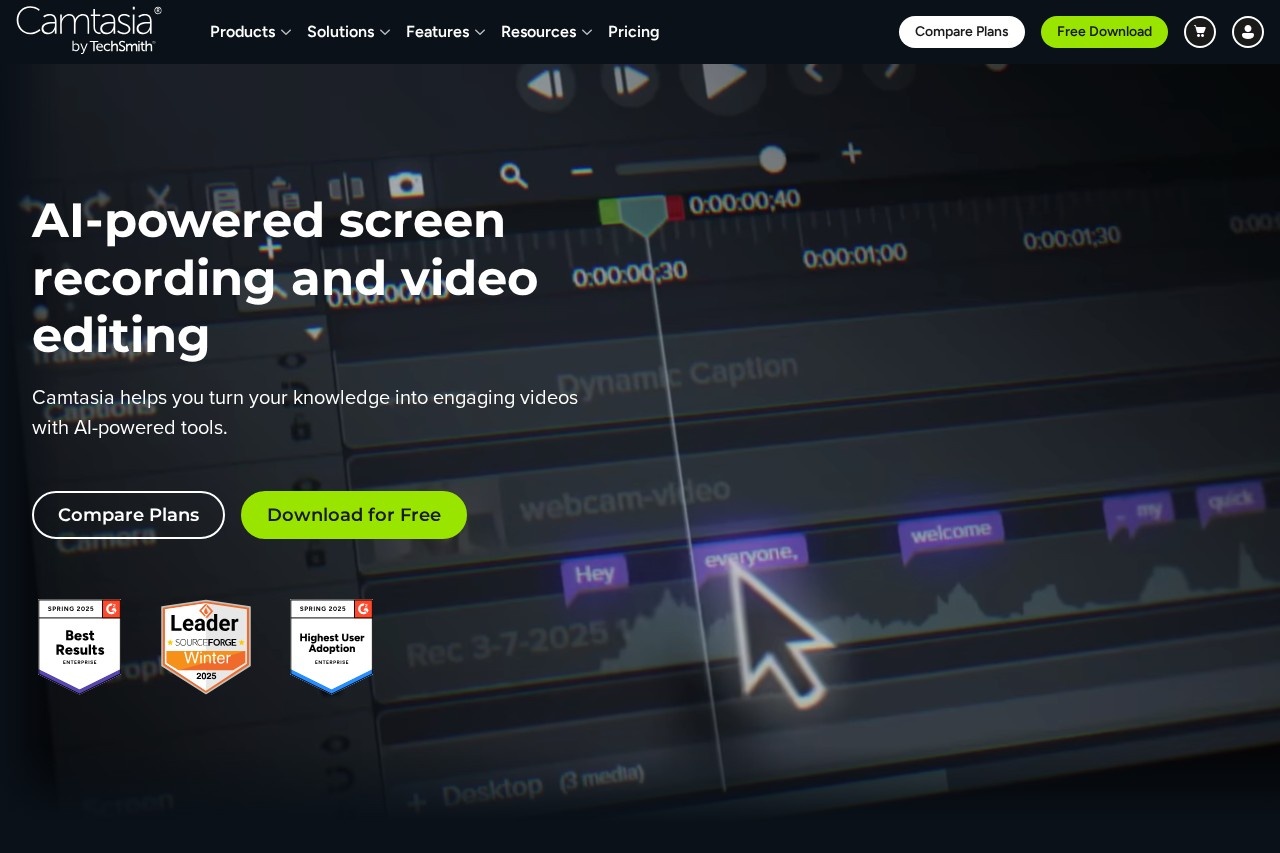
The core workflow is recording a screen session and then editing the footage in the same application. Camtasia records the screen, webcam, system audio, and microphone as separate layers using what TechSmith calls Rich Recording Technology, so each element can be adjusted after recording rather than requiring a perfect take. Editing is drag-and-drop, and a set of AI-assisted features handle narration, transcription, translation, and background removal. The product sits within a broader suite that includes Snagit for image capture, Audiate for text-based audio and video editing with AI avatars, Camtasia Online for browser-based recording, and Screencast for cloud hosting and review.
Key Features
Pricing & Fees
- Pricing: Not publicly listed on the pages we reviewed; check the official site for current plans.
- Free download: TechSmith offers a free download of Camtasia on its official site, and the FAQ section indicates a free option exists; the full terms of the free tier are explained on the site.
- Enterprise offering: A dedicated Camtasia for Enterprise plan supports company-wide deployment and adoption.
- Accessibility: Accessibility features are built into the product, including transcription-based editing that supports captions.
Who It's For
Camtasia is aimed at workplace video creators: corporate trainers building employee onboarding and upskilling content, customer education teams producing product walkthroughs, HR departments improving internal communications, and educators or instructional designers teaching software and workflows. It also suits product marketers creating demo videos and knowledge-capture projects where a process must be documented once and shared repeatedly. The free online recorder option makes it accessible to teams that want to collaborate on shorter recordings without installing desktop software.
FAQ
What is Camtasia?Camtasia is a screen recording and video editing application from TechSmith that combines multi-track capture of screen, camera, and audio with drag-and-drop editing and AI-assisted tools for narration, transcription, and translation.
Does Camtasia have a free version?Yes, the official site's FAQ confirms a free option, and Camtasia can be downloaded for free from the TechSmith website; check the official site for the terms and limitations of the free tier.
Which platforms and related tools does the Camtasia suite include?The suite includes Camtasia Editor, Camtasia Snagit for image capture and guide creation, Camtasia Audiate for AI avatar generation and text-based editing, the free Camtasia Online browser recorder, Camtasia Assets, and Screencast for cloud-based video hosting and feedback.
Can Camtasia translate videos into other languages?Yes, its AI translation feature can translate audio and transcription into 7 languages and 9 dialects, with automatic dubbing.
How does Camtasia handle privacy and support?TechSmith provides a Trust Center documenting its data policies and a Help Center for support; enterprise customers can review these resources before deployment.
Related Tutorials
View all →
Related Tools
View all → Descript Descript is an AI audio and video editor that lets creators and teams record, transcribe, and edit content by editing text, then publish and repurpose it everywhere.
  Clideo Clideo is a browser-based platform for editing videos, images, and GIFs, offering tools for compression, subtitles, resizing, translation, and conversion with a free plan.
  BIGVU BIGVU is an AI-assisted video creation platform that combines a teleprompter, automatic captions, and a built-in video editor for creators, marketers, and professionals recording talking-head video.
  Pixellot Pixellot provides AI-automated sports cameras, streaming, and analytics that let clubs, schools, leagues, and federations broadcast and monetize games without camera crews.
  Movavi Video Editor Movavi Video Editor is a beginner-friendly desktop video editing application with AI tools like auto subtitles, noise removal, and silence detection for everyday creators.