
Clideo is a browser-based platform for editing videos, images, and GIFs, offering tools for compression, subtitles, resizing, translation, and conversion with a free plan.
About
Clideo is a web-based editing platform that handles common video, image, and audio tasks without requiring desktop software. It addresses a frequent pain point for casual creators and small teams: many quick edits—compressing a file, adding subtitles, resizing a clip for a specific platform, or converting a format—otherwise call for heavyweight professional applications.
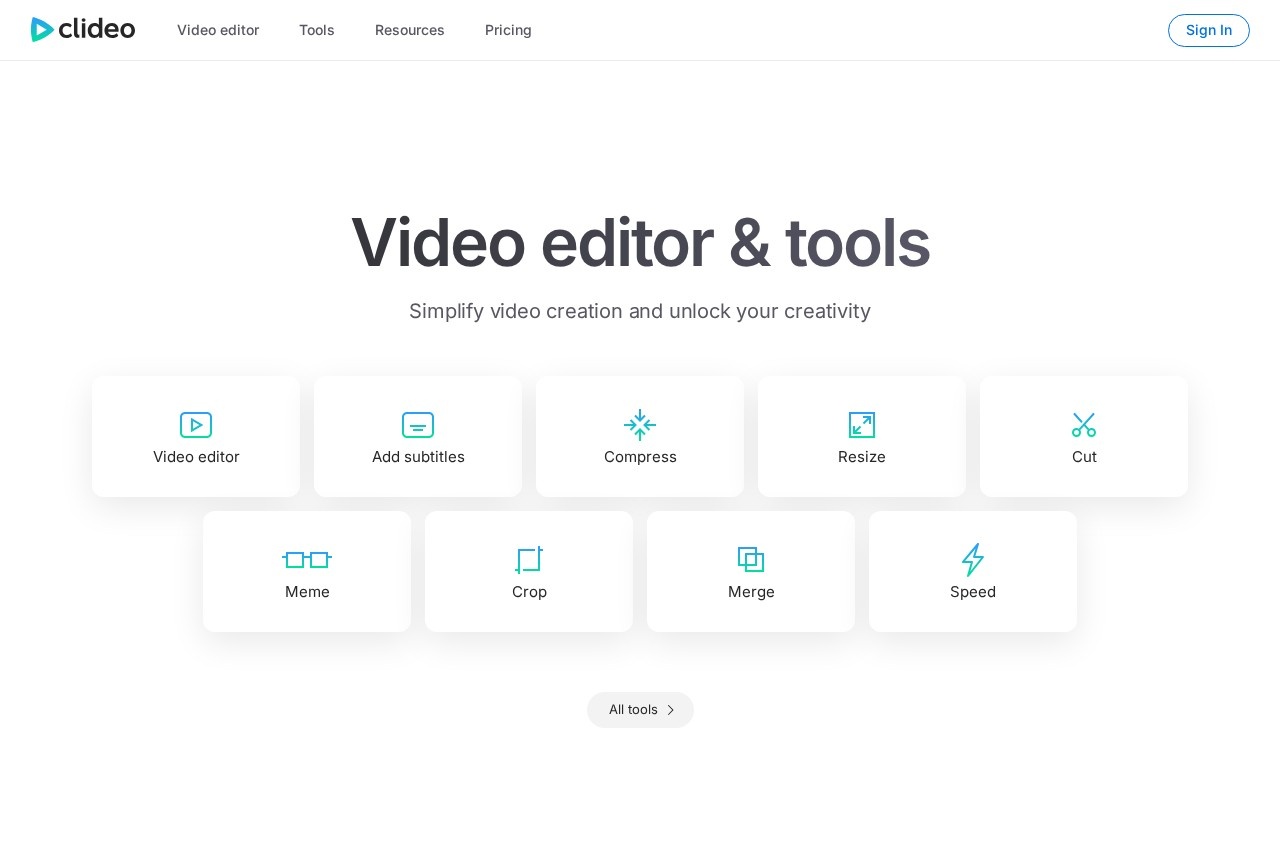
The service, operated by Clideo Ltd, runs entirely in the browser and groups dozens of single-purpose tools under one interface. Users can trim, crop, merge, loop, reverse, and speed up clips; generate memes and slideshows; create and edit GIFs; record their screen, camera, or presentations; and use audio utilities such as cut and merge. Newer additions include a video translator, audio translator, text-to-speech tool, and an automatic subtitle generator. The site reports roughly 5 million monthly users and about 398 million videos created with its tools.
Key Features
Pricing & Fees
- Pricing: Not publicly listed on the pages we reviewed; check the official site for current plans.
- Free plan available: Clideo confirms a free tier with limits on some features, with details published in its Help Center.
- Billing details: Subscriptions renew automatically, can be cancelled at any time from the account settings, and payments run through FastSpring or Stripe, supporting major cards and PayPal; prices are shown in USD by default with other currencies available.
- Refund policy: Clideo does not issue refunds after purchase, citing the free plan as a way to test the service first.
- Multilingual interface: The site is available in more than 15 languages, including English, Spanish, French, German, Japanese, and Chinese.
Who It's For
Clideo suits social media creators who need quick platform-specific resizing, memes, and GIFs, as well as small marketing teams producing subtitle-enabled or translated video content. Educators and students can use the presentation and screen recorders for course material, while casual users benefit from simple tools like compression, conversion, and slideshow creation. It is a practical fit for anyone who wants routine editing done in a browser rather than in installed desktop software.
FAQ
What is Clideo?Clideo is an online platform for editing videos, images, GIFs, and audio, offering individual browser-based tools for tasks such as compression, subtitling, resizing, recording, and format conversion.
Is Clideo free to use?Yes, Clideo offers a free plan, though some features are limited; the company publishes the specific limits in its Help Center.
How do payments and subscriptions work?Payments are processed through FastSpring or Stripe using major credit/debit cards and PayPal, subscriptions renew automatically unless cancelled, and cancellation is available at any time from the Clideo account.
Does Clideo give refunds?No, Clideo does not issue refunds after purchase, including missed cancellations, because the free plan lets users evaluate the service beforehand.
Does Clideo offer translation and speech tools?Yes, the platform includes a Video Translator, an Audio Translator, a Text to Speech tool, and an automatic subtitle generator among its utilities.
Related Tutorials
View all →
Related Tools
View all → AskingTips AskingTips is a free browser-based studio for editing video, audio, and GIFs — compress, trim, convert, crop, and merge files up to 50 MB with no signup required.
  BIGVU BIGVU is an AI-assisted video creation platform that combines a teleprompter, automatic captions, and a built-in video editor for creators, marketers, and professionals recording talking-head video.
  Pixellot Pixellot provides AI-automated sports cameras, streaming, and analytics that let clubs, schools, leagues, and federations broadcast and monetize games without camera crews.
  MindVideo AI MindVideo AI is an AI-powered video generation tool that creates videos from text or images, offering a seamless and creative video production experience.
  AI Content Generator An AI-powered content generator that produces high-quality text for various purposes. It leverages AIGC to create engaging articles, posts, and more.