
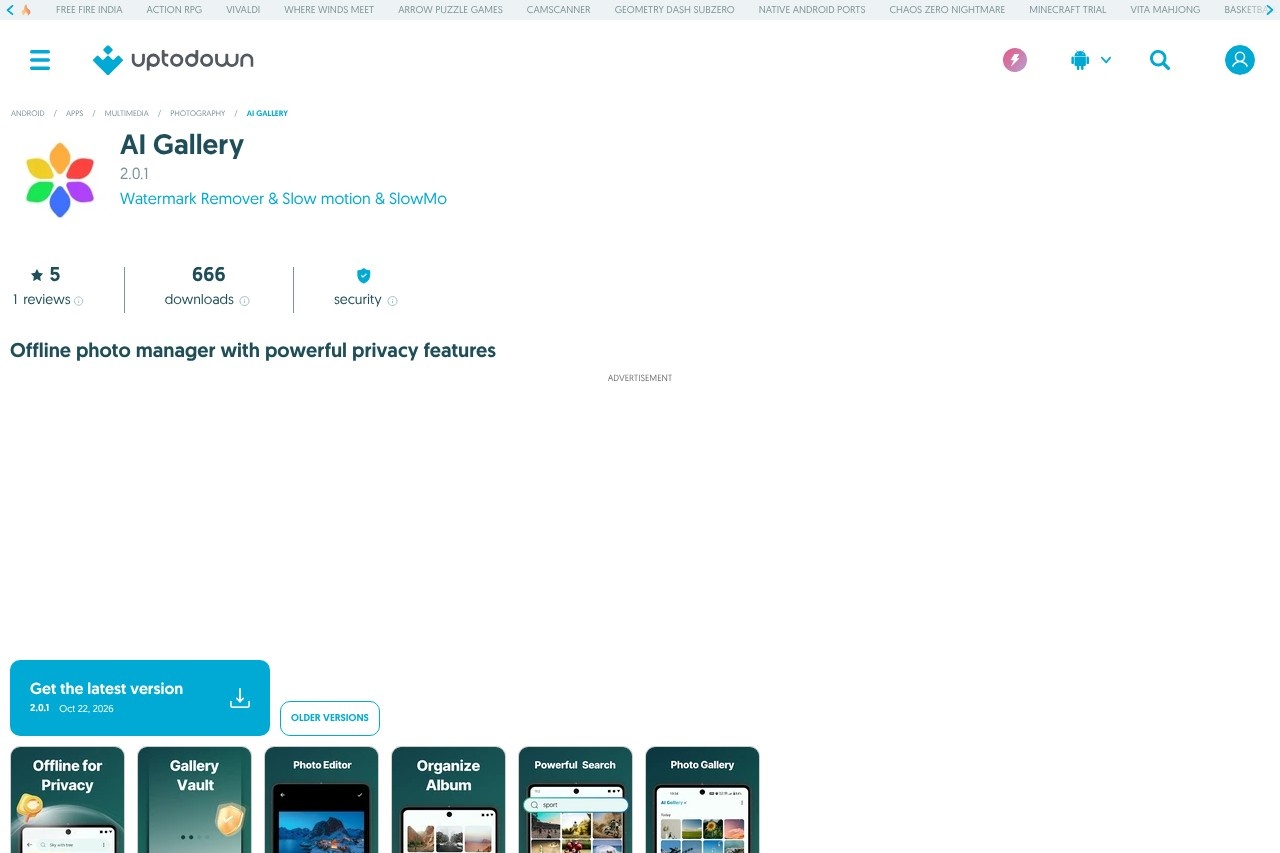
AI Gallery is a free Android photo and album manager with offline search, an encrypted Photo Vault, a built-in editor, and a Recycle Bin for recovering deleted media.
About
AI Gallery is a free Android application for managing, editing, and sharing photos and videos stored on a phone. It addresses a common problem for people with large media libraries: finding a specific photo quickly, keeping private images away from prying eyes, and recovering files that were deleted by mistake. The app runs as a local, offline photo manager, which means media does not need to be uploaded to external servers for search or organization.
At a high level, AI Gallery combines a gallery browser, a photo editor, an encrypted private vault, and a recycle bin in a single interface. It supports common image formats such as JPEG, PNG, GIF, RAW, and SVG, plays multiple video formats, and offers direct sharing to apps like WhatsApp, Instagram, and Facebook. The listing reviewed distributes the app as a free XAPK package under a proprietary license, requiring Android 7.0 or higher. It is categorized as a Photography app and is available in English plus seven other languages.
Key Features
Pricing & Fees
- Pricing: The app is free to download and use; the listing does not mention paid plans or in-app purchases.
- Platform availability: Android 7.0 or higher is required; the latest version (2.0.1) is distributed as an XAPK of roughly 98 MB.
- Sharing integration: Photos can be shared directly to apps such as WhatsApp, Instagram, and Facebook.
- Content rating: The listing rates the app as suitable for ages 3 and up.
Who It's For
AI Gallery is aimed at everyday Android users who want a single app to browse, organize, and share the photos and videos on their device. It suits casual photographers with growing libraries who need offline search and album sorting, as well as privacy-conscious users who want an encrypted vault for sensitive images and a mosaic tool for sharing safely. It is also a practical choice for anyone who has lost photos to accidental deletion, thanks to the Recycle Bin recovery feature.
FAQ
What is AI Gallery?AI Gallery is a free Android photo and album management app that lets users organize, edit, search, and share photos and videos offline, without uploading media to external servers.
Is AI Gallery free?Yes, the app is listed as free to download and use, with no paid plans mentioned on the page reviewed.
Which platforms and formats does AI Gallery support?The app runs on Android 7.0 or higher and displays JPEG, PNG, GIF, RAW, and SVG images, along with built-in playback for various video formats.
Can deleted photos be recovered in AI Gallery?Yes, the app includes a Recycle Bin that stores deleted photos and videos so users can restore them.
How does AI Gallery handle privacy?Search and organization happen on the device rather than on remote servers, and private media can be placed in an encrypted Photo Vault accessible only to the owner.
Related Tutorials
View all →

Related Tools
View all → Evoto AI Evoto AI is an AI photo editor for professional photographers, combining culling, RAW color grading, portrait retouching, batch processing, and gallery delivery in one workflow.
 Aftershoot Aftershoot is AI photo culling, editing, retouching, and client gallery software for professional photographers who need to speed up post-production.
 VSCO VSCO is a photography platform for capturing, editing, and sharing photos and video, with presets, AI editing tools, a creative community, and business tools for working photographers.
 Adobe Lightroom Adobe Lightroom is a photo editing and organization tool from Adobe that uses AI features such as Generative Remove, Denoise, and AI-powered masks for photographers of all levels.
 Cleanup.pictures Cleanup.pictures is a free AI inpainting tool that removes unwanted objects, people, text, logos, watermarks and blemishes from photos in seconds, with a Pro plan for high-resolution exports.