
Aftershoot is AI photo culling, editing, retouching, and client gallery software for professional photographers who need to speed up post-production.
About
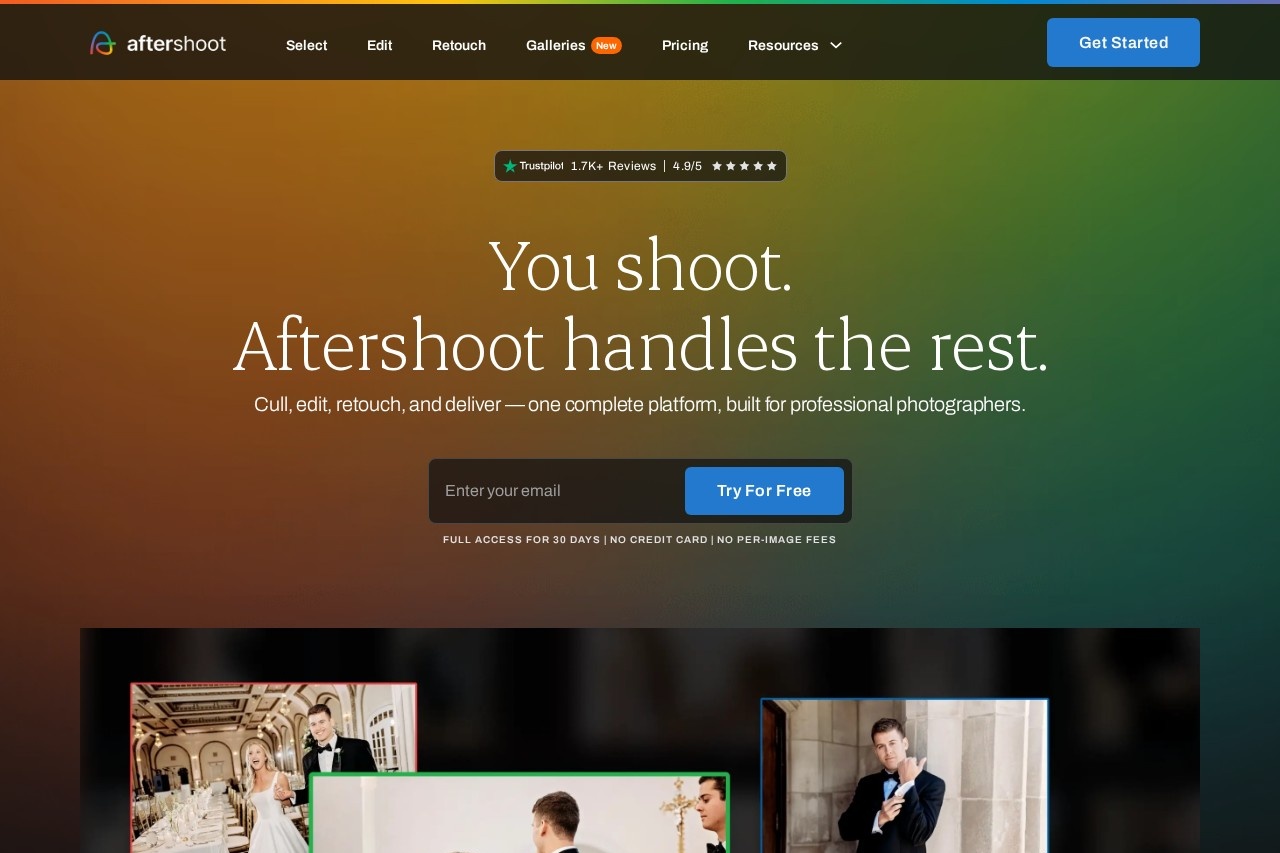
Aftershoot is desktop software that handles the full post-shoot workflow for professional photographers: selecting the best images from large shoots, applying consistent edits in the photographer's own style, retouching portraits in batches, and delivering finished galleries to clients. It exists because post-production — sorting thousands of frames, editing every keeper, and retouching skin and backgrounds — is typically the most time-consuming part of a photography business.
The product combines four connected modules, called Select, Edit, Retouch, and Galleries. The culling engine can run fully automated or assist the photographer during review, and it improves as it learns an individual's selection habits. For editing, users can train a personal AI profile from their past edited photos, import an existing Lightroom preset, or pick from more than 30 pre-built styles created by working photographers. A RAW editor with familiar manual controls is included. Aftershoot runs offline, keeping files on the photographer's own machine, and it offers a 30-day free trial without a credit card.
Key Features
Pricing & Fees
- Pricing: Not publicly listed on the pages we reviewed; check the official site for current plans. The site describes a single subscription with unlimited usage and flat pricing for the complete workflow, with no per-image fees.
- Free trial: A 30-day trial with full access and no credit card requirement.
- Time savings: Aftershoot cites a figure of 39+ hours per month reclaimed for photographers who adopt it.
- Support: Human support is available 24/7, according to the company.
Who It's For
Aftershoot is aimed at high-volume professional photographers, especially wedding and event shooters who regularly cull thousands of frames per job. The company also names school, family, newborn, and boudoir photographers as core users. It suits anyone whose editing style is consistent enough to train a personal AI profile, and studios that want client delivery, proofing, and print sales handled in the same tool rather than across several applications. Photographers who shoot in locations without reliable internet may value the offline, on-device workflow.
FAQ
What is Aftershoot?Aftershoot is AI-powered software for professional photographers that culls, edits, retouches, and delivers images, combining selection, editing, retouching, and client galleries in one subscription product.
Is there a free trial or free plan?Aftershoot offers a 30-day free trial with full access and no credit card required; the product itself is sold as a paid subscription rather than a free plan.
Does Aftershoot work with Lightroom or Capture One?Yes, in a limited way: photographers can import existing Lightroom presets, and Aftershoot's built-in RAW editor offers manual controls similar to those in Lightroom or Capture One so exports can be finished without switching apps.
How much does Aftershoot cost?Specific plan prices are not publicly listed on the pages reviewed; the company describes flat subscription pricing with unlimited usage and no per-image fees, and current plans should be checked on the official site.
Does Aftershoot need an internet connection, and where are my photos stored?No internet connection is required, and the company states that files never leave the photographer's machine, so images are processed locally on their own computer.
Related Tutorials
View all →
Related Tools
View all → Evoto AI Evoto AI is an AI photo editor for professional photographers, combining culling, RAW color grading, portrait retouching, batch processing, and gallery delivery in one workflow.
  BeautyPlus BeautyPlus is a free AI photo and video editing platform from Pixocial offering retouching, filters, background removal, image enhancement, and a browser-based photo booth.
  NextEnhancer - AI Image Enhancer to 4K NextEnhancer enhances images to HD and 4K quality using AI. Improve resolution and clarity effortlessly.
  Cleanup.pictures Cleanup.pictures is a free AI inpainting tool that removes unwanted objects, people, text, logos, watermarks and blemishes from photos in seconds, with a Pro plan for high-resolution exports.
  Mee Manga Translator - AI Manga Translation Translate manga instantly with AI. Preserves original art and layout for seamless reading.