
Adobe Lightroom is a photo editing and organization tool from Adobe that uses AI features such as Generative Remove, Denoise, and AI-powered masks for photographers of all levels.
About
Adobe Lightroom is a photo editing and management application developed by Adobe, aimed at photographers who need to organize large image libraries and apply consistent, high-quality edits efficiently. It solves the common problem of slow, repetitive retouching by combining manual editing controls with AI-assisted features such as Generative Remove, Denoise, and AI-driven masking, all within a non-destructive editing workflow.
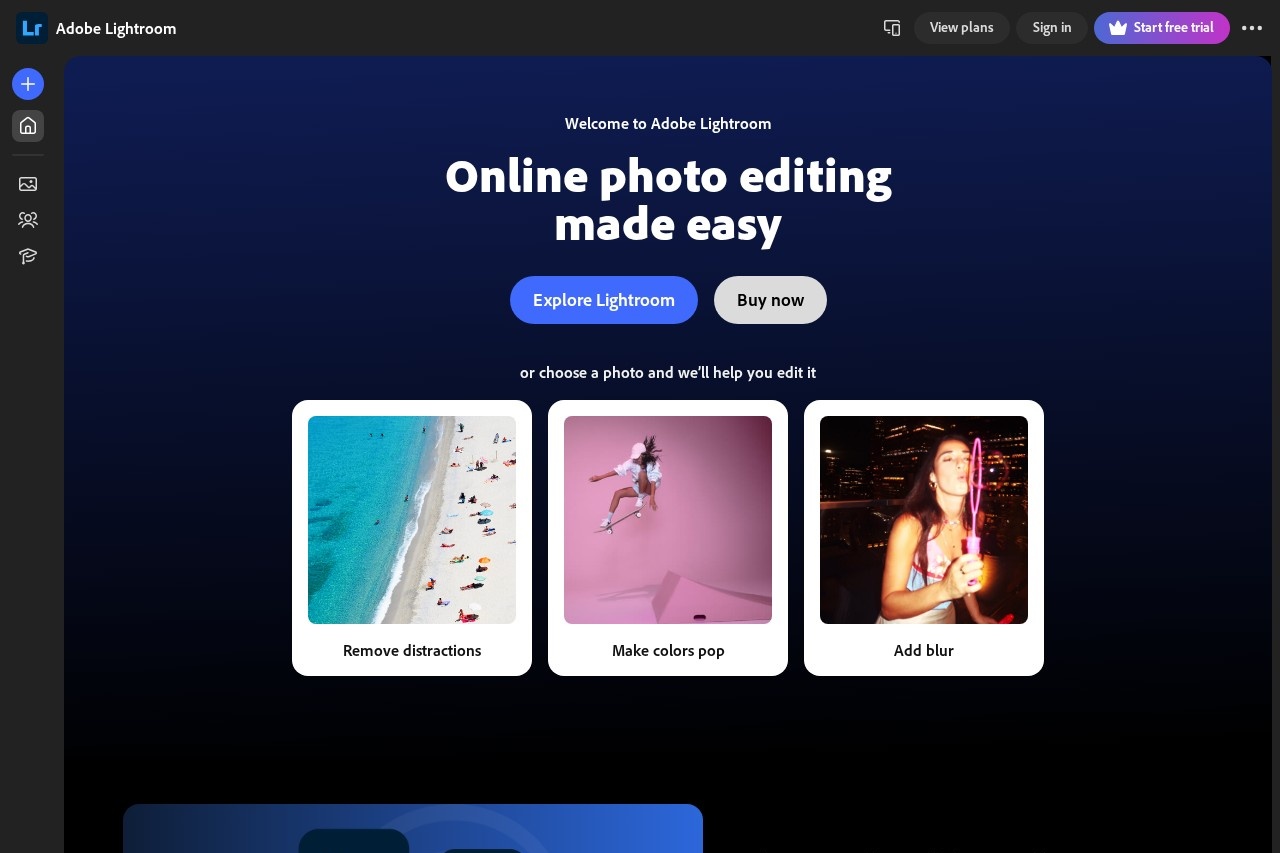
Lightroom runs on desktop, mobile, and the web through lightroom.adobe.com, and edits sync automatically across devices via Adobe's cloud storage. It is part of Adobe's photography-focused product line and is typically licensed through Adobe's subscription plans. The application handles the full workflow from import and cataloging to tonal adjustments, local edits, masking, and export, which makes it a central tool for many working photographers rather than a single-purpose utility.
Key Features
Pricing & Fees
- Pricing: Not publicly listed on the pages we reviewed; check the official site for current plans. Lightroom is generally available through Adobe's subscription offerings.
- Platform availability: Lightroom is available on the web at lightroom.adobe.com, plus desktop and mobile apps, with cloud sync tying them together.
- Editing workflow: The tool supports raw file editing alongside JPEG and other common formats, covering both capture-to-edit and final export stages.
Who It's For
Adobe Lightroom is designed for photographers and photo-centric creators who work with many images and want efficient, repeatable editing. Typical users include wedding and portrait photographers culling and retouching hundreds of shots, travel and landscape photographers relying on masking and noise reduction, product and e-commerce shooters needing consistent looks, and hobbyists who want guided, AI-assisted edits without deep manual retouching skills. It also suits bloggers and social media creators who edit across phone and desktop and need their library to stay in sync everywhere.
FAQ
What is Adobe Lightroom?Adobe Lightroom is a photo editing and organization application from Adobe that combines non-destructive manual controls with AI features such as Generative Remove, Denoise, and automatic masking.
How much does Adobe Lightroom cost?Pricing is not publicly listed on the pages we reviewed; check the official Adobe site for current plans, as Lightroom is distributed through Adobe's subscription model.
Which platforms does Adobe Lightroom run on?Lightroom is available on the web at lightroom.adobe.com and through desktop and mobile apps, with cloud synchronization keeping photos and edits consistent across devices.
How is Lightroom different from Adobe Photoshop?Lightroom focuses on photo management and global or semi-local adjustments at scale, while Photoshop is oriented toward detailed, layered, pixel-level compositing and retouching; many photographers use both together.
Does Lightroom edit raw files non-destructively?Yes, Lightroom applies edits as metadata instructions rather than altering original files, so raw images stay untouched and every adjustment remains reversible.
Related Tutorials
View all →

Related Tools
View all → Aftershoot Aftershoot is AI photo culling, editing, retouching, and client gallery software for professional photographers who need to speed up post-production.
 Evoto AI Evoto AI is an AI photo editor for professional photographers, combining culling, RAW color grading, portrait retouching, batch processing, and gallery delivery in one workflow.
 BeautyPlus BeautyPlus is a free AI photo and video editing platform from Pixocial offering retouching, filters, background removal, image enhancement, and a browser-based photo booth.
 Airbrush Studio Airbrush Studio is an AI-powered desktop photo editor for Windows and macOS that retouches portraits, removes objects, upscales images, and batch-edits hundreds of photos at once.
 VSCO VSCO is a photography platform for capturing, editing, and sharing photos and video, with presets, AI editing tools, a creative community, and business tools for working photographers.