
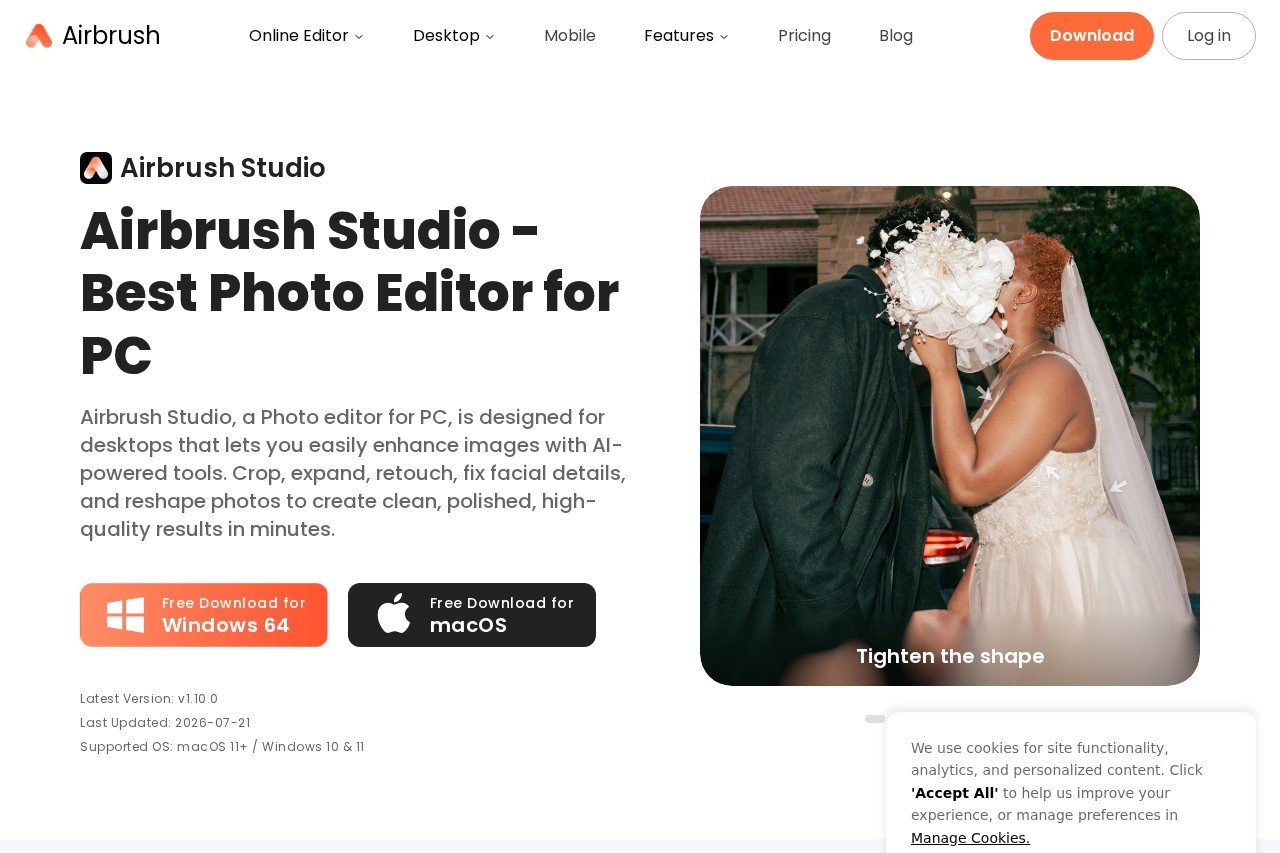
Airbrush Studio is an AI-powered desktop photo editor for Windows and macOS that retouches portraits, removes objects, upscales images, and batch-edits hundreds of photos at once.
About
Airbrush Studio is a desktop photo editor built around AI-assisted portrait retouching and high-volume image editing. It addresses a common problem for photographers and creators: manual retouching of skin, facial expressions, and backgrounds takes hours, and results are often inconsistent across large sets of photos. Airbrush Studio applies automated retouching, object removal, color grading, and resolution upscaling so that polished, professional-looking output can be produced in minutes rather than hours.
The software runs natively on Windows 10 and 11 (64-bit) and macOS 11 or later, and is part of the broader Airbrush platform from Pixocial Technology (Singapore), which also offers web, iOS, and Android editors. Users open a photo, apply AI tools such as Portrait Retouch, Magic Remove, or Smart Preset, and can then synchronize one editing setup across an entire batch of images. The company says its retouching models are trained with commercial photography input to keep edits looking natural rather than artificial.
Key Features
Pricing & Fees
- Pricing: Airbrush uses a credit system. A 10-credit pack costs $9 (with credits valid for one year); Web Plus Monthly is $15.95 per month with 80 credits; Web Plus Annually is $95.95 per year (discounted from $159.95) with 80 credits per month and 10GB upload space. A photo export costs 1 credit.
- Free trial: A 7-day free trial of the desktop app is available for download.
- Platforms: Installs on Windows 10/11 (64-bit) and macOS 11+, alongside web and mobile versions of Airbrush.
- Free tier: The web comparison table shows a Free tier with limited access to many AI features and a 512MB upload limit.
Who It's For
Airbrush Studio suits portrait and wedding photographers who need consistent retouching across large sets of images, as well as social media creators producing polished headshots and lifestyle photos quickly. It also fits e-commerce sellers who batch-remove backgrounds or crop product shots to standard sizes, and studios handling school or team photos where lighting and skin tones need uniform correction. Users with little prior editing experience can rely on one-click presets, while busier workflows benefit from batch synchronization.
FAQ
What is Airbrush Studio?Airbrush Studio is an AI-powered photo editor for Windows and macOS that handles portrait retouching, object removal, background replacement, image upscaling, and batch editing.
How much does Airbrush Studio cost?The desktop app offers a 7-day free trial; Airbrush's paid options include a $9 pack of 10 credits, Web Plus Monthly at $15.95 per month, and Web Plus Annually at $95.95 per year, with credits consumed per photo or video export.
Which platforms does Airbrush Studio support?It runs on Windows 10 and 11 (64-bit) and macOS 11 or later, and it is also available as a web editor and mobile app.
Can I edit multiple photos at once?Yes, batch editing and Batch Sync let users apply one set of retouching settings—such as skin, teeth, and eyes—to hundreds of photos in one pass, including batch background removal and standard-size cropping.
Do I need photo editing experience to use it?The vendor states the interface is intuitive and that Smart Preset applies a full editing workflow in one click, so beginners can produce professional-looking results without prior training.
Related Tutorials
View all →
Related Tools
View all → Cleanup.pictures Cleanup.pictures is a free AI inpainting tool that removes unwanted objects, people, text, logos, watermarks and blemishes from photos in seconds, with a Pro plan for high-resolution exports.
  AI Object Remover AI Object Remover is a browser-based photo cleanup tool: brush over any person, object, text
  WatermarkRemover.io WatermarkRemover.io is a free online AI tool that removes watermarks, text, and logos from images while preserving quality, aimed at photographers, designers, and content creators.
  SnapEdit SnapEdit is an AI photo editor for web and mobile that removes objects and people, erases backgrounds, enhances blurry photos, and restores old images.
  BeautyPlus BeautyPlus is a free AI photo and video editing platform from Pixocial offering retouching, filters, background removal, image enhancement, and a browser-based photo booth.