Wisegrid

Wisegrid

Wisegrid is a spreadsheet-native work management platform for project-driven teams that need more structure without giving up the flexibility of a familiar grid.
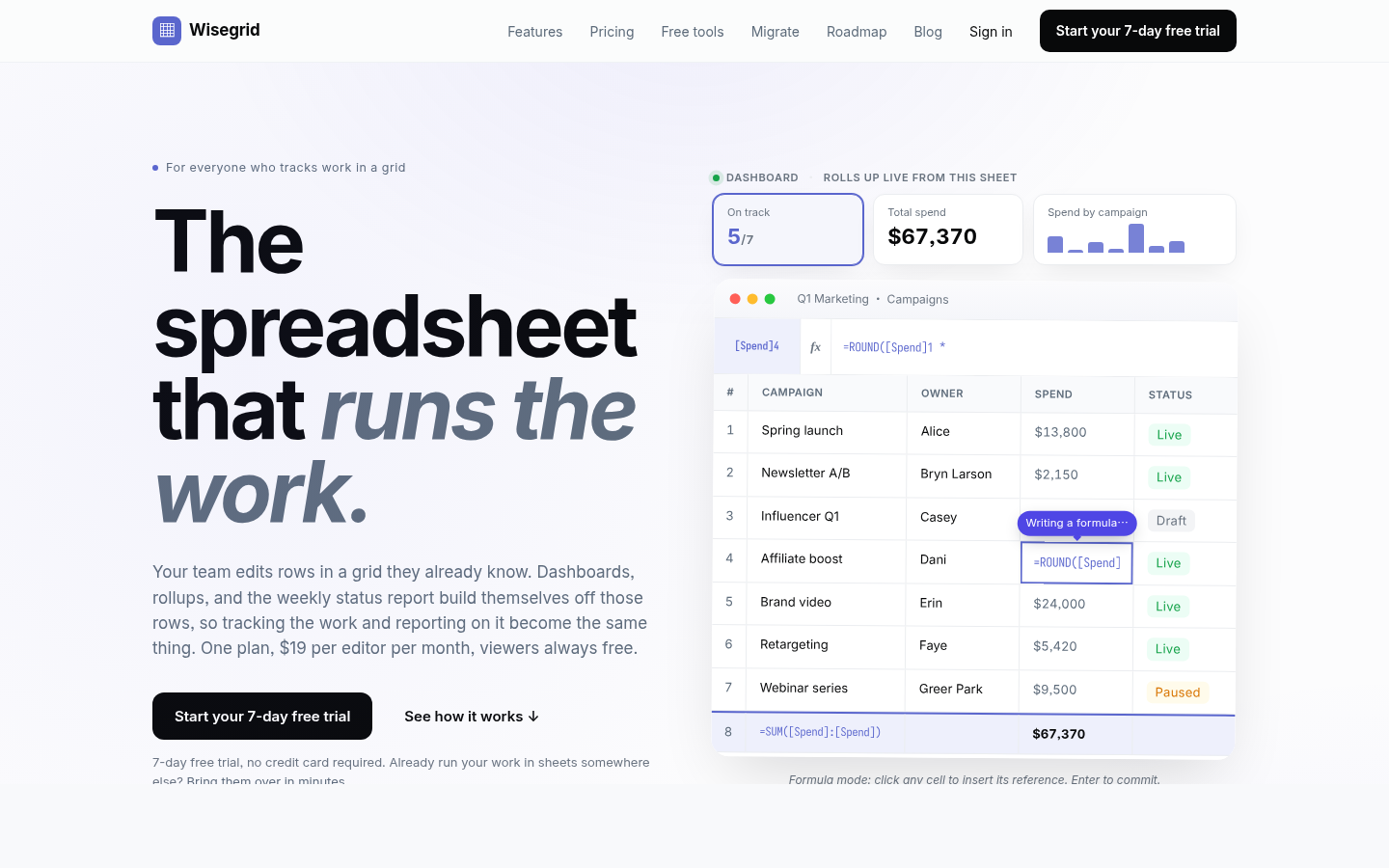
It combines rows, columns, formulas, hierarchies, and cross-sheet references with dashboards, Gantt, board and calendar views, forms, workflow automation, approvals, resource planning, and real-time reporting. AI-powered formulas also help teams classify information, extract key details, and summarize project data directly inside the workspace.
Wisegrid can be used for project planning, budget tracking, resource allocation, request management, approval workflows, client reporting, and portfolio dashboards. It is especially useful for construction companies, engineering firms, professional services teams, agencies, and other spreadsheet-heavy businesses.
The platform also supports reusable project blueprints, API and webhook integrations, Excel and CSV exports, and self-service Smartsheet migration. Wisegrid helps teams reduce manual reporting, standardize recurring processes, improve project visibility, and scale operations without adopting a complex enterprise system.

简介

Wisegrid 是一款以电子表格为核心的工作管理平台,面向项目驱动的团队,在保留熟悉网格操作习惯的同时提供完整的项目管理能力。它把行、列、公式、层级结构和跨表引用与仪表盘、甘特图、看板、日历、表单、自动化流程、审批、资源规划与实时报表结合到一起,让团队在表格里直接完成从计划、追踪到汇报的全部工作。平台还内置 AI 公式,可自动分类信息、提取关键字段、总结项目数据。

主要功能

  • 表格化项目管理:用行与列组织任务,支持公式、跨表引用与多层级结构。
  • 可视化视图:仪表盘、甘特图、看板与日历视图,实时汇总行数据。
  • 表单与自动化:多页表单收集数据自动落行为新行,支持通知、指派、移动行与多步审批。
  • 报表与资源规划:跨表分组汇总实时报表,支持资源分配与预算跟踪。
  • AI 公式:自动分类信息、提取关键细节、总结项目数据。
  • 细粒度权限:默认私有,可按项目、工作表或个人数据范围分享。

特色优势

  • 表格即真相源:所有视图、报表与状态页都由同一份行数据实时生成,追踪与汇报合二为一。
  • 上手成本低:团队沿用熟悉的网格操作,无需重新学习复杂的项目管理工具。
  • 迁移方便:支持从其他电子表格工具快速迁移,几分钟内完成导入。
  • 定价透明:每位编辑者每月 19 美元,访客免费,提供 7 天免信用卡试用。

适用人群

适合项目驱动型团队、运营与营销部门,以及所有习惯用表格管理工作的团队——既想要电子表格的灵活性,又需要仪表盘、审批、自动化等正式管理工具的团队。

English

Introduction

Wisegrid is a spreadsheet-first work management platform for project-driven teams. It delivers complete project management capabilities while preserving the familiar grid-based experience. Rows, columns, formulas, hierarchical structures, and cross-table references are combined with dashboards, Gantt charts, Kanban boards, calendars, forms, automations, approvals, resource planning, and real-time reports, so teams can plan, track, and report—all directly within the spreadsheet. The platform also includes built-in AI formulas that automatically classify information, extract key fields, and summarize project data.

Key Features

  • Spreadsheet-style project management: organize tasks with rows and columns, with support for formulas, cross-table references, and multi-level hierarchies.
  • Visual views: dashboards, Gantt charts, Kanban boards, and calendar views that aggregate row data in real time.
  • Forms and automation: multi-page forms feed data directly into new rows, with support for notifications, assignments, row movements, and multi-step approvals.
  • Reports and resource planning: real-time cross-table group-by reports, with support for resource allocation and budget tracking.
  • AI formulas: automatically classify information, extract key details, and summarize project data.
  • Granular permissions: private by default, shareable by project, worksheet, or personal data scope.

Highlights

  • The spreadsheet is the source of truth: all views, reports, and status pages are generated in real time from the same row data, combining tracking and reporting into one.
  • Low learning curve: teams stick with the familiar grid interactions, no need to relearn complex project management tools.
  • Easy migration: quick import from other spreadsheet tools, with data imported within minutes.
  • Transparent pricing: $19 per editor per month, free for visitors, with a 7-day trial that requires no credit card.

Who It's For

Ideal for project-driven teams, operations and marketing departments, and anyone accustomed to managing work in spreadsheets—teams that want the flexibility of a spreadsheet along with formal management tools like dashboards, approvals, and automations.

滚动至顶部