
VN Video Editor is a free multi-track video editing app for iOS, Android, Windows, and macOS with 4K export, keyframes, AI captions, and no watermark.
About
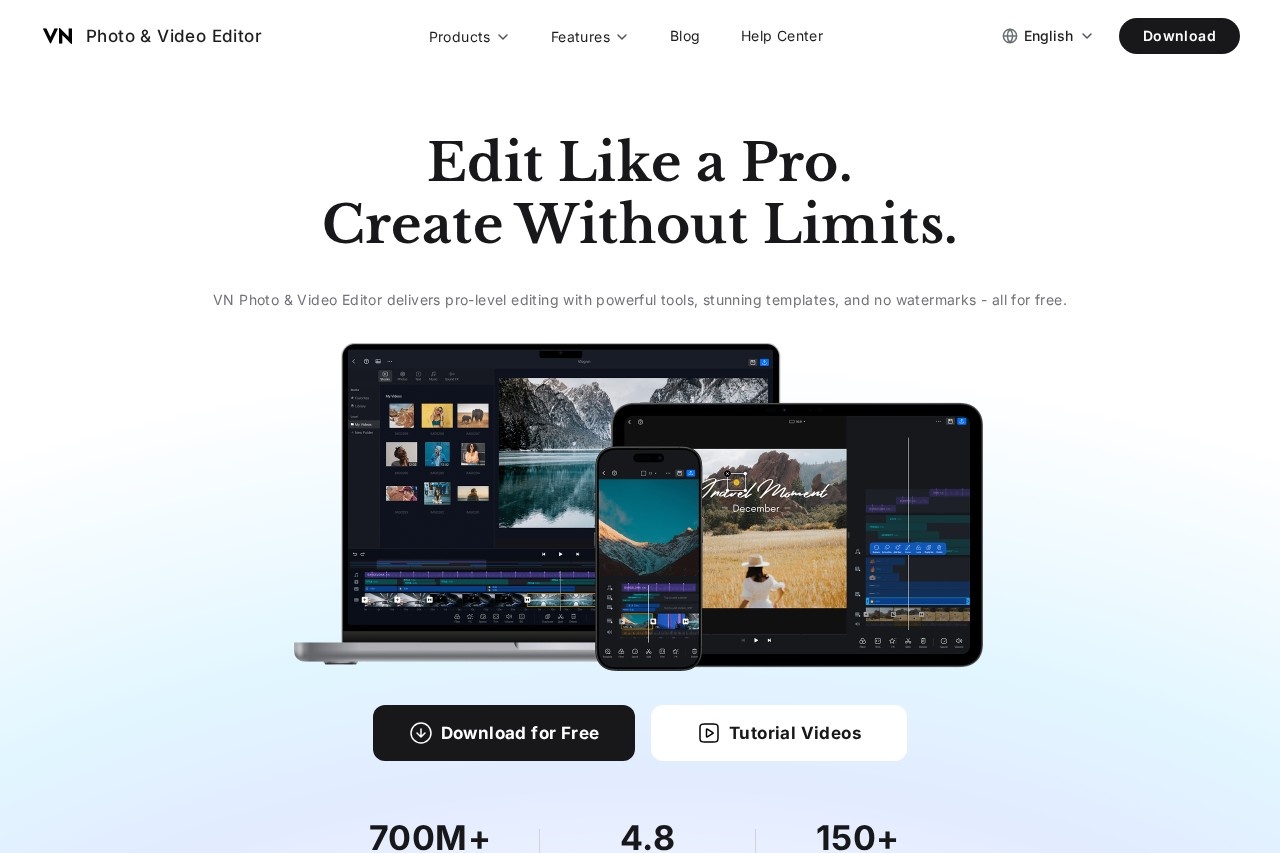
VN Video Editor (also known as VN Photo & Video Editor or VlogNow) is a free video editing application aimed at creators who want desktop-style editing tools on a phone or computer. It addresses a common frustration with mobile editors: watermarks, ads, and limited timelines. VN offers a multi-track timeline, 4K resolution support, and advanced controls such as keyframes and speed curves without charging for the core editing experience.
The app is built around a layered timeline where users place video, audio, and overlay clips, then refine them with trimming, transitions, filters, and motion effects. A set of AI-assisted tools — auto captions, background cutout, image upscaling, colorization, and beat-synced cutting — speeds up common tasks. VN also includes more than 150 templates for quick projects like birthday invitations and year-end highlight reels. The product is available on iOS, Android, Windows, and macOS, and the vendor reports over 700 million downloads and a 4.8 rating on the App Store.
Key Features
Pricing & Fees
- Pricing: The core editor is described as free with no watermark and no ads in the product as presented on the official site; subscription-related help pages indicate paid options exist, but specific plan names and prices are not publicly listed on the pages we reviewed; check the official site for current plans.
- Platform availability: VN runs on iOS, Android, Windows, and macOS, and the Mac version includes documented keyboard shortcuts.
- Offline use: The help center confirms VN can be used without an internet connection.
- Audio library: Over 1,000 music tracks and sound effects are included with the app.
- Export quality: The product supports 4K resolution output.
Who It's For
VN Video Editor suits social media creators who produce YouTube videos, Shorts, Reels, and TikTok clips on a phone, as well as hobbyists editing personal projects such as travel vlogs, wedding videos, and family montages. Beginners benefit from the templates and straightforward interface, while more experienced editors use the multi-track timeline, keyframes, chroma key, and speed curves for finer control. It also fits users who need occasional photo work, since the app handles image editing, upscaling, and colorization alongside video.
FAQ
What is VN Video Editor?VN Video Editor is a free multi-track video and photo editing app from the team behind vlognow.me, offering professional features such as 4K export, keyframes, AI captions, and no watermark.
Is VN Video Editor free?The core editor is free with no watermark and no ads in the product as described on the official site; a credits system and subscription options are referenced in the help center, though exact prices are not listed there.
Which platforms does VN Video Editor support?VN is available on iOS, Android, Windows, and macOS, and it can be used offline without an internet connection.
How does VN compare with CapCut?The vendor shares user reviews that favorably compare VN to CapCut, but AOYII does not independently test tools, so creators should try both free apps and judge the timeline, export quality, and feature fit for their own projects.
Does VN Video editor respect user privacy?The official site states that, unlike some other apps, VN respects user privacy, and the product page emphasizes zero ads; users with specific concerns should review the vendor's privacy policy before installing.
Related Tutorials
View all →

Related Tools
View all → SkyReels - AI Video Generation SkyReels is an AI-powered video generation tool that helps you create stunning videos from text or images in minutes.
 Vizard.ai Vizard.ai is an AI video editing and clipping tool that turns long-form recordings into short, captioned clips formatted for TikTok, Instagram Reels, YouTube Shorts and other social platforms.
 Klap Klap is an AI video clipping tool that turns long videos, podcasts and webinars into ready-to-post TikToks, Reels and YouTube Shorts with captions and auto reframing.
 BIGVU BIGVU is an AI-assisted video creation platform that combines a teleprompter, automatic captions, and a built-in video editor for creators, marketers, and professionals recording talking-head video.
 Recapo Recapo is an AI video editing and commentary platform that turns long footage into recap videos, highlight shorts, scripts, voiceovers and subtitles.