
Video Transcriber AI is a free online tool that converts video and audio into text transcripts, supporting YouTube links, Zoom recordings, MP4 files, and 200+ languages with no sign-up required.
About
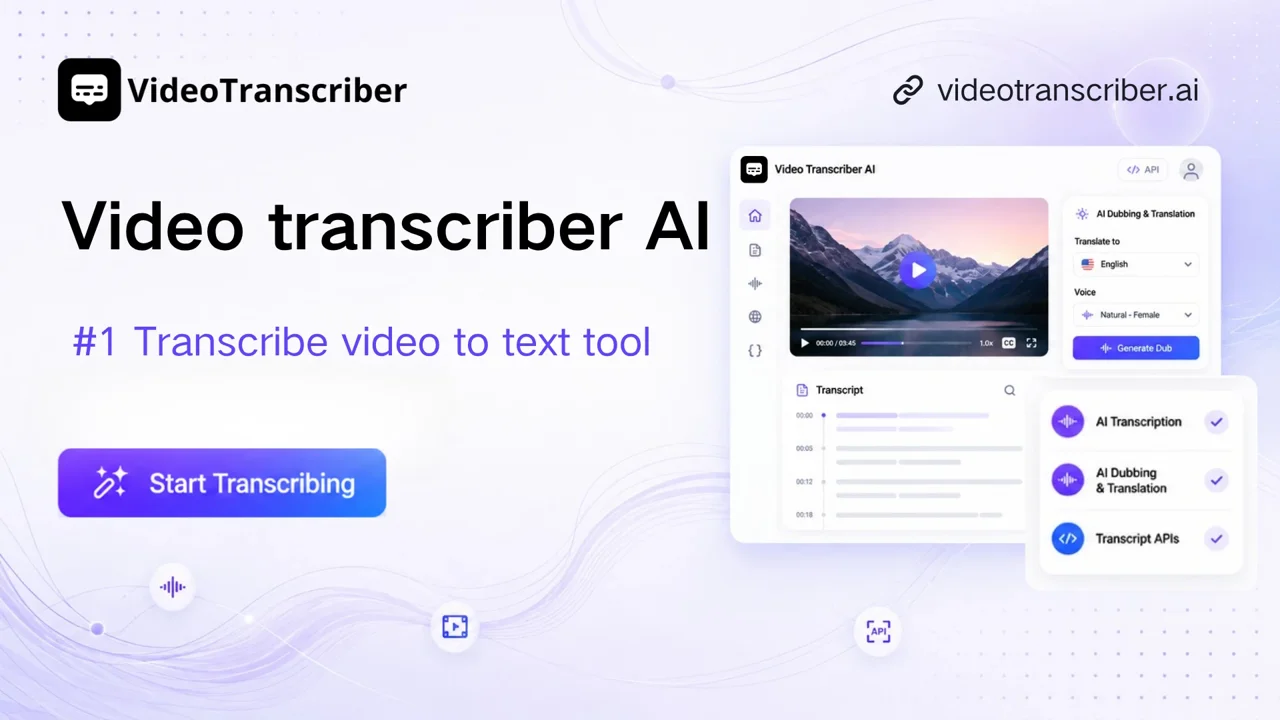
Video Transcriber AI is a web-based transcription service that turns video and audio recordings into editable text. It addresses a common bottleneck: manually typing out lectures, meetings, interviews, or published videos takes hours, while this tool produces a transcript automatically within seconds of an upload or link submission.
The platform runs entirely in the browser, so no software installation is needed. Users can paste a YouTube link, supply a recording from Zoom or another meeting platform, or upload a file such as MP4, MOV, AVI, or MP3, and the system converts the spoken content into text. Options include automatic language detection, speaker separation, a choice between basic and advanced processing modes, and note-taking outputs such as smart summaries. Beyond transcription itself, the site offers subtitle generation, translation across 200+ languages, AI dubbing, and an API for developers who want to build transcription into their own workflows. A desktop app for Windows and macOS and a YouTube browser extension are also available.
Key Features
Pricing & Fees
- Pricing: The vendor offers a freemium model. The Free plan costs $0 per month and includes 10 basic quotas per day (about 20 minutes of basic transcription or translation) plus 10 premium quotas per month. Paid plans are Basic at $7/month ($66/year), Pro at $18/month ($108/year), and Studio at $39/month ($228/year), each with larger or unlimited transcription quotas and higher file-size limits.
- File limits: Free accounts can process files up to 500 MB each with up to 5 tasks queued at once; paid plans raise the per-file limit to 5 GB. YouTube videos with existing subtitles are unlimited on all plans.
- Platform availability: The tool runs in the browser, with a desktop app for Windows and macOS and a YouTube browser extension also offered.
- Claimed accuracy: The vendor advertises 99.9% transcription accuracy for its advanced mode; real-world results will vary with audio quality and language.
Who It's For
Video Transcriber AI fits a range of users who need spoken content in written form. Students can convert lectures and online courses into study notes, while teachers can produce handouts and captions from class recordings. Business professionals can capture Zoom calls and webinars so key points are not lost. Content creators can turn videos into captions, scripts, and blog material. Researchers and journalists can convert interviews and press conferences into text ready for analysis, citation, or publication.
FAQ
Is Video Transcriber AI free to use?Yes, the tool can be used without payment or sign-up; the free plan includes daily basic transcription quotas of roughly 20 minutes per day plus a monthly allowance of premium (advanced) transcription minutes.
What file formats and sources does Video Transcriber AI support?It supports common formats such as MP4, MOV, AVI, and MP3, along with links from YouTube, TikTok, Instagram, Facebook, X, and Bilibili, and recordings from Zoom and similar meeting platforms.
Do I need to create an account?No, transcription can be started without signing up, although an account is needed to manage saved assets and paid plans unlock higher quotas and file-size limits.
Can Video Transcriber AI tell speakers apart?Yes, an optional speaker recognition feature labels different speakers in the transcript, and it is available even on the free plan.
What are the main limitations?On the free plan each file is capped at 500 MB and premium transcription is limited to 10 quotas per month; paid plans raise per-file limits to 5 GB and expand or remove basic transcription quotas.
Related Tutorials
View all →
Related Tools
View all → AI Translator - Accurate Translation AI Translator provides high-accuracy translations with 98% precision, supporting 1200+ AI models and 100+ languages.
  Clipto.AI Clipto.AI is a local-first desktop app that turns videos, audio, meetings and documents into one searchable AI memory, with transcription and natural language search. Rev Rev is a speech-to-text platform offering AI and human transcription, captions, and subtitles for audio and video files, used by professionals who need accurate written records.
  Heidi Heidi is an AI care partner for clinicians that automates medical documentation, transcription, research, and administrative tasks across every stage of patient care.