
Unwatermark AI is a free online tool that removes watermarks, logos, text, and unwanted objects from photos and videos using AI, for creators and businesses.
About
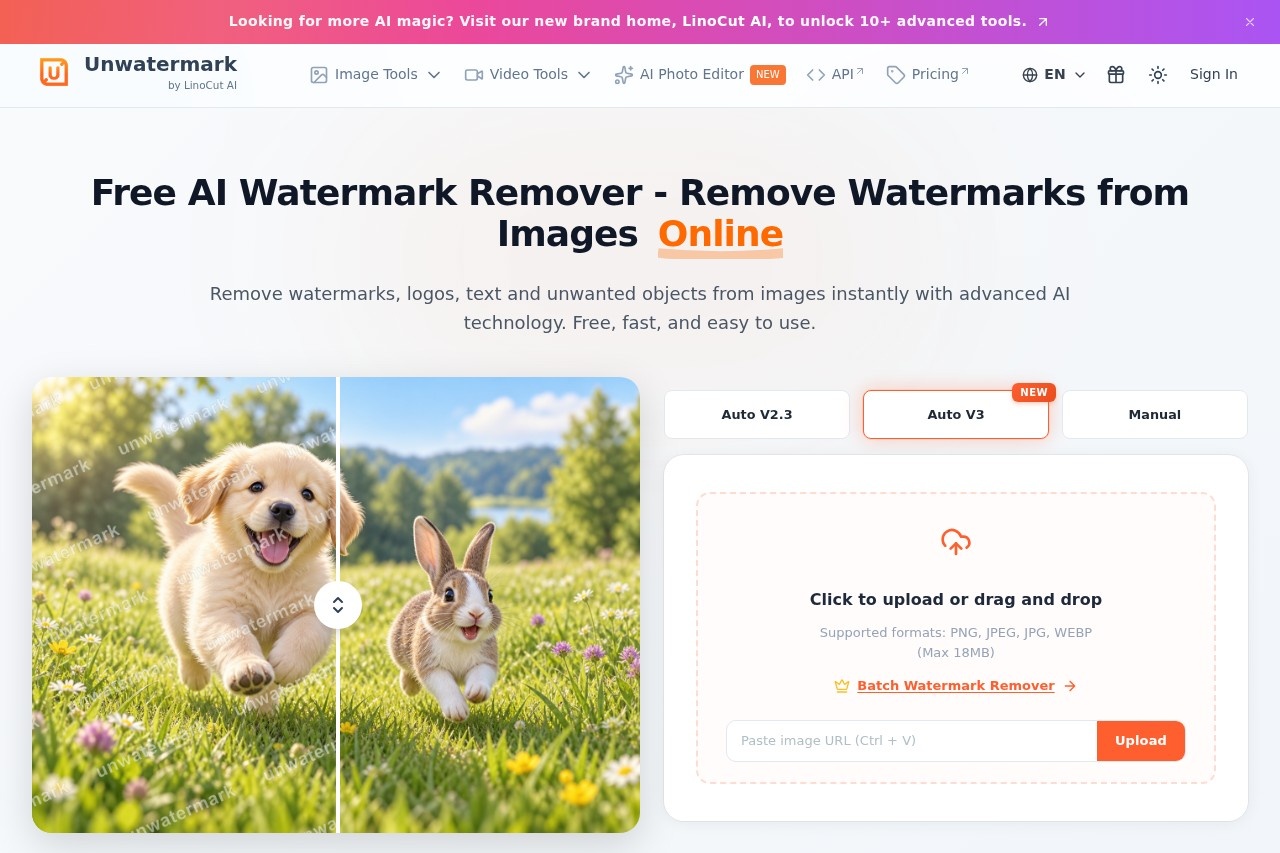
Unwatermark AI is a web-based editing tool that removes watermarks, logos, text, and other unwanted elements from both images and videos. It addresses a common problem for creators: cleaning up photos or video clips that carry stamps, brand marks, captions, or distracting objects without needing desktop editing software or manual retouching skills.
The product works by letting users upload a file, choose between automatic AI detection or a manual brush, and then download the cleaned result after previewing it. Automatic mode locates logos, stamps, and full-screen watermarks on its own, while frame-by-frame analysis handles video. A manual brush is available for fine control on complex backgrounds. Unwatermark AI is operated under the LinoCut AI brand and runs entirely in the browser, supporting common image and video formats such as JPG, PNG, WEBP, MP4, M4V, and MOV. Basic watermark removal can be used without signing in.
Key Features
Pricing & Fees
- Pricing: A free plan allows 3 auto removals per day, 20 manual removals per day, and 6 video removals per week. Paid subscriptions start at $3.90/month for 50 credits up to $16.90/month for 1,000 credits; one-time packs run from $4.99 for 50 credits to $330 for 30,000 credits.
- Credit rules: Subscription credits reset each billing cycle and do not roll over, while one-time purchase credits never expire.
- Free tier: The full workflow, including auto and manual removal, is available for free with daily limits, and no login is required to use the basic removal feature.
- Refund policy: The vendor states that refunds are not offered because the service is delivered immediately, and recommends trying the free plan first.
Who It's For
Unwatermark AI is aimed at content creators, social media managers, e-commerce sellers, and photographers who need to clean watermarks, logos, captions, or stray objects out of images and video clips. Typical uses include preparing stock footage for social posts, tidying product photos, removing date stamps from personal pictures, and stripping text overlays or subtitles from video — all without desktop software or prior editing experience.
FAQ
What is Unwatermark AI?Unwatermark AI is a free-to-start online tool that uses AI to remove watermarks, logos, text, and unwanted objects from photos and videos.
Is Unwatermark AI free to use?A free plan covers 3 automatic removals per day, 20 manual removals per day, and 6 video removals per week; heavier use requires paid credits or a subscription.
Which file formats does it support?It supports common image and video formats including JPG, PNG, WEBP, MP4, M4V, and MOV, and works in the browser on desktop and mobile devices.
Do purchased credits expire?One-time purchase credits never expire, but subscription credits reset at each billing cycle and unused amounts do not carry over.
Can watermarks be removed in bulk?Yes, Unwatermark AI offers a dedicated batch watermark remover for processing multiple photos at once, available on its site.
Related Tutorials
View all →
Related Tools
View all → Editaimg - AI-Powered Image Editing and Translation Tools Editaimg is a versatile online platform that leverages AI to simplify complex photo editing tasks. It offers specialized features for both creative and practical use.
  AI Object Remover AI Object Remover is a browser-based photo cleanup tool: brush over any person, object, text
  WatermarkRemover.io WatermarkRemover.io is a free online AI tool that removes watermarks, text, and logos from images while preserving quality, aimed at photographers, designers, and content creators.
  Cleanup.pictures Cleanup.pictures is a free AI inpainting tool that removes unwanted objects, people, text, logos, watermarks and blemishes from photos in seconds, with a Pro plan for high-resolution exports.
  Mee Manga Translator - AI Manga Translation Translate manga instantly with AI. Preserves original art and layout for seamless reading.