
Swapface is a face swap application that runs locally on Windows and Mac, offering real-time stream swapping, image swaps, and video or GIF face replacement for creators.
About
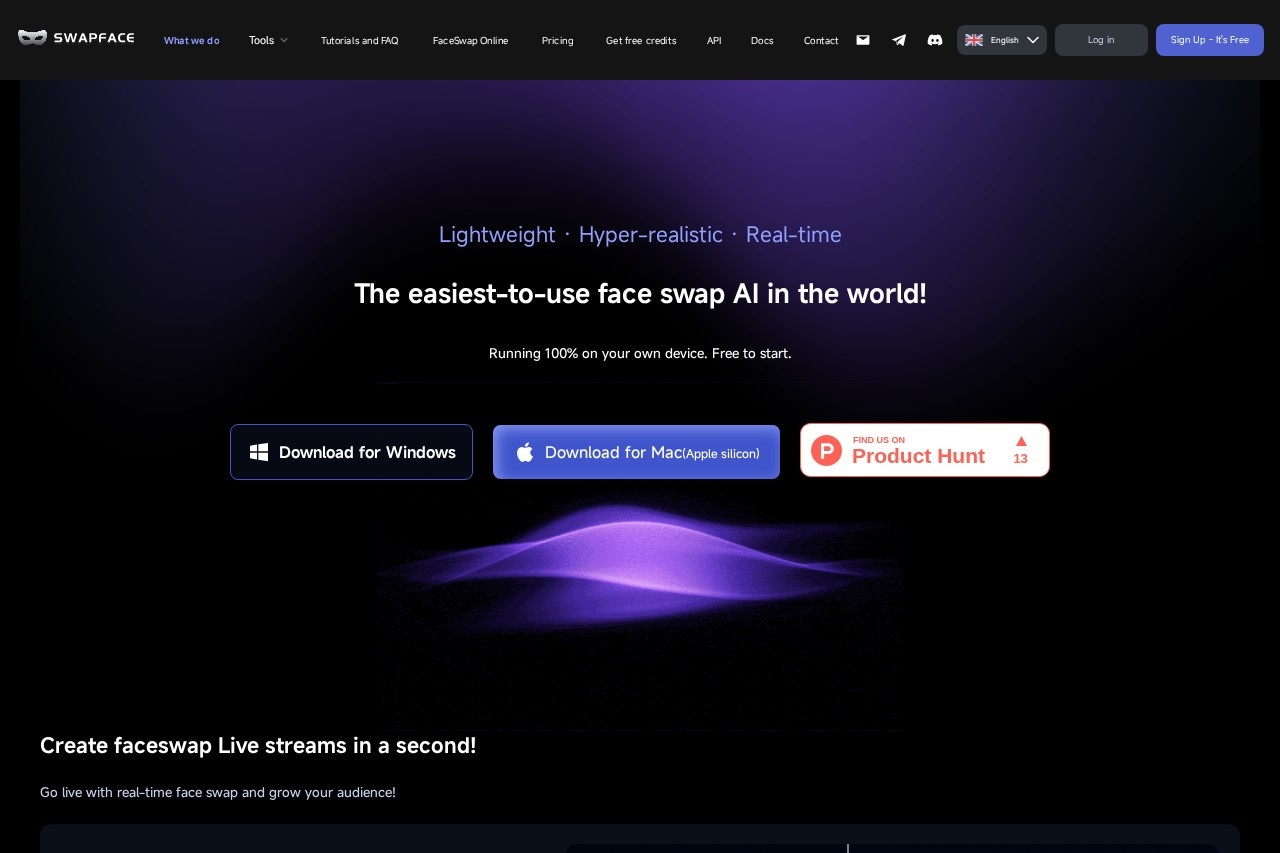
Swapface is an AI face swap application that replaces faces in live streams, photos, videos, and GIFs. It addresses the need for realistic face swapping without uploading personal media to a remote server, because all processing runs locally on the user's own device.
The desktop application is available for Windows and macOS (Apple silicon). Users open the app, press the Start button, and the software handles the swap using its built-in AI models. Swapface supports four main modes: real-time face swapping for live streams and video calls, one-click HD image swaps, multi-person image swaps, full head swaps that include hairstyle, and video or GIF face replacement. The vendor highlights that a mid-range NVIDIA graphics card is sufficient, which lowers the hardware barrier compared with some local AI tools. Swapface is free to start, with paid credits and subscription options on its pricing page, and it also offers an API and documentation for developers.
Key Features
Pricing & Fees
- Pricing: Not publicly listed on the pages we reviewed; check the official site for current plans. The site confirms a free way to start, plus pay-as-you-go credits and subscription options.
- Free credits: Users can earn free credits by referring friends or sharing Swapface on social media.
- Platforms: Desktop apps for Windows (Windows 10 64-bit 22H2 or later) and macOS with Apple silicon.
- Recommended hardware: Windows 11, an Intel Core i7 12th Gen+ or AMD Ryzen 7 5700X, 32GB RAM, an NVIDIA RTX 4060 Ti 16GB or RTX 5070, and 20GB+ of NVMe SSD space.
- Multilingual site: The website is available in more than a dozen languages, including English, Spanish, French, German, Japanese, Korean, and Russian.
Who It's For
Swapface suits live streamers who want to appear on camera with a different face in real time, and social media creators who produce short face swap videos or GIFs for platforms like YouTube and TikTok. It also fits meme makers, video marketers producing promotional content, and filmmakers or hobbyists working on creative projects that involve character transformation. Because processing stays on the local machine, it particularly appeals to privacy-conscious users who prefer not to upload personal photos or videos to cloud services.
FAQ
What is Swapface?Swapface is an AI face swap application that replaces faces in live streams, images, videos, and GIFs, running entirely on the user's own Windows or Mac device.
Is Swapface free to use?Swapface is free to start, and users can earn additional free credits through referrals; paid pay-as-you-go credits and subscription plans are also offered, though specific prices are not listed on the pages reviewed.
What platforms and hardware does Swapface require?It runs on Windows 10 64-bit (22H2) or later and macOS with Apple silicon; the minimum setup includes a NVIDIA RTX 2060 or RTX 3060 with 6GB+ VRAM, 16GB RAM, and an Intel Core i5 10th Gen or AMD Ryzen 5 3600 CPU.
How does Swapface handle privacy?All processing and data run on the local machine, so media is not uploaded to external servers and only the user has access to their data.
Can Swapface swap more than one face?Yes, the image tool supports single-person swaps, multi-person swaps with accurate face matching, and full head swaps that include the hairstyle.
Related Tutorials
View all →
Related Tools
View all → AI Kirkify: Charlie Kirk Face Swap AI Kirkify is the ultimate Charlie Kirk face swap tool. Automatically detects and shrinks faces to create perfect memes. No Photoshop needed.
  Kirkify AI Images Generator Professional-grade online image generator for high-quality Charlie Kirk face swaps and face reduction effects. Create unique, ultra-realistic images easily.
  FaceSwapAI FaceSwapAI is a browser-based AI face swap tool for photos, group photos, videos, and GIFs — no software installation required. Verified accounts can try a free watermarked photo swap, with paid generations starting at $4.99 in credits.
  SwapFace SwapFace is a browser-based AI face swap tool that replaces faces in photos, videos, and GIFs, with extra utilities for clothes, hairstyles, age changes, and image enhancement.
  FaceSwapVideo FaceSwapVideo is a free online AI tool that swaps one face onto another in videos, photos, and GIFs, running entirely in the browser with no downloads required.