
SwapFace is a browser-based AI face swap tool that replaces faces in photos, videos, and GIFs, with extra utilities for clothes, hairstyles, age changes, and image enhancement.
About
SwapFace is a web-based AI tool that replaces faces in photos, videos, and GIFs. It addresses a common editing problem: doing a convincing face replacement manually requires advanced skills and hours of frame-by-frame work, while SwapFace automates detection, tracking, and blending so users can produce results from a browser.
The workflow is deliberately short. A user uploads a photo or video, the system detects the faces in it, the user adds the replacement face, and the tool generates the swapped output. The site states that no sign-up is needed to start and that uploads are automatically deleted within 24 hours. Beyond face swapping, the platform bundles additional AI utilities such as hairstyle changes, outfit changes, age adjustment, image-to-image transformation, an animated dance effect, and image/video enhancement. Specific dollar amounts for paid plans are not shown on the pages reviewed, so current pricing should be confirmed on the official site.
Key Features
Pricing & Fees
- Pricing: Not publicly listed on the pages we reviewed; check the official site for current plans. The site describes a one-time credit purchase model with no subscription or recurring charges, and credits that do not expire.
- Free tier: New users receive free credits to try the tools, and the site says no login is required to start.
- Refund policy: A 30-day money-back guarantee applies, with the site describing a full refund for first-time customers who have used the service fewer than 10 times; refund requests are handled via email.
- Privacy: Uploaded files are encrypted during processing and automatically deleted within 24 hours, according to the site.
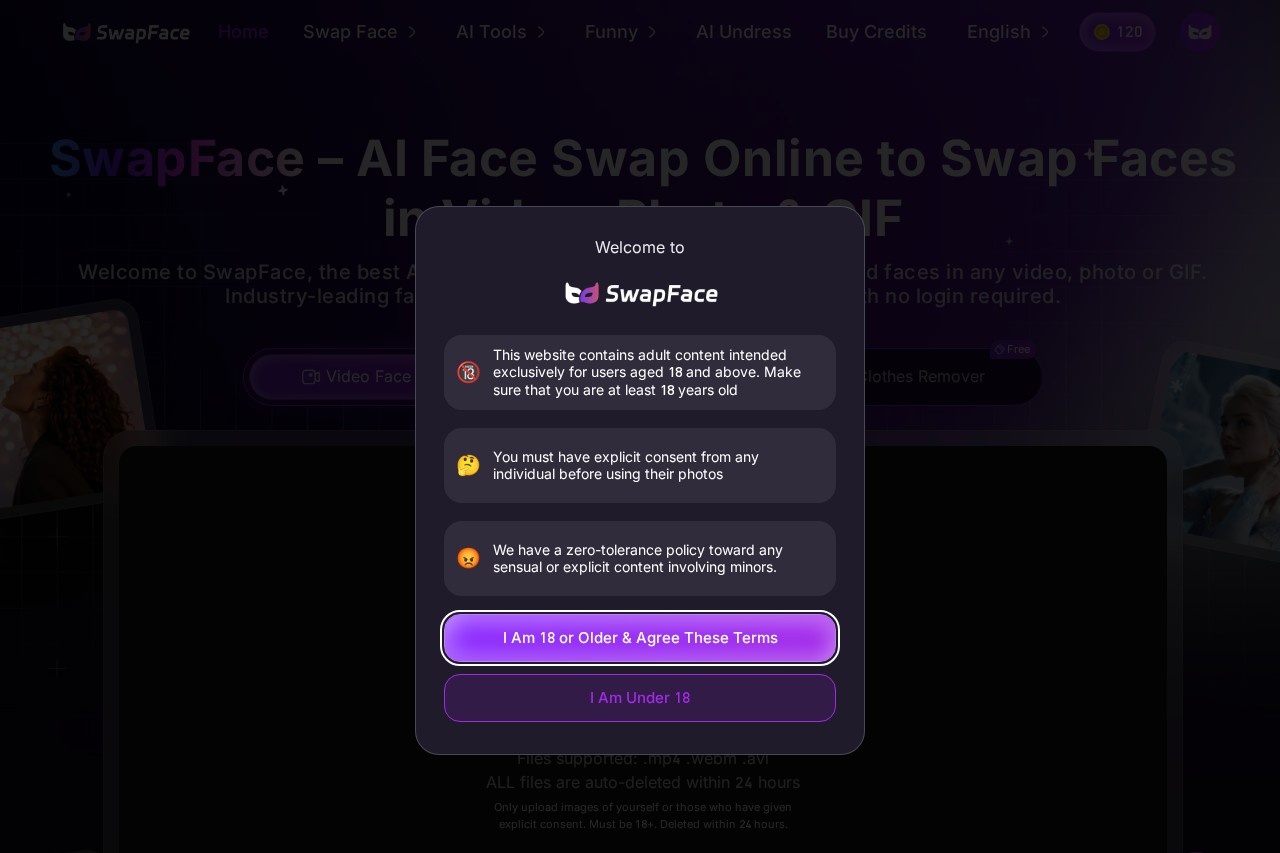
- Age and consent restrictions: The site is restricted to users 18 and older and requires explicit consent from anyone whose photo is used.
Who It's For
SwapFace suits casual creators who want quick face-swapped photos or GIFs for social media, meme makers looking for fast turnaround on trending formats, and video hobbyists editing short clips or movie scenes. Marketers and content producers who need the same face applied across many images can use the batch feature, while digital artists may find the image-to-image, age changer, and hairstyle tools useful for concept work. It runs in a browser, so it fits users on most devices who do not want to install desktop editing software.
FAQ
Is SwapFace free to use?New users get free credits that can be spent on any of the tools; once those run out, additional credits can be purchased as a one-time payment with no subscription.
Which platforms and file types does SwapFace support?It runs in a web browser, and video uploads support .mp4, .webm, and .avi files; the FAQ also indicates compatibility across common devices.
What happens to uploaded files?The company states that uploads are encrypted during processing and automatically deleted within 24 hours, with results visible only to the user.
How long can a swapped video be?The long video face swap feature supports full videos up to 10 minutes long, while standard plans are described as including up to 60-second video face swaps.
Can I get a refund?Yes, the site offers a 30-day refund window, describing a full refund for first-time customers with fewer than 10 uses; requests are processed within 5–7 business days.
Related Tutorials
View all →
Related Tools
View all → AI Kirkify: Charlie Kirk Face Swap AI Kirkify is the ultimate Charlie Kirk face swap tool. Automatically detects and shrinks faces to create perfect memes. No Photoshop needed.
  Kirkify AI Images Generator Professional-grade online image generator for high-quality Charlie Kirk face swaps and face reduction effects. Create unique, ultra-realistic images easily.
  FaceSwapAI FaceSwapAI is a browser-based AI face swap tool for photos, group photos, videos, and GIFs — no software installation required. Verified accounts can try a free watermarked photo swap, with paid generations starting at $4.99 in credits.
  FaceSwapVideo FaceSwapVideo is a free online AI tool that swaps one face onto another in videos, photos, and GIFs, running entirely in the browser with no downloads required.
  AI Face Swap AI Face Swap is a free online tool that swaps faces in photos and videos without sign-up or watermarks, aimed at casual users and social media creators.