
PixNova Face Swap is a free online AI tool that replaces faces in photos, videos, and GIFs without a sign-up or watermark, aimed at casual creators and social media users.
About
PixNova Face Swap is a browser-based tool from PixNova AI that replaces faces in photos, videos, and GIFs using artificial intelligence. It addresses the common desire to see a personal face placed into another image or clip — for entertainment, style previews, or shareable social content — without desktop software or an account.
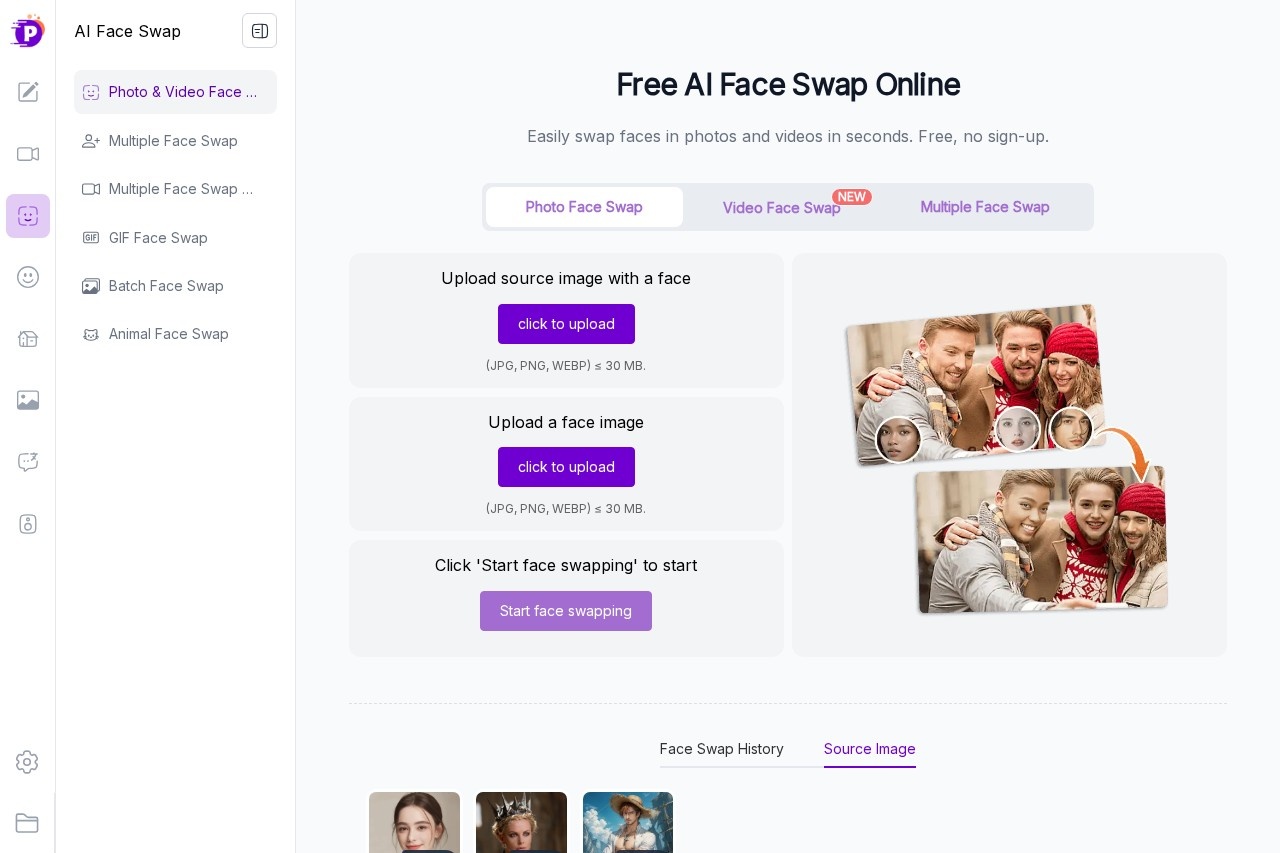
The workflow is deliberately short: a user uploads a source image or video plus a photo of the target face, clicks a single button, and receives the swapped result in a few seconds for photo edits. The site reports that uploads are stored temporarily and automatically deleted after one day, with an option to remove them sooner. Beyond face swapping, PixNova offers a broader suite covering AI image editing, video generation, voice tools, and headshot creation. Access is free at a basic level, with paid credit packs unlocking higher-resolution output, longer videos, and larger file uploads.
Key Features
Pricing & Fees
- Pricing: Free tier with daily credits; one-time credit packs are $9.99 (1,600 credits), $29.99 (9,000), $49.99 (16,000), $99.99 (33,000), and $299 (100,000), each discounted 20–35% at the time of review. Credits do not expire and billing is a one-time payment rather than a subscription.
- Free tier: Available with no login, no watermark, daily free credits, and image uploads up to 30 MB in JPG, PNG, or WEBP.
- Privacy: Uploaded images are removed after one day automatically, or immediately on request; payments run through Stripe.
- Platform: Runs entirely online in a web browser, with no desktop install required.
Who It's For
PixNova Face Swap suits social media creators who want quick, shareable face-swap posts for TikTok, Instagram, or messaging apps. Casual users can preview themselves in different outfits, hairstyles, or personas, while meme and GIF makers can insert friends' faces into animated clips. Small content teams producing short-form video may also use it for lightweight, template-driven edits without investing in professional editing software.
FAQ
What is PixNova Face Swap?It is a free online AI tool that replaces faces in photos, videos, and GIFs, accessible in a browser without a sign-up.
Does PixNova Face Swap cost anything?A free tier with daily credits is available; paid one-time credit packs start at $9.99 for 1,600 credits, and there is no recurring subscription for those packs.
How do I swap a face with PixNova?Upload the source photo, video, or GIF along with a clear, forward-facing photo of the target face, click the swap button, and download or share the result.
Are there limits on file size and format?Photo uploads accept JPG, PNG, and WEBP files up to 30 MB; video uploads support M4V, MP4, MOV, and WEBM, with premium plans raising limits to 1 GB.
What happens to my uploaded images?The site states that uploaded images are automatically deleted within one day, and users can delete them manually at any time.
Related Tutorials
View all →
Related Tools
View all → FaceSwapVideo FaceSwapVideo is a free online AI tool that swaps one face onto another in videos, photos, and GIFs, running entirely in the browser with no downloads required.
  AI Kirkify: Charlie Kirk Face Swap AI Kirkify is the ultimate Charlie Kirk face swap tool. Automatically detects and shrinks faces to create perfect memes. No Photoshop needed.
  Kirkify AI Images Generator Professional-grade online image generator for high-quality Charlie Kirk face swaps and face reduction effects. Create unique, ultra-realistic images easily.
  FaceSwapAI FaceSwapAI is a browser-based AI face swap tool for photos, group photos, videos, and GIFs — no software installation required. Verified accounts can try a free watermarked photo swap, with paid generations starting at $4.99 in credits.
  SwapFace SwapFace is a browser-based AI face swap tool that replaces faces in photos, videos, and GIFs, with extra utilities for clothes, hairstyles, age changes, and image enhancement.