
Free AI image upscaler supporting 2x to 8x enlargement, right in your browser.
About
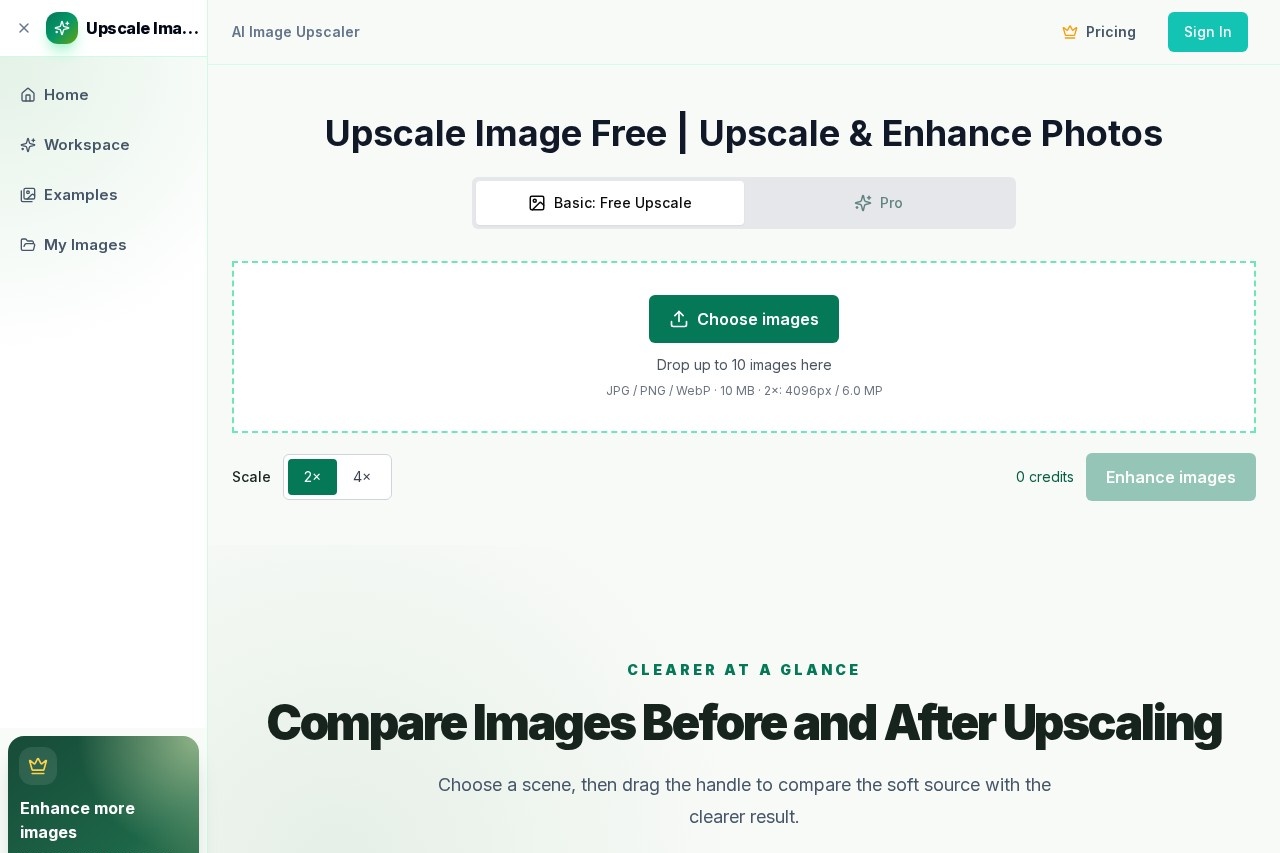
Upscale Image is a free online AI upscaler that enlarges photos by 2x, 4x, or up to 8x while reconstructing detail instead of just stretching pixels. It runs in the browser, requires no software installation, and is aimed at anyone who needs a bigger, sharper version of a photo — old family pictures, downloaded graphics, product shots, or images that came out too small for print or wallpaper use.
Key Features
Pricing & Fees
- Pricing: Paid plans (billed yearly) are Starter at $4.50/month, Pro at $9.50/month, Ultra at $19.50/month, and Enterprise at $65.50/month; monthly rates are higher and yearly billing saves 50%.
- Free tier: A free "Basic" plan is available with 2× and 4× scaling and limits of 10 images per batch, 10 MB per file (JPG/PNG/WebP), and 2× output up to 4096px / 6.0 MP.
- Plan limits: Batch capacity grows with the plan — 10 images (Starter), 50 (Pro), and 100 (Ultra/Enterprise) — and upload resolution increases from 1000×1000px to 4000×4000px on Ultra and above.
- Credits: Each image costs 1 credit; plans include 2,400 to 120,000 credits per year plus a daily usage allowance that resets each UTC day and does not roll over.
- API access: Batch processing API access is included from the Pro plan, and an advanced API with dedicated support is available on Ultra and Enterprise.
Who It's For
Upscale Image is for general users restoring old or low-resolution photos, designers preparing assets for print or large screens, e-commerce sellers improving product images, and anyone who has ever been blocked by a "file too small" error. Because it is free and browser-based, it also works well as a quick utility on shared or locked-down machines.
FAQ
What enlargement factors are supported?2x, 4x, and up to 8x.
Is it free?Yes — the core upscaler is free to use.
Do I need to install software?No — it runs entirely in the browser.
Related Tutorials
View all →


Related Tools
View all → ImgUpscaler ImgUpscaler is an online AI image upscaler that enlarges photos, anime, product shots, portraits, and old pictures by 2x or 4x for web, print, and creative work.
 Upscale.media Upscale.media uses AI to upscale images up to 2x or 4x, preserving quality and detail.
 AI OCR Extract text from images and convert to editable Word documents with AI-powered OCR.
 AI Image Editor & Tools - EditAny AI EditAny AI offers powerful AI image editing and tools for all your creative needs.
 Nano Banana 2 - Advanced Photo Editor & Generator Nano Banana 2 is an AI-powered image editor and generator. Free online tool for advanced photo editing.