
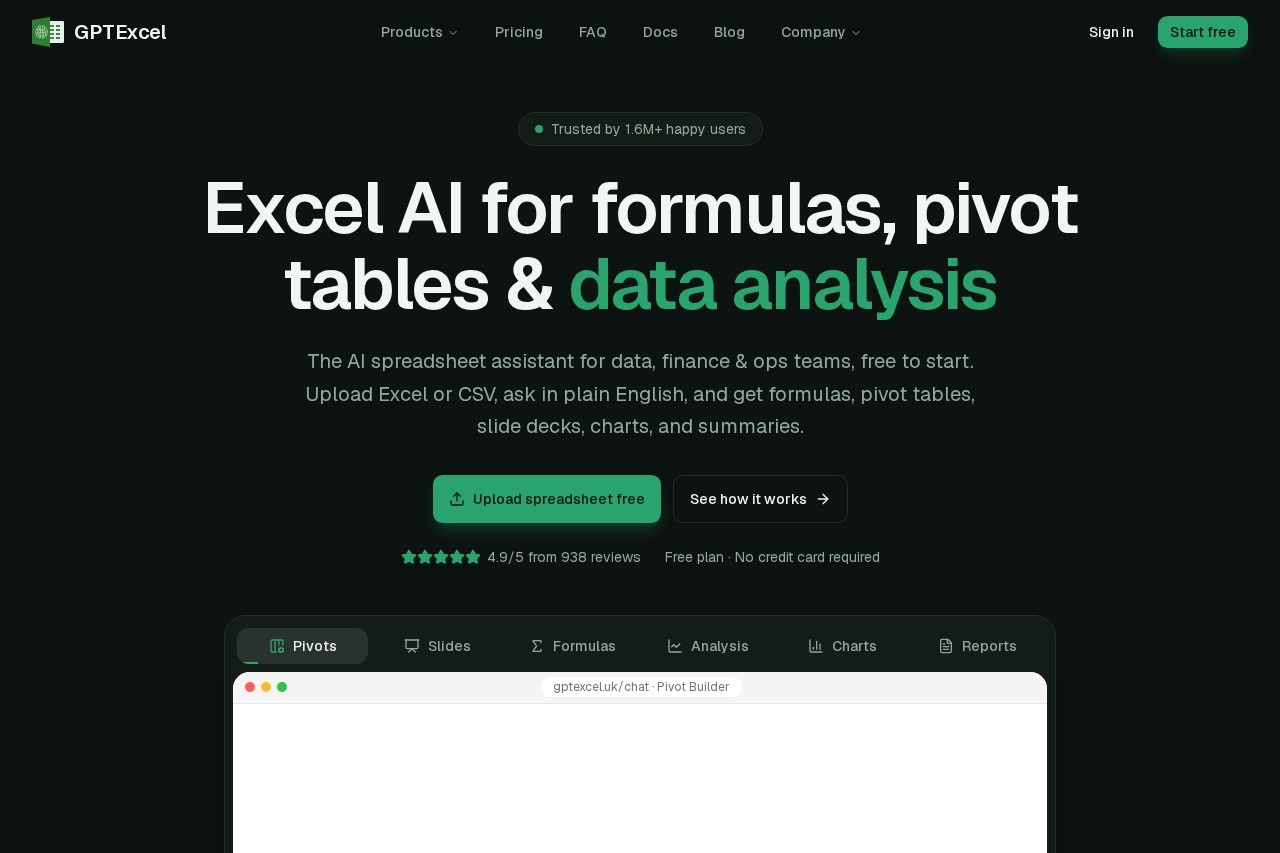
GPTExcel is a browser-based Excel AI assistant that generates formulas, pivot tables, charts, scripts and slide decks from plain-English requests on your Excel or CSV files.
About
GPTExcel is a web-based AI assistant for spreadsheet work. It addresses a common bottleneck: turning everyday questions about data — "what were total expenses by department?" — into working formulas, pivot tables, charts, summaries, and even presentations, without requiring the user to know Excel syntax. It runs entirely in the browser, so there is nothing to install.
The workflow has four steps. A user uploads an Excel workbook, CSV file, or a photo of a table, then types a request in plain English. GPTExcel returns an answer grounded in the uploaded data, such as a formula with an explanation, a native pivot table, a chart, or a slide deck that can be downloaded as PowerPoint or PDF. Beyond chat, it includes dedicated generators for formulas (Excel, Google Sheets, LibreOffice Calc, Airtable), scripts (VBA, Apps Script, LibreOffice Basic, Airtable, Python), SQL, and regular expressions. The vendor reports over 1.6 million users and a 4.9/5 average rating across 938 reviews.
Key Features
Pricing & Fees
- Pricing: A Free plan costs $0 forever with 50 credits a month and files up to 5 MB (10 per chat). Pro is $9/month (about 3,000 credits a month, files up to 50 MB) and Pro Plus is $18/month (about 10,000 credits a month, files up to 100 MB, including an Expert model). Annual billing saves 30% (e.g., Pro at $6.30/month).
- Free tier: The free plan requires no credit card and includes five free tool runs per day before credits apply; every tool is available on every plan, with plans differing only in limits.
- Security and privacy: Files are encrypted with AES-256 at rest in S3 and TLS in transit, are never used for model training, and GPTExcel offers GDPR-ready consent management, Google/Microsoft sign-in or passwordless magic links, and account-and-file deletion on request.
- Usage limits: Credits refresh weekly on paid plans and monthly on Free; heavy usage is paced over 5-hour windows and weekly credits do not roll over.
Who It's For
GPTExcel is built for people who spend most of their workday in spreadsheets. Accountants can reconcile data and audit reports faster; financial analysts can build models and forecasts; operations teams can track KPIs and assemble reports; and marketers can analyze campaigns and ROI. Students use it for assignments and number crunching, while business owners use it to make quicker, better-informed decisions from their own data. Anyone who knows what they want from a spreadsheet but not how to write the formula is a natural fit.
FAQ
What is GPTExcel?GPTExcel is a browser-based AI assistant for Excel and CSV files that generates formulas, pivot tables, charts, scripts, SQL, regex, summaries, and slide decks from plain-English requests.
Does GPTExcel have a free plan?Yes. The Free plan costs $0 forever, includes 50 credits a month, five free tool runs per day, and support for files up to 5 MB, with no credit card required.
Which spreadsheet platforms does GPTExcel support?It works with Microsoft Excel (.xlsx, .xls, .xlsm and others), Google Sheets, LibreOffice Calc, and Airtable, and it can also read uploaded CSV/TSV files and images of tables.
How does GPTExcel differ from a formula-only tool?In addition to formula generation, it combines file-based chat, native pivot tables, charts, data cleaning, script and SQL generation, and presentation building in a single workspace.
Does GPTExcel train its AI on my spreadsheets?No. The vendor states that uploaded files are never used as model training data, are encrypted at rest and in transit, and remain private unless the user chooses to share them.
Related Tutorials
View all →
Related Tools
View all → GPT for Work GPT for Work is an AI agent for Microsoft Excel and Google Sheets, built by Talarian, that writes and fixes formulas, cleans data, and processes or enriches thousands of rows from a single prompt.
  AI Excel Bot AI Excel Bot is a spreadsheet assistant that helps users write Excel formulas, build spreadsheets faster, and understand data using AI. Built for analysts, students, and office workers.
  Sheet+ Sheet+ is an AI assistant that writes Excel and Google Sheets formulas, explains them in plain language, and generates spreadsheet content for analysts and students.
  Excel AI Excel AI provides 18 AI-powered Excel tools to simplify data analysis and formula creation. Boost your spreadsheet productivity.
  Better Analyst (formerly Formula Bot) Better Analyst, formerly Formula Bot, is an AI analytics app that turns spreadsheets, databases, and documents into charts, dashboards, and automated reports using plain language.