
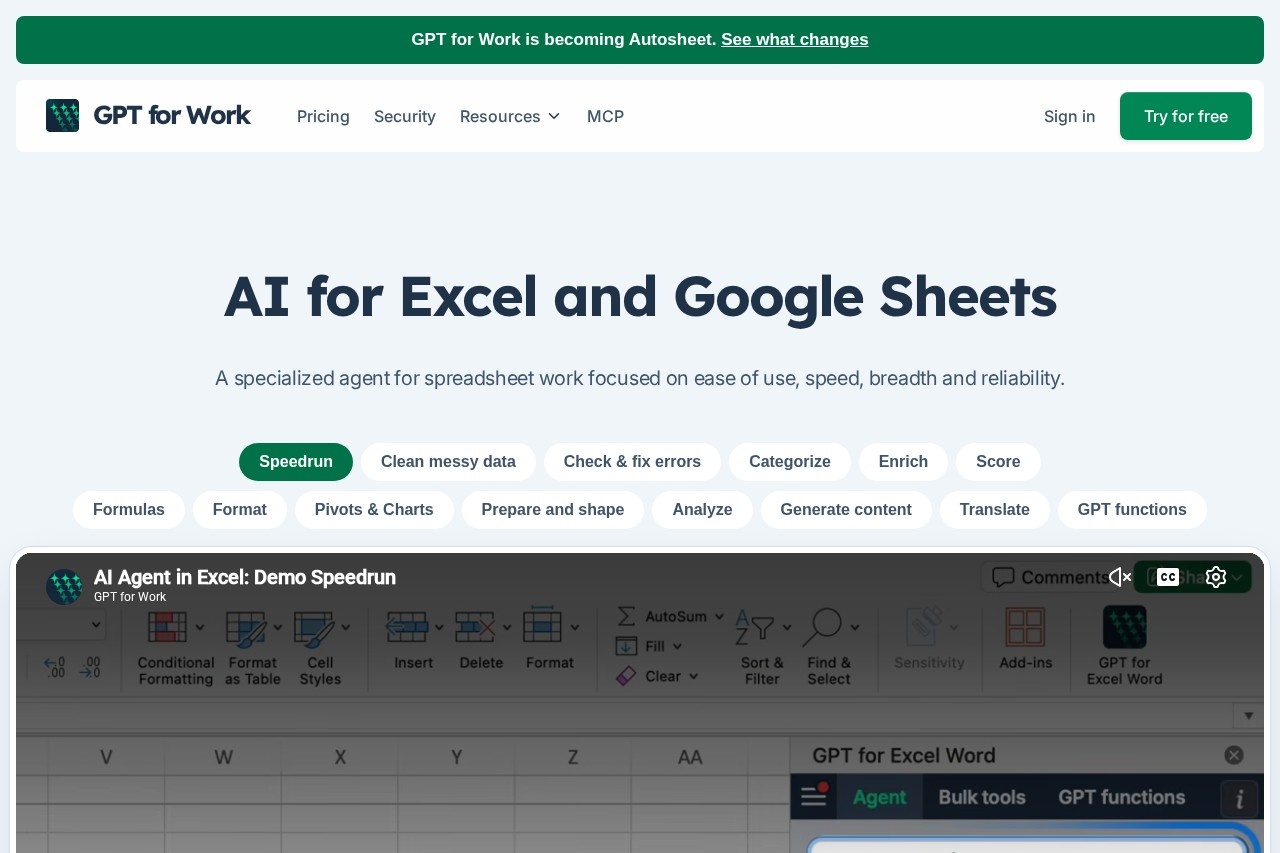
GPT for Work is an AI agent for Microsoft Excel and Google Sheets, built by Talarian, that writes and fixes formulas, cleans data, and processes or enriches thousands of rows from a single prompt.
About
GPT for Work is an AI assistant for Microsoft Excel and Google Sheets that brings large language models directly into the spreadsheet, addressing tasks that normally consume hours of manual work: cleaning inconsistent data, writing and debugging formulas, translating or categorizing thousands of rows, and enriching spreadsheets with information found through web research. It is made by Talarian and launched in January 2023 as a Google Sheets add-on offering a single =GPT() function.
Today the product ships as the GPT for Excel add-in, the GPT for Sheets add-on, and the Autosheet MCP server, which lets ChatGPT, Claude, and other AI clients operate on Google Sheets without any add-on installed. Users interact with it through a chat panel inside the spreadsheet or through custom GPT functions in cells, and it supports models from OpenAI, Anthropic, and other providers. Bulk processing runs at up to 1,000 rows per minute, with real-time progress tracking, and Business and Enterprise plans can connect custom AI endpoints. The vendor notes the product is being renamed Autosheet.
Key Features
Pricing & Fees
- Pricing: Standard costs $25/month for individuals, Business costs $45/seat/month, and Enterprise uses custom pricing. Each seat includes $25 of monthly usage, with extra usage purchasable; unused included usage does not roll over.
- Free trial: The product is free to install with starting credits and no card required for the first use; the trial runs on GPT-5.6 Luna and subscribing unlocks all models.
- Platforms: Available as a Microsoft 365 add-in for Excel on Windows, Mac, and the web, and as a Google Workspace add-on for Google Sheets; the marketplace listings also include GPT for Word and GPT for Docs.
- Scale and certification: The vendor reports 7 million-plus installations, an ISO 27001 certification for Talarian, and customers ranging from small e-commerce teams to a 2,500-user consulting deployment.
- Known limit: The vendor states the tool is not intended for very complex financial modeling, focusing instead on bulk processing and everyday spreadsheet work.
Who It's For
GPT for Work suits anyone whose work revolves around spreadsheets containing repetitive, text-heavy, or messy data. Typical users include e-commerce teams tagging and enriching product catalogs, SEO specialists translating and optimizing content in Sheets, analysts cleaning and categorizing feedback or survey responses, and small business owners who need formulas written or fixed without expert skills. Larger organizations, including the strategy consulting deployment the vendor cites, use the Business and Enterprise plans for centralized billing, team management, and custom AI endpoints. It is a poor fit for building highly complex financial models.
FAQ
What is GPT for Work?It is an AI agent for Microsoft Excel and Google Sheets, built by Talarian, that edits spreadsheets from a chat prompt and processes rows in bulk using models from OpenAI, Anthropic, and other providers.
Is GPT for Work free?It is free to install and starts with free credits, no card required; after the trial, paid plans begin at $25 per month, each including $25 of usage.
Which platforms and integrations does it support?It runs as a Microsoft 365 Excel add-in and a Google Sheets add-on, and the Autosheet MCP server connects ChatGPT, Claude, and other AI clients to Google Sheets; an API is available in preview.
Can it handle large spreadsheets?Bulk processing runs at up to 1,000 rows per minute, with up to 200,000 rows per run in Google Sheets and up to 1 million in Excel, and the MCP path edits through the Google Sheets API so large files remain workable.
How does it treat data privacy?Talarian is ISO 27001 certified, complies with GDPR, and does not use customer inputs or outputs to train language models, according to the vendor.
Related Tutorials
View all →
Related Tools
View all → GPTExcel GPTExcel is a browser-based Excel AI assistant that generates formulas, pivot tables, charts, scripts and slide decks from plain-English requests on your Excel or CSV files.
  AI Excel Bot AI Excel Bot is a spreadsheet assistant that helps users write Excel formulas, build spreadsheets faster, and understand data using AI. Built for analysts, students, and office workers.
  Sheet+ Sheet+ is an AI assistant that writes Excel and Google Sheets formulas, explains them in plain language, and generates spreadsheet content for analysts and students.
  Excel AI Excel AI provides 18 AI-powered Excel tools to simplify data analysis and formula creation. Boost your spreadsheet productivity.
  Better Analyst (formerly Formula Bot) Better Analyst, formerly Formula Bot, is an AI analytics app that turns spreadsheets, databases, and documents into charts, dashboards, and automated reports using plain language.