
Cline is an AI coding assistant with Plan/Act modes, MCP support, and 500+ integrations. GitHub 59.2k stars.
About
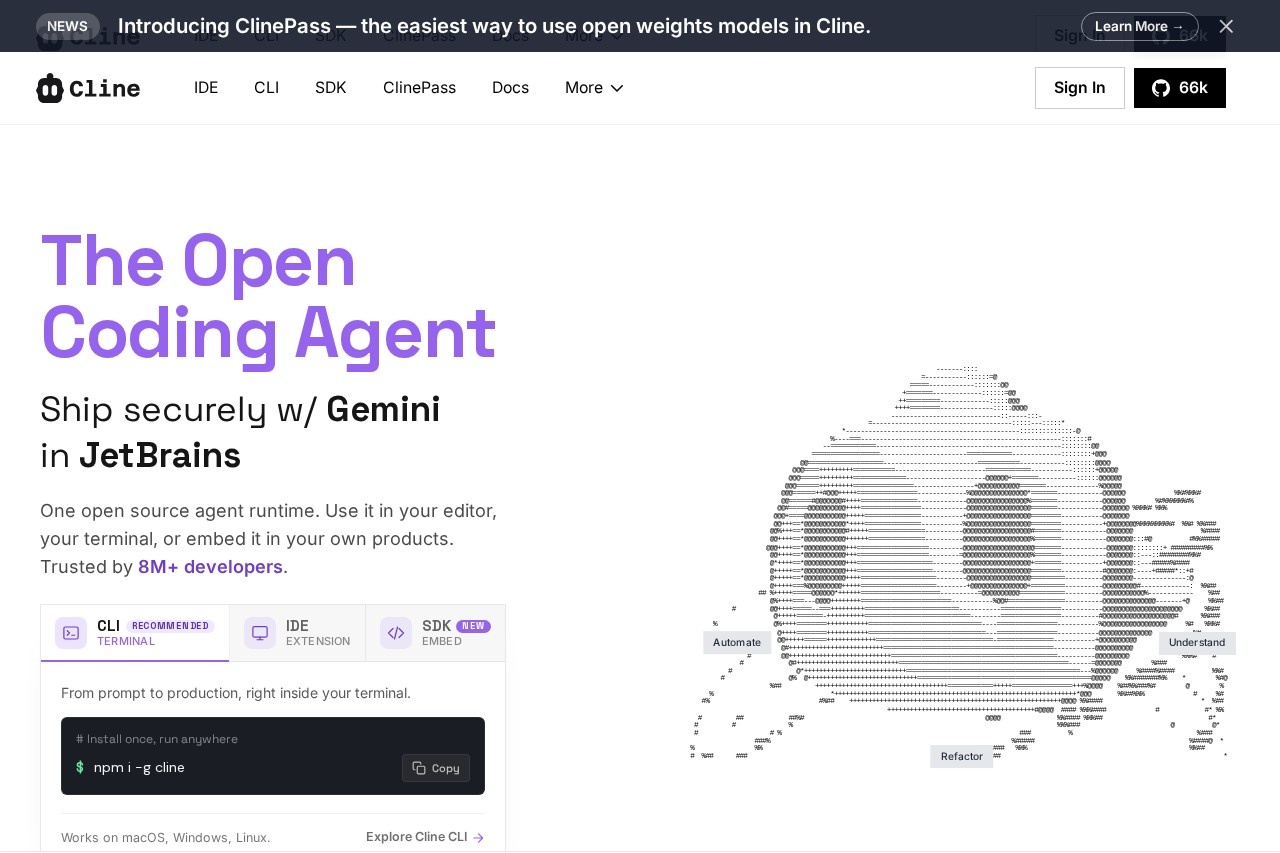
Cline is an open-source AI coding assistant built specifically for VS Code, offering Plan/Act dual modes, MCP integration, and a terminal-first workflow. Trusted by over 5 million developers worldwide, Cline is designed to act as a fully collaborative AI partner for developers, helping engineering teams boost productivity and improve code quality.
Key Features
Pricing & Fees
- Pricing: Cline is free for individual developers; you only pay for AI inference on a usage basis, with no subscriptions or seat fees. Enterprise plans are custom-priced via Contact Sales.
- Open Source plan (Free): Includes the VS Code extension, CLI, MCP Marketplace, multi-root workspaces, secure client-side architecture, and community support; model inference is at cost or bring-your-own-key.
- Bring your own keys: You can use API keys from providers such as OpenAI, Anthropic, Google, and others, giving you direct control over costs. Local models via Ollama or LM Studio are also supported.
- Enterprise plan (Custom): Adds a JetBrains extension, SSO, SLA, dedicated support, centralized billing, role-based access control, team management dashboard, and audit logs; fine-grained permissioning is listed as coming soon.
- No vendor lock-in: Open source with support for many providers (OpenRouter, AWS Bedrock, GCP Vertex, Groq, Cerebras, DeepSeek, and more); you can switch providers or self-host at any time.
Who It's For
Cline is ideal for front-end developers, full-stack engineers, DevOps professionals, and technical teams looking to accelerate their development workflows. It is particularly well-suited for developers using VS Code, as well as those who value open-source transparency and extensible AI tools. For teams working on large-scale projects that require complex code refactoring and cross-file coordination, Cline is an especially strong fit.
Related Tutorials
View all →

Related Tools
View all → Agent-Native Apps Framework Build agentic apps where AI agents and UI share the same database and state. Open source framework with ready-to-fork templates.
 DeepSeek V4.1 Flash DeepSeek V4.1 Flash is DeepSeek's new-generation flagship: a 552B MoE with an asymmetric CED architecture offering native vision, 1M-token context and V4-Pro-beating performance at lower cost.
 Claude Code Templates Browse and install 1000+ pre-built components for Claude Code. Includes AI agents, slash commands, MCP integrations, hooks, and settings. Free, open-source CLI tool.
 goose | Your Open Source AI Agent goose is your open source AI agent.
 jcode by Solo Systems - AI Coding Agent Jcode is an open-source AI coding agent for the terminal by Solo Systems. Fast, memory-equipped, with side panels, background tasks, and swarm coordination.