
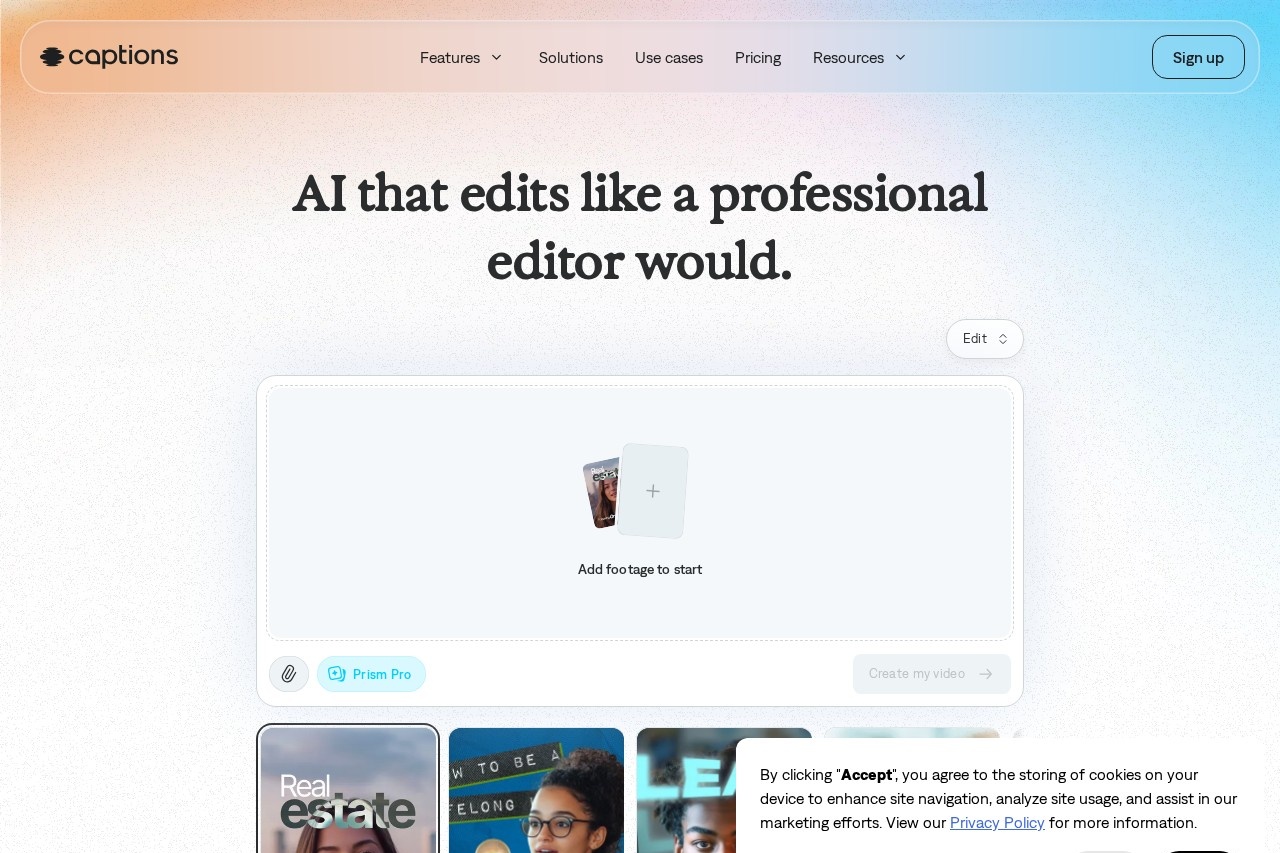
Captions is an AI video editor and generator that turns raw footage into fully edited, captioned videos — or creates new videos with AI avatars — for creators and businesses.
About
Captions is an AI-powered video editing and generation app built by Mirage (operating as NOCAP, Inc.), a company based in New York City. It addresses a common bottleneck in content production: post-production. Instead of spending hours cutting footage, adding captions, sourcing music, and inserting B-roll, users upload a video and let the AI apply a complete edit in a chosen style, or generate an entirely new video without recording anything themselves.
The product works at three levels. First, AI Edit processes an entire uploaded video at once, applying scene cuts, B-roll, zooms, transitions, and music according to a selected style preset. Second, a chat-based editor lets users request changes through plain-language prompts, so no prior editing experience is required. Third, generative features — AI avatars, AI Twins, text-to-video, and AI voiceover — produce new footage from scratch. Captions is available on iOS, Android, and desktop browsers, and the company reports roughly 20 million current users.
Key Features
Pricing & Fees
- Pricing: A free tier covers basic trimming, transitions, and one caption template. Paid plans (as listed for iOS) are Max at $24.99/month with 500 credits and generative features, and Frontier tiers at $69.99, $139.99, and $279.99/month with 1,400 to 5,600 credits and the highest-tier generative models. Enterprise plans use custom pricing with bulk credit discounts, custom seats, and dedicated support.
- Free tier: Captions is free to sign up and download; some features work without a subscription, while the full feature set requires a paid plan.
- Platforms: Available on iOS, Android, and web browsers; finished videos can be published to TikTok, Instagram, YouTube, and other platforms.
- Scale: The company reports about 20 million users, support for 100+ languages, and more than 100 caption styles.
Who It's For
Captions targets content creators and influencers producing short-form social videos, ads, tutorials, and podcast clips at volume. It also serves small businesses and ecommerce brands that need product demos and video ads without a production budget or editing staff, plus marketers and agencies running campaigns across TikTok, Instagram, YouTube, and LinkedIn. Vertical-specific pages address creators in beauty, fitness, food, education, and faith niches, as well as professional services such as real estate, finance, healthcare, legal, and nonprofits. Enterprise teams get SOC 2 compliance, custom-branded templates, role-based permissions, and commercial rights on all output.
FAQ
What is Captions?Captions is an AI video editor and generator, built by Mirage, that turns uploaded footage into fully edited videos or creates new videos from prompts and AI avatars, without requiring editing experience.
Is Captions free to use?Captions is free to download and sign up, and some features work without payment; unlocking the full feature set requires a paid plan, starting with Max at $24.99/month (iOS pricing).
What platforms does Captions run on?It is available on iOS, Android, and desktop web browsers, and it formats output for TikTok, Instagram, YouTube, YouTube Shorts, Facebook, and LinkedIn.
What kinds of videos can Captions edit?It handles vertical and horizontal social content, video ads, podcast clips, tutorials, talking-head videos, product demos, and real estate listing videos, among other formats.
What happened to Mirage Studio?Mirage Studio was merged into Captions; former subscribers can log in to Captions online and find their existing projects and actors in their workspace.
Related Tutorials
View all →

Related Tools
View all → VEED VEED is a browser-based AI video platform that generates, edits, subtitles, translates and dubs videos for marketers, solopreneurs and social media teams.
 Kapwing Kapwing is a browser-based collaborative video editing platform with AI tools for generating videos, subtitles, dubbing, and repurposing content for social media.
 AI Studios AI Studios is DeepBrain AI's all-in-one platform for generating avatar-led videos from text, with 2,000+ AI avatars, 150+ languages of dubbing and text-to-speech, and interactive conversational agents.
 Media.io AI Studio All-in-one AI studio for image, video, and audio editing. Enhance your media with powerful AI tools.
 Sora 2 Powered AI Video Generator Soar2 AI is a video generator powered by Sora 2, enabling users to create high-quality videos from text prompts with advanced AI.