
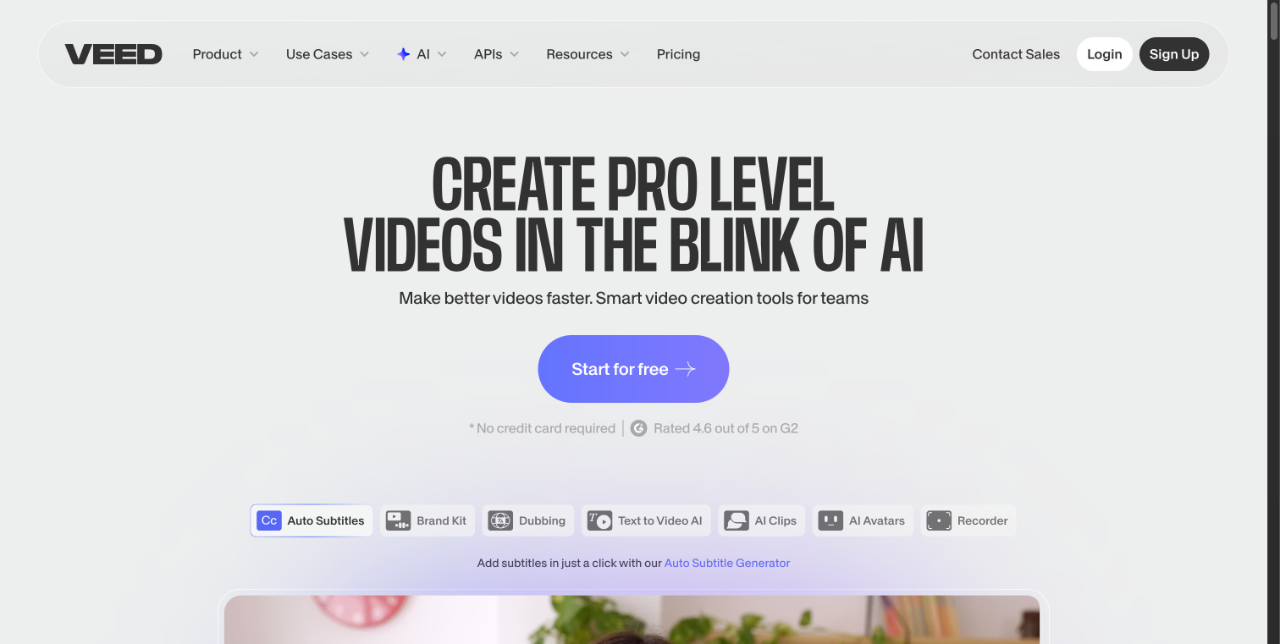
VEED is a browser-based AI video platform that generates, edits, subtitles, translates and dubs videos for marketers, solopreneurs and social media teams.
About
VEED is an online AI video creation and editing platform that combines generation and editing in a single browser-based workflow. It addresses a common bottleneck for small businesses and marketing teams: producing on-brand video content for social platforms without a camera crew, studio or professional editing software.
Users start from a text prompt or template and can generate videos, AI avatars, voices and images, then refine everything in the same editor. VEED also handles subtitles, caption styling, translation, AI dubbing, transcription and recording tools such as a screen recorder, webcam recorder and teleprompter. The company positions the product for marketers and solopreneurs who need feed-ready output for Instagram, TikTok and YouTube, with team and API options for organizations that need to scale production.
Key Features
Pricing & Fees
- Pricing: Not publicly listed on the pages we reviewed; check the official site for current plans. A free starting tier is available, with paid upgrades required for advanced features.
- AI credits system: Paid plans include a monthly or yearly allowance of AI credits for generations; credits refresh on renewal, do not carry over, and users can move to a higher allowance as an upgrade.
- Subtitles limit: All paid plans include unlimited subtitle generation, subject to a fair-use limit of 50 hours per month.
- Billing flexibility: Plans can be cancelled at any time via auto-renewal settings, with premium access continuing to the end of the billing cycle; major cards plus PayPal, Google Pay and Apple Pay are accepted in supported countries.
- Enterprise trial: A paid-plan trial is offered for enterprise customers with a minimum of three users.
Who It's For
VEED is built primarily for marketers and solopreneurs producing social video at a fast pace, including social media managers creating Reels and TikTok clips, UGC advertisers testing ad variations, and thought-leadership or product-demo content creators. It also suits videographers and content producers who want to cut turnaround from weeks to hours, and larger teams that need shared branding, collaboration features and API access to scale video output across channels.
FAQ
What is VEED?VEED is an AI video generation and editing platform that runs in the browser, letting users generate videos, avatars, voices and images from prompts and then edit, subtitle, translate and dub them in one workflow.
Does VEED have a free plan?Yes, users can start for free and upgrade to paid plans for advanced features; exact prices are not shown on the pages reviewed, so check the official pricing page.
Which platforms and tools does VEED support?VEED works in the browser and includes dedicated makers for Instagram, TikTok and YouTube content, plus file conversion tools, screen and webcam recorders, and APIs for team and automated workflows.
How do AI credits work in VEED?Each plan includes a set amount of AI credits per billing period that refresh on renewal and do not carry over; users can upgrade to a higher credit allowance at any time.
Can VEED subscriptions be cancelled anytime?Yes, turning off auto-renewal in the dashboard cancels the plan, and premium features remain available until the end of the current billing cycle.
Related Tutorials
View all →

Related Tools
View all → AI Studios AI Studios is DeepBrain AI's all-in-one platform for generating avatar-led videos from text, with 2,000+ AI avatars, 150+ languages of dubbing and text-to-speech, and interactive conversational agents.
 Sora 2 Powered AI Video Generator Soar2 AI is a video generator powered by Sora 2, enabling users to create high-quality videos from text prompts with advanced AI.
 Kapwing Kapwing is a browser-based collaborative video editing platform with AI tools for generating videos, subtitles, dubbing, and repurposing content for social media.
 Captions Captions is an AI video editor and generator that turns raw footage into fully edited, captioned videos — or creates new videos with AI avatars — for creators and businesses.
 MindVideo AI MindVideo AI is an AI-powered video generation tool that creates videos from text or images, offering a seamless and creative video production experience.