
Aider is an open-source, terminal-based AI pair programming tool that connects large language models to a local codebase to write, edit, and commit code changes.
About
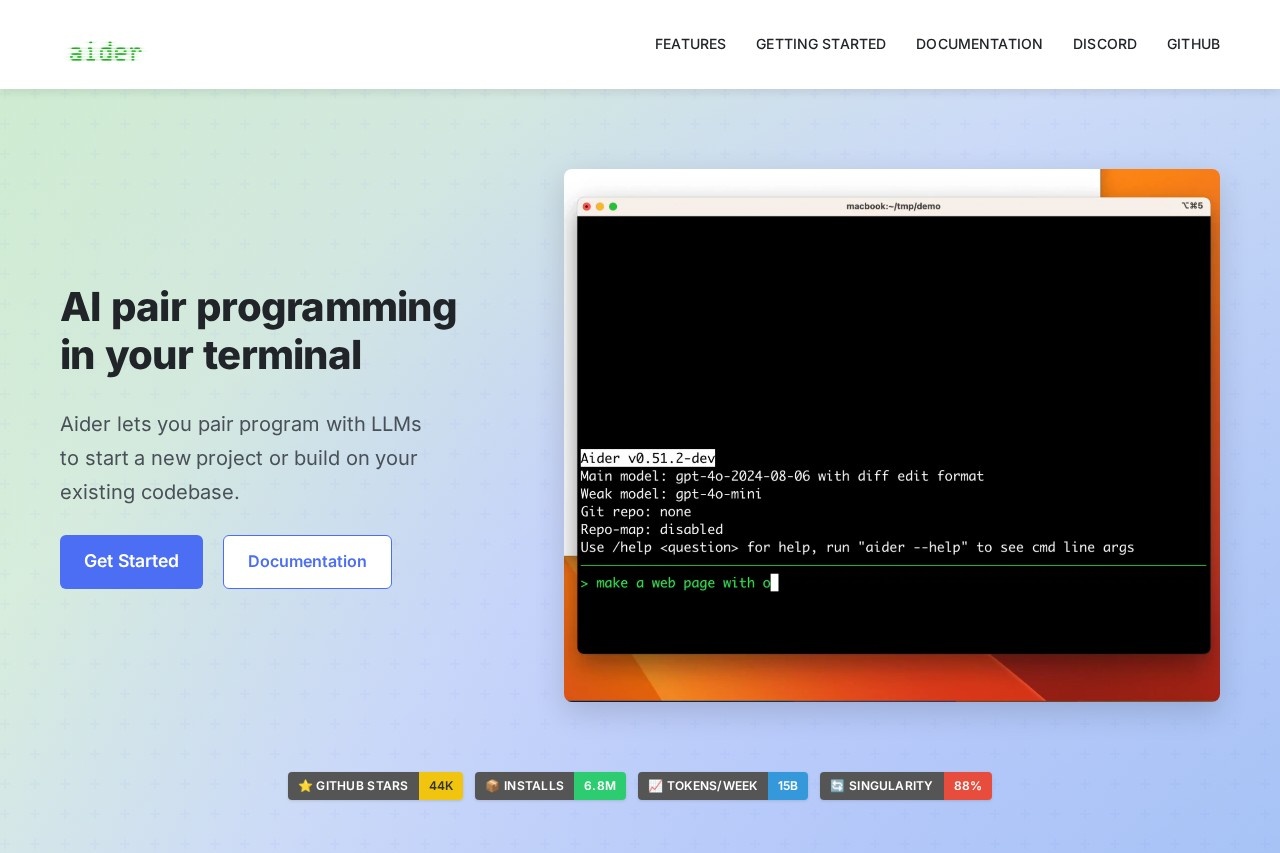
Aider is an open-source command-line tool that lets developers collaborate with large language models (LLMs) directly in their terminal. It addresses a common frustration with AI coding assistants: applying an LLM's suggested changes to real files without endless copy-pasting. Aider edits source files in a project, describes what it changed, and manages version control alongside the developer.
The tool works by taking a request in chat form, building a map of the repository so it understands how files relate to one another, and then making targeted edits. It automatically commits each change to Git with a descriptive message, so every AI modification can be reviewed, diffed, or undone with standard Git commands. Aider is distributed as a Python package and connects to cloud LLM APIs or locally hosted models. The project is maintained publicly on GitHub and is free to use, though users supply their own model access.
Key Features
Pricing & Fees
- Pricing: Not publicly listed on the pages we reviewed; check the official site for current plans.
- Open source and free to install: Aider is installed via `python -m pip install aider-install` and is available on GitHub.
- Flexible model access: Users bring their own API keys (for example, DeepSeek, Anthropic, or OpenAI) or connect a local model.
- Web-chat fallback: For those without API access, Aider streamlines copying code back and forth between the terminal and a browser-based LLM chat.
Who It's For
Aider is aimed at developers who live in the terminal and want an LLM to make direct, version-controlled edits to real projects. Typical users include backend and full-stack engineers maintaining existing codebases, open-source contributors adding features or tests, and solo developers prototyping new applications. It suits anyone who wants AI-generated changes committed cleanly to Git, automatically linted and tested, and reversible with standard tooling. Developers who prefer local models for privacy or cost reasons can also use it with locally hosted LLMs instead of cloud APIs.
FAQ
What is Aider?Aider is an open-source AI pair programming tool that runs in the terminal, letting developers collaborate with LLMs to start new projects or modify existing codebases with automatic Git commits.
Is Aider free to use?The Aider software itself is free and open source; however, it does not publish pricing on the pages reviewed, and users typically provide their own LLM API keys or run local models.
Which models does Aider support?It performs best with Claude 3.7 Sonnet, DeepSeek R1 and Chat V3, and OpenAI o1, o3-mini, and GPT-4o, but it can connect to almost any LLM, including locally hosted models.
Does Aider work with my editor and programming language?Aider can be used from within an IDE or editor and supports more than 100 languages, including Python, JavaScript, Rust, Go, and C++.
How does Aider keep AI changes under control?It commits every edit to Git with descriptive messages, runs linters and tests after changes, and can attempt fixes for any problems those checks detect.
Related Tutorials
View all →

Related Tools
View all → Google Antigravity Google Antigravity is Google's agentic development platform that lets developers build, automate, and verify software with AI agents across an IDE, desktop app, CLI, and SDK.
 Orca Orca is a free, open-source Agent Development Environment that runs CLI coding agents like Claude Code, Codex, and Gemini in parallel across isolated git worktrees.
 CodeWhisperer CodeWhisperer is an AI-powered code generator that provides real-time suggestions and automates repetitive coding tasks, enhancing development efficiency.
 Augment Code Augment Code is an AI coding assistant that enhances developer workflows with intelligent code completion, refactoring, and explanation. It integrates seamlessly to improve code quality and efficiency.
 CodeBuddy - AI-Powered IDE for Efficient Coding CodeBuddy is an AI-driven IDE that boosts coding efficiency with intelligent assistance.