
Why Choose It
- Fully web-based—works on any device with a browser.
- AI automation delivers professional results in seconds.
- Preserves natural details while enhancing overall quality.
- Fast processing with no complicated settings to learn.
AI Photo Editor offers browser-based AI photo enhancement, background removal, upscaling, and portrait retouching.
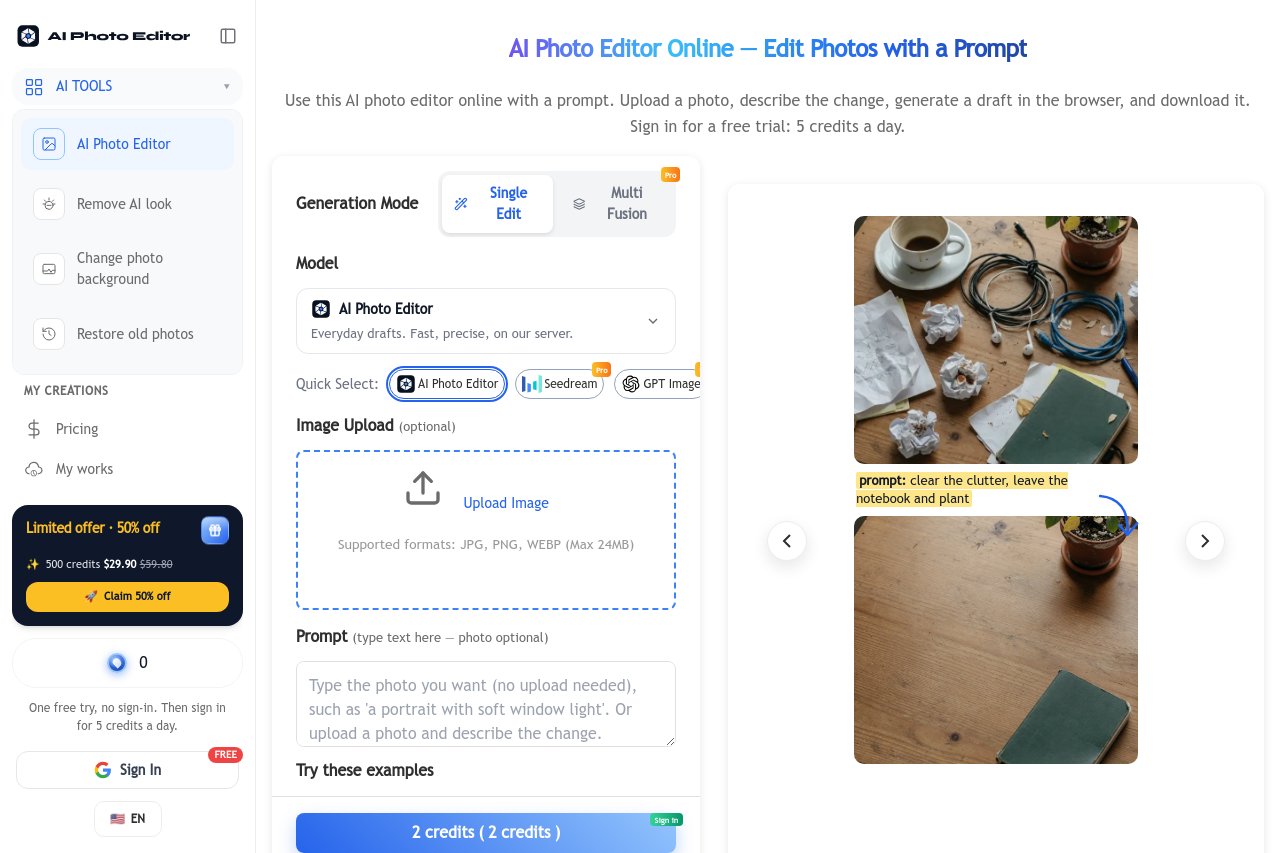
AI Photo Editor is a powerful browser-based editing platform that brings professional-grade photo editing to everyone. Combining photo restoration, background removal, image upscaling, smart object removal, and portrait retouching in one place, it removes the need for expensive desktop software. Simply visit the website, upload a photo, and let AI handle the rest—no installation, no learning curve, no technical skills required.
AI Photo Editor is ideal for e-commerce sellers preparing product shots, designers and content creators working on tight deadlines, photographers restoring family archives, social media enthusiasts polishing their posts, and everyday users who simply want better-looking pictures without the hassle of traditional editing tools.


 Best Free AI Photo Editor & Video Generator Online | YouCam YouCam offers free AI-powered photo editing and video generation tools for creative projects.
 AI Background Remover Remove backgrounds from images automatically with AI technology.
 Pixa | Free AI Photo Editor A free AI-powered photo editor that simplifies image enhancement and editing with intelligent tools.
 PicWish PicWish is an AI photo editor that removes backgrounds, enhances image quality, restores old photos, and generates AI backgrounds for e-commerce sellers, designers, and casual users.
 PixPretty - Professional AI Portraits Photo Retoucher Tenorshare PixPretty is a professional AI portrait retoucher that helps you retouch, enhance, and transform portraits with ease and precision.