Pixa | Free AI Photo Editor
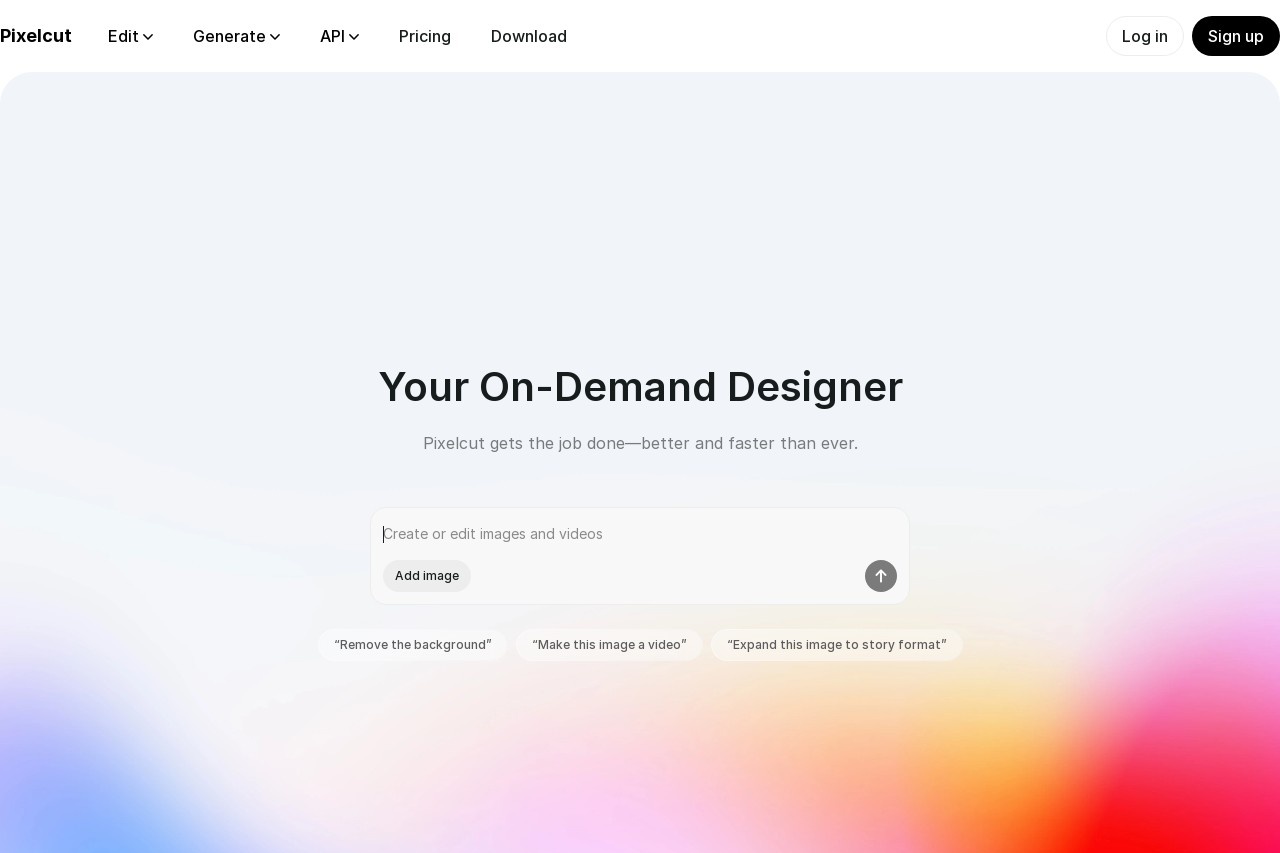
欢迎来到Pixelcut
Pixelcut是一个创新的在线平台,致力于为用户提供简单易用的人工智能工具,专注于照片编辑与优化。无论您是专业设计师还是普通用户,Pixelcut都能帮助您快速提升图片质量,节省宝贵时间。
主要功能
Pixelcut提供一系列强大的AI驱动功能,让照片编辑变得前所未有的简单。以下是我们的一些核心功能:
- 智能背景移除:一键自动检测并移除图片背景,无需复杂操作。
- 图像增强:AI算法自动优化亮度、对比度和色彩,使照片更生动。
- 对象识别与编辑:智能识别图片中的对象,允许您进行精确调整。
- 批量处理:支持一次性处理多张图片,提高工作效率。
- 模板与滤镜:提供丰富的预设模板和滤镜,轻松创建专业级效果。
特色优势
Pixelcut的优势在于其用户友好性和AI技术的完美结合。我们专注于让复杂的技术变得触手可及:
- 易用性:界面直观,无需学习曲线,任何人都能快速上手。
- 高效性:AI自动化处理,节省高达90%的编辑时间。
- 高质量输出:基于先进算法,确保编辑后的图片保持高分辨率和无损质量。
- 云端支持:所有操作在云端进行,无需下载软件,随时随地访问。
- affordability:提供免费和实惠的付费计划,满足不同用户需求。
适用人群
Pixelcut适合各种用户群体,无论您是个人爱好者还是专业人士:
- 社交媒体用户:快速创建吸引人的帖子图片,提升在线存在感。
- 电子商务卖家:优化产品图片,提高销售转化率。
- 摄影师和设计师:作为辅助工具,加速工作流程。
- 普通用户:轻松编辑家庭照片或旅行纪念照,分享美好瞬间。
- 小型企业:低成本创建营销材料,增强品牌形象。
常见问题
以下是一些用户常问的问题,帮助您更好地了解Pixelcut:
- Pixelcut是免费的吗? 我们提供免费基本版,以及包含高级功能的付费订阅计划。
- 我需要安装软件吗? 不需要,Pixelcut是基于云端的服务,只需浏览器即可使用。
- 编辑后的图片会降低质量吗? 不会,我们的AI技术确保输出高质量、高分辨率的图片。
- 支持哪些文件格式? 我们支持常见格式如JPG、PNG和WEBP。
- 如何获取支持? 通过网站上的联系表单或帮助中心,我们的团队会及时响应。
English
Welcome to Pixelcut
Pixelcut is an innovative online platform dedicated to providing users with easy-to-use AI tools focused on photo editing and enhancement. Whether you are a professional designer or a regular user, Pixelcut helps you quickly improve image quality and save valuable time.
Key Features
Pixelcut offers a range of powerful AI-driven features that make photo editing easier than ever before. Here are some of our core features:
- Smart Background Removal: Automatically detects and removes image backgrounds with one click—no complex steps required.
- Image Enhancement: AI algorithms automatically optimize brightness, contrast, and color to make photos more vibrant.
- Object Recognition & Editing: Intelligently identifies objects in images, allowing you to make precise adjustments.
- Batch Processing: Supports processing multiple images at once to boost productivity.
- Templates & Filters: Provides a rich library of preset templates and filters for creating professional-grade results with ease.
Highlights
Pixelcut's strength lies in its perfect combination of user-friendliness and AI technology. We focus on making complex technology accessible to everyone:
- Ease of Use: Intuitive interface with no learning curve—anyone can get started right away.
- Efficiency: AI automation saves up to 90% of editing time.
- High-Quality Output: Advanced algorithms ensure edited images retain high resolution and lossless quality.
- Cloud-Based: All operations run in the cloud—no software downloads needed, accessible anytime, anywhere.
- Affordability: Offers free and budget-friendly paid plans to suit different user needs.
Who It's For
Pixelcut is suitable for a wide range of users, whether you're an individual enthusiast or a professional:
- Social Media Users: Quickly create eye-catching post images to boost your online presence.
- E-commerce Sellers: Optimize product images to increase sales conversion rates.
- Photographers & Designers: Use as a supporting tool to speed up your workflow.
- Everyday Users: Easily edit family photos or travel memories to share special moments.
- Small Businesses: Create marketing materials at low cost to strengthen brand image.
FAQ
Here are some frequently asked questions to help you better understand Pixelcut:
- Is Pixelcut free? We offer a free basic version, as well as paid subscription plans that include advanced features.
- Do I need to install any software? No—Pixelcut is a cloud-based service that only requires a browser.
- Will edited images lose quality? No—our AI technology ensures high-quality, high-resolution output.
- What file formats are supported? We support common formats such as JPG, PNG, and WEBP.
- How can I get support? Through the contact form or help center on our website—our team responds promptly.