
AI HomeDesign is a web-based photo editing toolkit that virtually stages, declutters, enhances, and renovates real estate listing photos for agents and brokerages.
About
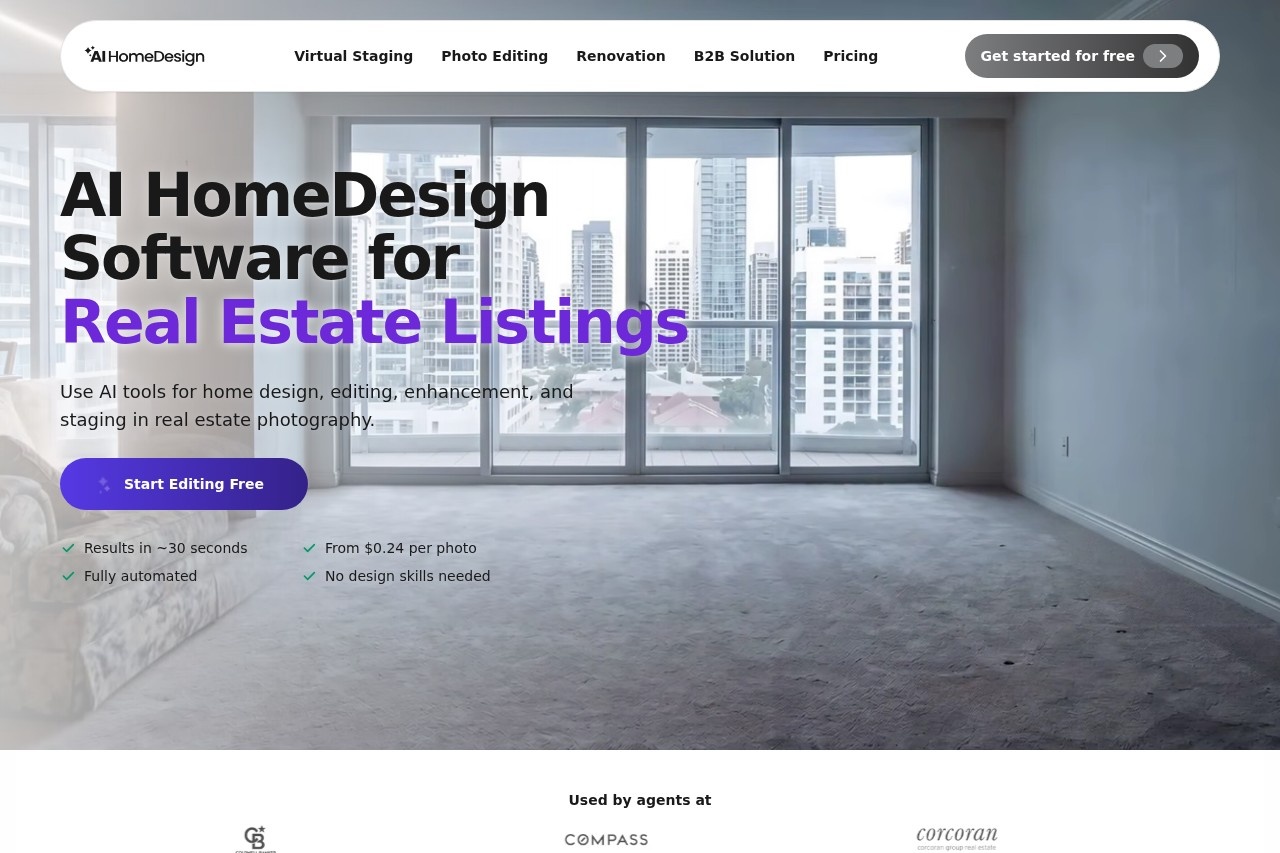
AI HomeDesign is a browser-based AI toolbox built specifically for real estate photography. It addresses a common problem for agents and photographers: preparing listing photos quickly without hiring a staging company or a manual retoucher. A single empty or cluttered room photo can be furnished, cleaned up, color-corrected, or converted to a twilight exterior in roughly thirty seconds.
The workflow is deliberately simple. A user uploads a property photo, the system analyzes it, and the user picks a service — virtual staging, photo editing, or renovation. Results can be regenerated in different styles or refined with chat-based instructions before downloading watermark-free, MLS-ready images. The company also offers an API, an MCP server, and single sign-on for brokerages, MLSs, and service partners that need to process photos at high volume. A free account lets new users generate their first photos without a credit card.
Key Features
Pricing & Fees
- Pricing: Paid plans start at $19/month (Pro, 30 photos), $29/month (Pro Plus, 80 photos), and $49/month (Enterprise, 200+ photos) when billed yearly; monthly billing costs more ($35, $59, and from $99 respectively). Per-photo cost drops to $0.24 at the Enterprise tier, and billing is available in USD, GBP, EUR, and CAD.
- Free tier and refund: Users can create an account and generate their first photos free with no card required, and first-time subscribers can request a full refund within 7 days if 3 or fewer generations were used.
- B2B and integrations: Enterprise plans add priority support, a REST API with webhooks, an MCP server, SSO, and sub-accounts, scaling from 200 up to 10,000 photos per month.
- Plan extras: Unused photos roll over on paid plans, downloads are watermark-free, and image backup ranges from 6 months (Pro) to unlimited (Enterprise).
Who It's For
The primary audience is real estate agents who need listing photos staged or cleaned up quickly, including agents working with house flippers who have no staging budget. Real estate photographers can use it to enhance and correct full photo sets. Brokerages, MLSs, and service partners form the B2B side, using the API and SSO to keep visual output consistent across large teams. Homeowners preparing a property for sale and interior design enthusiasts comparing renovation options are secondary users.
FAQ
What is AI HomeDesign?AI HomeDesign is a web application with 11 AI tools that virtually stage, edit, enhance, and renovate real estate listing photos, delivered in the browser with no design skills required.
Is there a free plan?Yes — users can create an account and generate their first photos for free without a credit card, and paid plans start at $19/month when billed yearly.
Does AI HomeDesign offer an API?Yes, the Enterprise plan includes REST API access, webhooks, an MCP server, single sign-on, and sub-accounts for high-volume workflows.
How does pricing work compared with other AI photo tools?AI HomeDesign charges per photo rather than per generation, so all edits, restyles, and variations on the same photo consume a single credit.
Can plans be cancelled?Yes — subscribers can turn off auto-renewal from the billing page in two clicks, and first-time subscribers can request a full refund within 7 days if 3 or fewer generations were used.
Related Tutorials
View all →

Related Tools
View all → Collov AI Collov AI is a virtual staging and AI photo editing platform that furnishes empty rooms in real estate photos, helping agents, photographers, and designers market listings faster.
 ReimagineHome AI interior design and virtual staging tool that turns room photos into shoppable, budget-aware redesigns and listing-ready property galleries.
 FengMyShui FengMyShui retouches and composites existing photos of manufactured, modular, prefab, ADU and park model homes into realistic new settings, with AI assistance and human quality checks.
 GetFloorPlan GetFloorPlan is an AI service that turns a 2D floor plan into furnished 3D renderings and virtual tours, aimed at real estate agents, architects, and property marketers.
 Cleanup.pictures Cleanup.pictures is a free AI inpainting tool that removes unwanted objects, people, text, logos, watermarks and blemishes from photos in seconds, with a Pro plan for high-resolution exports.