
Xinva is an AI design generator that turns text prompts into T-shirt designs, stickers, patterns, tattoos and more for print-on-demand sellers and creators.
About
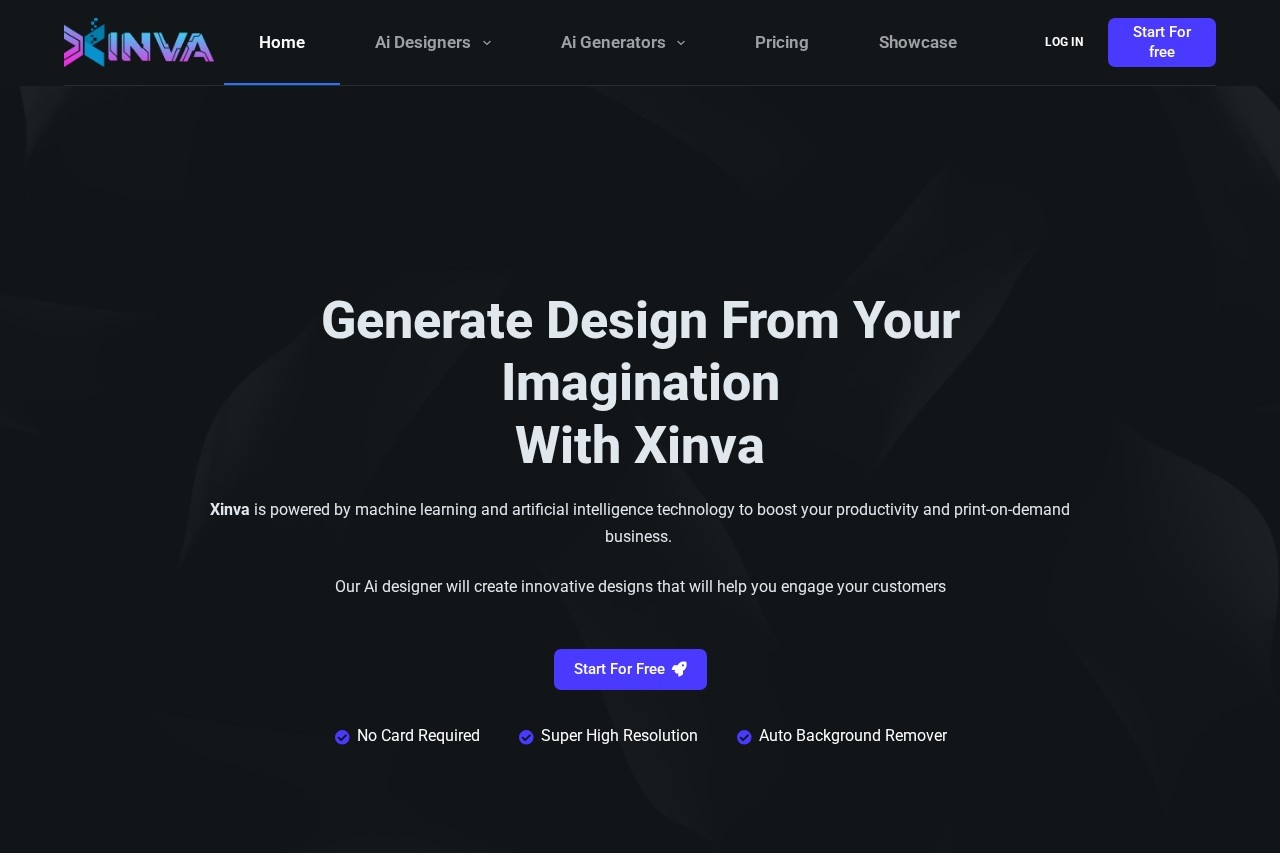
Xinva is a web-based AI design generator that converts written prompts into ready-to-use visuals, built primarily for print-on-demand sellers who need a steady supply of original designs. Instead of hiring illustrators or hand-drawing artwork, users describe an idea in a prompt box and receive generated designs they can refine, clean up and download.
The tool, operated by MAXIMA AI LTD (a company registered in the United Kingdom, company number 14804831), offers dedicated generators for T-shirt designs, stickers, patterns, furry art and tattoos, plus additional generators for cartoons, NFTs and backgrounds. The workflow is straightforward: type a description, generate variations, remove the background with a built-in tool, and download the result at increased resolution. A free tier with monthly credits lets new users try the service before paying.
Key Features
Pricing & Fees
- Pricing: A free plan gives 5 credits per month. Xinva Pro costs $29 for 250 credits with no expiry; Xinva Pro+ costs $55 for 500 credits with no expiry. A Premium monthly plan is $39/month (unlimited V1 credits, 500 V2 credits) and a yearly plan is $239/year (unlimited V1 credits, 6,500 V2 credits).
- Free tier: The $0 plan includes commercial use, the AI background remover, the prompt idea generator and the weekly prompt newsletter, though paid plans add features such as no ads and access to Version 2.
- No card required to start: The site states users can begin for free without entering a payment card.
- Custom credit offers: The vendor invites teams with larger needs to contact it for tailored credit packages.
Who It's For
Xinva is aimed at print-on-demand store owners who need frequent, unique designs for merchandise, as well as freelance designers, editors and small business owners looking to cut design costs and turnaround time. It suits sellers building inventory for T-shirt and sticker lines, creators exploring visual ideas quickly, and anyone who wants AI-generated artwork with commercial usage rights. Users who need precise, brand-controlled artwork may still prefer manual design, but Xinva targets those who value volume and speed.
FAQ
What is Xinva?Xinva is an AI design generator from MAXIMA AI LTD that turns text prompts into designs for T-shirts, stickers, patterns, tattoos and other formats, mainly for print-on-demand businesses.
Does Xinva have a free plan?Yes, the free plan provides 5 credits per month and includes commercial use, the background remover, the prompt idea generator and the weekly prompt newsletter.
How much does Xinva cost?Credit packs are $29 for 250 credits (Xinva Pro) and $55 for 500 credits (Xinva Pro+) with no expiry; a Premium plan costs $39/month or $239/year with unlimited Version 1 credits.
How does the Xinva workflow work?Users type a prompt, click Generate, optionally click Regenerate for variations, use Remove BG to strip the background, and download the design with automatic resolution upscaling.
Can generated designs be used commercially?Yes, the pricing page lists commercial use as included on every plan, including the free tier.
Related Tutorials
View all →
Related Tools
View all → DesignKit DesignKit provides a suite of AI-powered design tools to enhance creativity and efficiency, making design accessible to everyone.
  Microsoft Designer Create stunning designs with AI-powered tools. Effortlessly craft graphics, presentations, and more.
  AI Logo Generator Create unique logos with AI. Generate professional designs, brand kits, and VI in minutes.
  Looka - Logo Design Design a professional logo in minutes with Looka's AI-powered branding tools.
  Kivo Kivo is an AI presentation maker that generates deck designs inspired by reference visuals, then lets users edit slides in a canvas-style editor.