
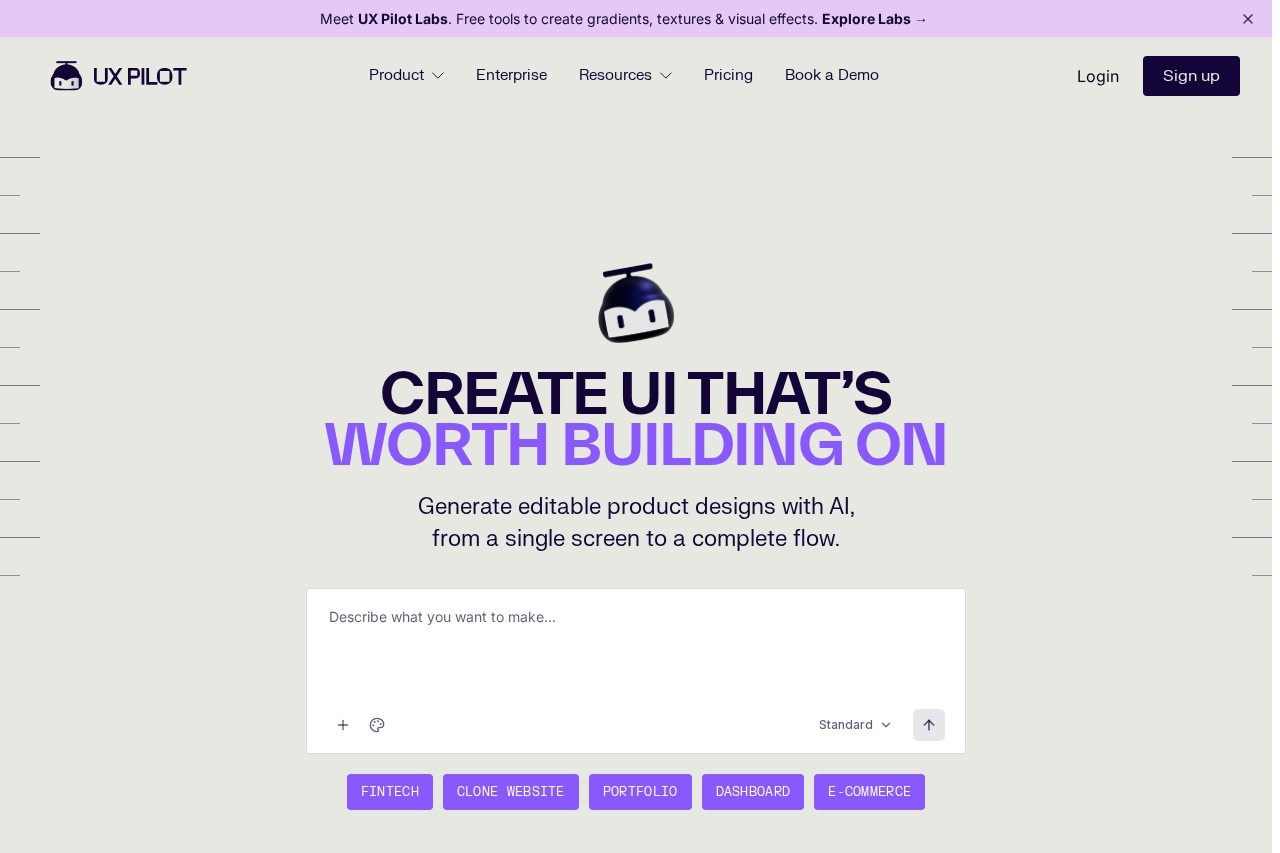
UX Pilot is an AI design automation platform that turns prompts, PRDs, and sketches into editable UI designs, wireframes, multi-screen flows, and exportable code for product teams.
About
UX Pilot is an AI-powered design automation platform that helps product teams move from idea to interface quickly. It addresses a common bottleneck in product development: the time spent turning requirements, sketches, and rough concepts into structured, editable UI designs. Instead of drawing wireframes block by block, users describe what they need or upload existing inputs, and UX Pilot produces editable designs.
The platform accepts text prompts, product requirements documents (PRDs), sketches, PDFs, and screenshots as starting points. It generates wireframes at low or high fidelity, converts them into polished high-fidelity screens, and supports export to Figma or as ready-to-build code. UX Pilot was founded in 2023 by Adam Fard and is headquartered in New York, United States. The company states that more than one million users have generated over one million high-fidelity designs with the tool. It is positioned as a way to augment designers and product teams rather than replace them.
Key Features
Pricing & Fees
- Pricing: A free plan is available with no credit card required; paid plans start at $14 per month, and a managed enterprise design system service is offered separately.
- Free tier: The site repeatedly invites users to start generating for free, so teams can evaluate output quality before paying.
- Enterprise options: Enterprise plans include security features, SSO (SAML and SCIM), admin controls, custom data retention, and Enterprise API access.
- Learning resources: An AI Handbook, tutorials, guides, and a Slack community support onboarding and skill-building.
Who It's For
UX Pilot is aimed at product managers, UX and UI designers, startup founders, and agencies that need to produce interface designs quickly. Typical uses include generating landing pages and full websites, designing mobile and web app screens with connected flows, cloning an existing site's structure from a URL or screenshot, and preparing client deliverables such as dashboards and marketing sites. Enterprise product teams and high-velocity startups can use its design system tuning to keep AI-generated work on brand.
FAQ
What is UX Pilot?UX Pilot is an AI design automation platform that turns prompts, PRDs, sketches, and references into editable UI designs, wireframes, multi-screen flows, and exportable code.
Does UX Pilot have a free plan?Yes, UX Pilot offers a free plan that requires no credit card, and paid plans start at $14 per month according to the company's published information.
Does UX Pilot work with Figma?Yes, UX Pilot has a two-way connection with Figma, and its Nodey agent operates inside Figma to generate editable layers on the canvas; designs can also be exported to Figma for collaboration.
Can I customize the designs the AI generates?Yes, the generated designs are editable, and teams can import their own Figma components to build a custom AI model that keeps output consistent with their design system.
What does UX Pilot offer for enterprise teams?Enterprise plans add SSO (SAML and SCIM), admin controls, team governance, custom data retention, and Enterprise API access, along with a managed design system service the company says reaches high on-brand accuracy.
Related Tutorials
View all →
Related Tools
View all → Motiff Motiff was an AI-driven UI design tool from Kanyun Software in Beijing offering AI interface generation, cloud collaboration, prototyping, and design-to-code handoff. The service was discontinued on July 31, 2026.
  Banani Banani is an AI UI design tool that turns text prompts, images, and Figma references into editable, clickable multi-screen prototypes for product teams and non-designers.
  Visily Visily is an AI-powered UI design tool that lets non-designers create high-fidelity wireframes and prototypes for websites and mobile apps without a learning curve. Diagram Diagram builds AI-powered design tools, including the Magician plugin, that help product designers generate assets and automate repetitive tasks inside Figma.