
Banani is an AI UI design tool that turns text prompts, images, and Figma references into editable, clickable multi-screen prototypes for product teams and non-designers.
About
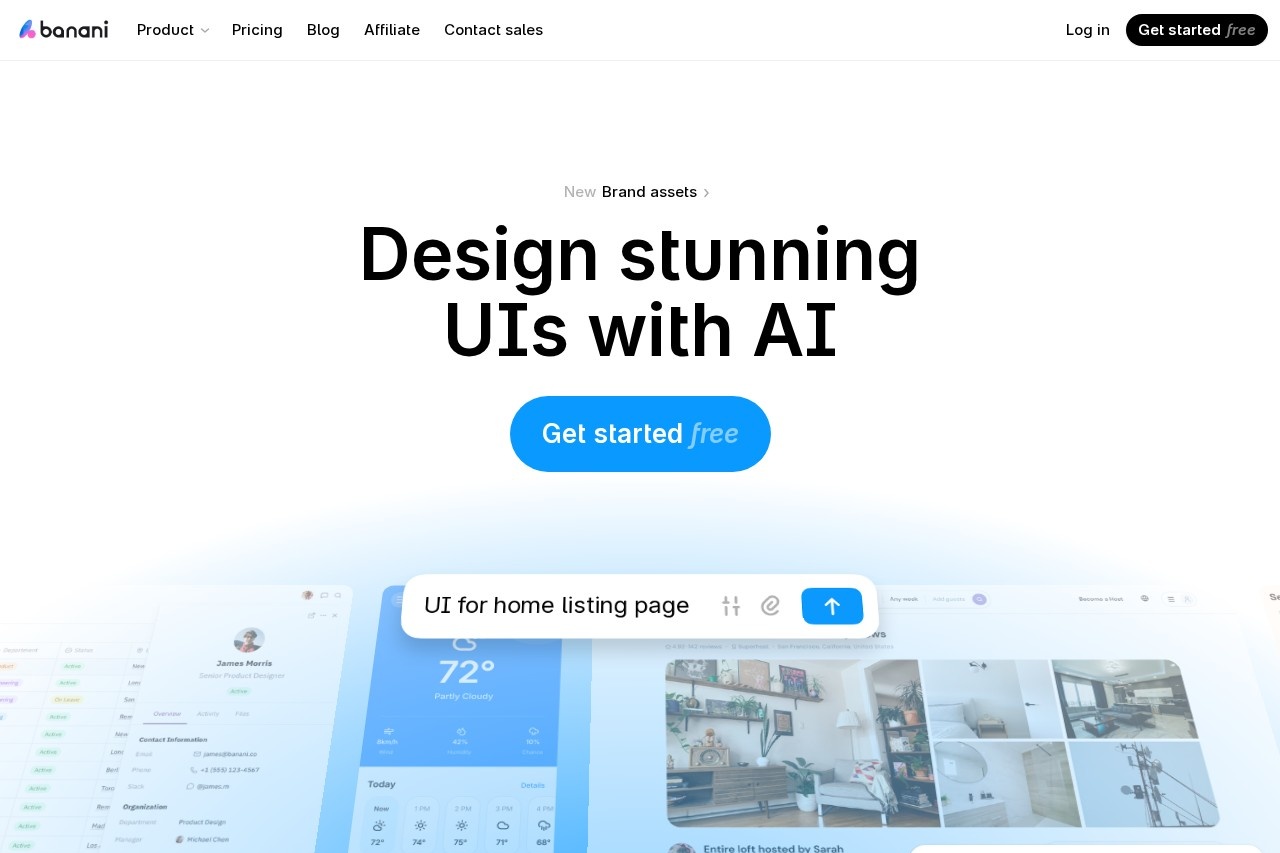
Banani is an AI-powered UI design tool that generates editable, multi-screen interface prototypes from plain-language descriptions, reference images, screenshots, or Figma links. It addresses a common bottleneck for product teams: turning ideas into visual, clickable designs quickly without requiring dedicated design resources or advanced design skills.
Users describe a product in text, and Banani produces an interactive prototype that can be refined through clicks or chat prompts, with manual control over colors, typography, and design tokens. Finished designs can be shared via a link or exported to Figma, HTML/CSS, or images. The company was founded by Vlad Solomakha and Vova Parkhomchuk and describes itself as a small team of designers and developers.
Key Features
Pricing & Fees
- Pricing: A free plan includes 12 monthly credits plus 3 daily credits and private projects; Plus is $12/month billed yearly ($20 monthly) with 100 monthly credits, 10 daily credits, unlimited Figma export, 3x generation speed, and code export; Pro is $30/month billed yearly ($50 monthly) with unlimited credits, the highest generation speed, and priority support. Enterprise plans with SSO and custom integrations are available by contacting sales.
- Credit system: A single generation typically costs more than one credit, depending on task complexity.
- Free tier: A free plan is available to get started.
- Audience: The vendor states the tool is used by more than 100,000 users and companies.
Who It's For
Banani is aimed at product teams that need to produce UI quickly: product managers creating wireframes to communicate ideas, startup founders and indie hackers validating concepts, engineers without a designer on hand, and designers who want an AI copilot to handle repetitive work. Typical use cases include SaaS dashboards, mobile app screens (iOS and Android), landing pages, wireframes, and rapid design ideation from prompts or existing references.
FAQ
What is Banani?Banani is an AI UI design tool that generates ready-to-edit designs and interactive prototypes from text prompts, references, and product requirement documents.
Is there a free plan?Yes, the free plan includes 12 monthly credits, 3 daily credits, and private projects at no cost.
Can I export designs from Banani?Yes, designs can be exported to Figma, as HTML/CSS code, or as images, and Banani can be connected over MCP so coding agents can access designs directly.
How much does a paid plan cost?Plus costs $12/month billed yearly or $20 month-to-month, and Pro costs $30/month billed yearly or $50 month-to-month; both include Agent mode, and Pro removes credit limits.
Who founded Banani?Banani was founded by Vlad Solomakha and Vova Parkhomchuk.
Related Tutorials
View all →
Related Tools
View all → Variant Variant is a web-based design tool that turns a short idea for an app or website into a continuous stream of AI-generated design options you browse by scrolling.
  Motiff Motiff was an AI-driven UI design tool from Kanyun Software in Beijing offering AI interface generation, cloud collaboration, prototyping, and design-to-code handoff. The service was discontinued on July 31, 2026.
  DesignKit DesignKit provides a suite of AI-powered design tools to enhance creativity and efficiency, making design accessible to everyone.
  Microsoft Designer Create stunning designs with AI-powered tools. Effortlessly craft graphics, presentations, and more.
  AI Logo Generator Create unique logos with AI. Generate professional designs, brand kits, and VI in minutes.