
Transkriptor is an AI transcription and meeting assistant that converts audio and video files into editable, searchable text in 100+ languages, with AI summaries and chat.
About
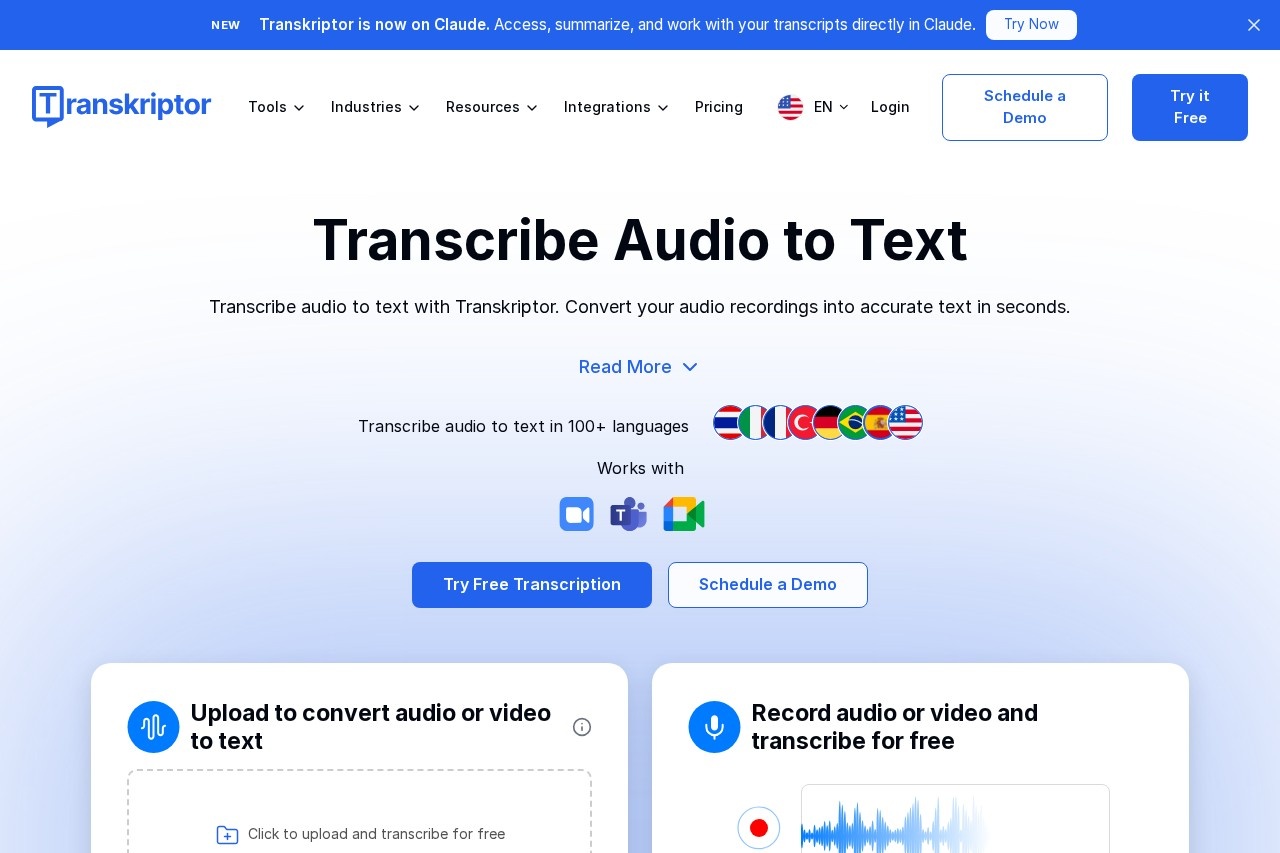
Transkriptor is an AI-powered transcription service and meeting assistant that turns audio and video recordings into accurate, editable text. It addresses a common problem: professionals spend hours manually taking notes and writing up meetings, interviews, lectures, and calls. Transkriptor automates that work by transcribing recordings, generating summaries, and extracting action items, which the vendor says can cut note-taking time substantially.
The service works across several input paths. Users can upload audio or video files in common formats such as MP3, MP4, and WAV, paste a YouTube link, or record meetings directly from Zoom, Google Meet, and Microsoft Teams. Transcripts include speaker identification and timestamps, and the built-in AI chat lets users ask questions about their transcripts. Transkriptor supports more than 100 languages for transcription, translation, and subtitles, and it runs on the web, as a Chrome extension, in desktop apps, and on iOS and Android. A free tier is available, with paid plans offering more minutes and additional AI features.
Key Features
Pricing & Fees
- Pricing: Free plan available; Lite at $9.99/month (300 minutes), Pro at $19.99/month (2,400 minutes, AI summary and chat), Team at $30/month/seat (3,000 minutes per seat, custom vocabulary, call analytics). Annual billing reduces Pro to $8.33/month and Team to $20/month/seat. Bulk hourly plans (100–1,000 hours/month) are also offered, and education users get 50% off.
- Free option: A free transcription tier is available for trying the service before paying.
- Reputation: Transkriptor is rated 4.8/5 on Trustpilot, 4.8/5 on Capterra, and 4.7/5 on G2, according to its website.
- Data handling: On the Pro plan and above, the vendor states that user data is not used for training purposes.
Who It's For
Transkriptor targets professionals and students who need reliable written records of spoken content. Journalists can transcribe interviews, lawyers can document client conversations, and psychologists can keep session notes. Sales managers use it to capture commitments and follow-ups from calls, while doctors and nurses transcribe clinical discussions. Students and lecturers convert classes into searchable notes and summaries, and consultants document client meetings. IT managers and teams that run frequent online meetings can use the analytics and shared workspace features to track decisions across the organization.
FAQ
What is Transkriptor?Transkriptor is an AI transcription and meeting assistant that converts audio and video into editable, searchable text in more than 100 languages, with AI summaries, chat, and translation.
Does Transkriptor have a free plan?Yes, a free transcription plan is available, and paid plans start at $9.99 per month for 300 minutes of transcription.
Which platforms and meeting tools does Transkriptor work with?It runs on the web, as a Chrome extension, on desktop, and on iOS and Android, and it records and transcribes meetings from Zoom, Google Meet, and Microsoft Teams.
How accurate is Transkriptor?The vendor advertises transcription accuracy of up to 99%, though real-world accuracy depends on audio quality, speakers, and language.
Does Transkriptor use my data for training?On the Pro plan and above, the company states that user data is not used for training purposes; users should review the official security and privacy pages for details.
Related Tutorials
View all →
Related Tools
View all → AI Translator - Accurate Translation AI Translator provides high-accuracy translations with 98% precision, supporting 1200+ AI models and 100+ languages.
  Clipto.AI Clipto.AI is a local-first desktop app that turns videos, audio, meetings and documents into one searchable AI memory, with transcription and natural language search. TurboScribe TurboScribe is an AI transcription service that converts audio and video files into text, supporting transcription in dozens of languages for professionals and creators.
  Fathom Fathom is a free-to-start AI notetaker that records, transcribes, and summarizes meetings on Zoom, Google Meet, Microsoft Teams, and Slack Huddles, and sends notes and action items to your CRM. HEROZ HEROZ is a Japanese AI company that applies machine learning techniques developed through shogi AI research to deliver AI solutions and products across industries.