
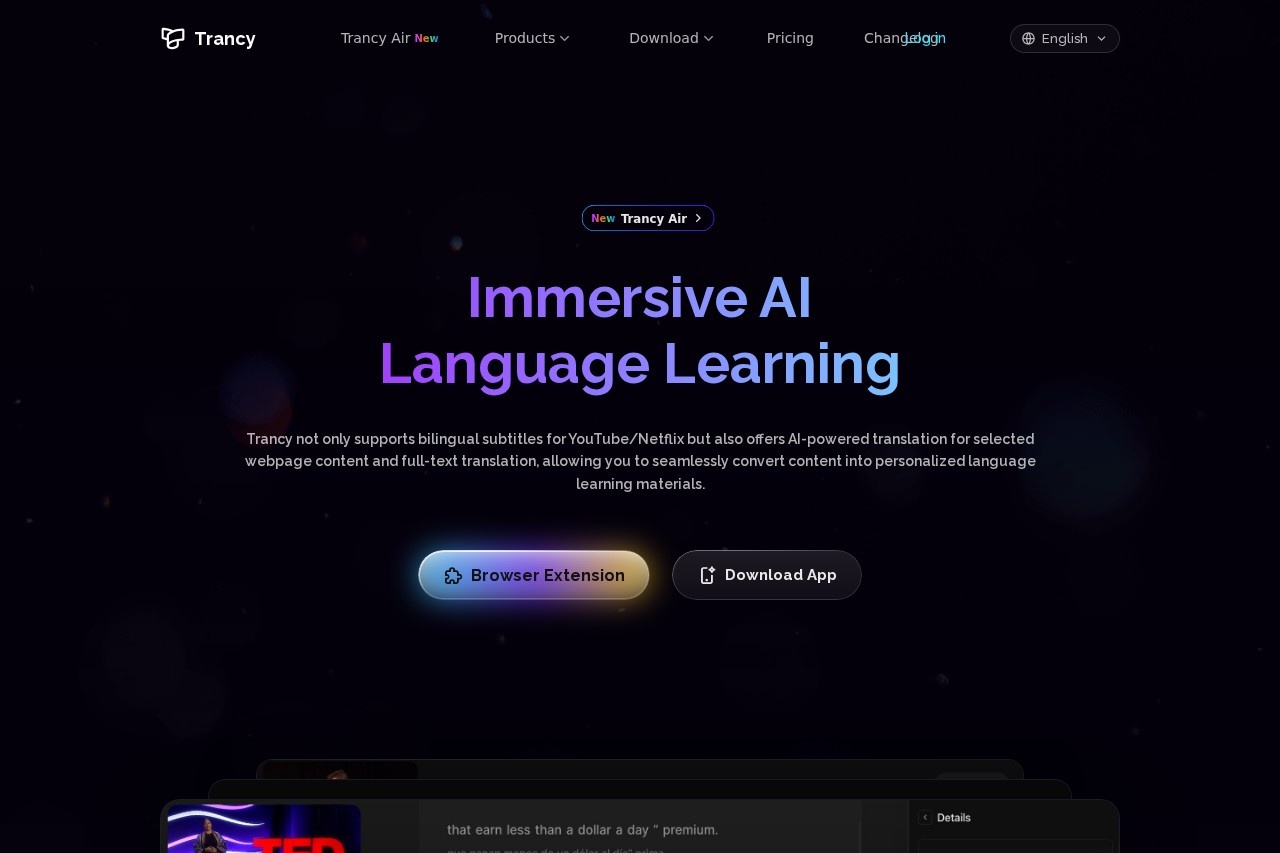
Trancy is a browser extension and app for language learning that adds AI bilingual subtitles to YouTube, Netflix and other platforms and translates selected text or full web pages.
About
Trancy is a language-learning assistant that turns everyday video watching and web browsing into practice material. It overlays AI-generated bilingual subtitles on platforms such as YouTube, Netflix, HBO Max, TED, edX, Coursera, Udemy and Disney+, and it also translates selected words or sentences as well as entire web pages.
The product works as a browser extension, with a mobile app and a web-based Learning Center available as well. While watching a video, users can switch between a theater view and a reading mode that shrinks the video and shows subtitles as text, look up word definitions powered by OpenAI, run grammar analysis on complex sentences, and save words or sentences for later review. On regular web pages, selecting text produces instant translations, and hovering over paragraphs yields comparative bilingual translations using engines such as Google, DeepL or OpenAI. Saved items become personal learning decks that can be studied anywhere through the Learning Center.
Key Features
Pricing & Fees
- Pricing: Trancy offers a permanently free plan; paid Premium and Premium + Advanced AI tiers exist, but their prices were not shown as numbers on the pages we reviewed — check the official site for current figures.
- Free tier: Includes bilingual subtitles on major platforms, unlimited word and sentence translation, immersive web translation, subtitle downloads and the Google translation engine; word bookmarking is capped at 100 and sentence bookmarking at 50.
- Premium limits: Paid plans add YouTube AI subtitle transcription (40–60 videos per day depending on tier), PDF bilingual translation (2,000–4,000 pages per month), unlimited collection and AI speaking features.
- Single account, all platforms: One purchase covers the browser extension, the mobile app and the Learning Center.
Who It's For
Trancy suits self-directed language learners who use video and reading as their main input — students watching lectures on Coursera or edX, professionals keeping up with foreign news and technical forums, and binge-learners using Netflix or YouTube for listening practice. It also fits translators and bilingual readers who want comparative original-and-translation views of web pages, and teachers or tutors building vocabulary decks from authentic material. Learners preparing for speaking situations can use its pronunciation evaluation, shadowing practice and AI conversation features.
FAQ
What is Trancy?Trancy is a browser extension and accompanying apps that provide AI bilingual subtitles for video platforms plus word, sentence and full-page translation for web content, aimed at language learners.
Is there a free version of Trancy?Yes, a permanently free plan covers bilingual subtitles on major platforms, unlimited word and sentence translation, immersive web translation and subtitle downloads; paid tiers add higher limits and AI features.
Which platforms does Trancy support?It supports YouTube, Netflix, HBO Max, Disney+, TED, Coursera, Udemy and similar video sites, and its immersive translation works across general websites including news sites, forums and social media such as Twitter.
How much does the paid plan cost?The exact monthly and yearly prices were not displayed as figures on the pages we reviewed; the official site's pricing page should be consulted for current numbers.
Which AI engines does Trancy use?The free plan uses the Google translation engine with support for custom engines, while higher tiers list models such as GPT-4.1 mini, DeepSeek and Claude and Gemini variants with a monthly token allowance.
Related Tutorials
View all →
Related Tools
View all → Language Reactor Language Reactor is a browser-based language learning toolbox that helps learners study native content on Netflix and YouTube through dual subtitles, dictionaries, and review tools.
  AI Tool - AI-Powered Solutions This AI tool provides intelligent solutions to streamline workflows, enhance productivity, and deliver accurate results across various tasks.
  Immersive Translate Immersive Translate offers bilingual web page translation and PDF translation. Enhance your reading experience with seamless language support.
  Polybuzz Polybuzz is an AI-powered platform that connects you with over 1000 AI tools, making it easy to find the right one.
  LexiBot - IELTS AI Tutor LexiBot is your AI tutor for IELTS preparation. Get personalized practice and feedback to improve your score.