
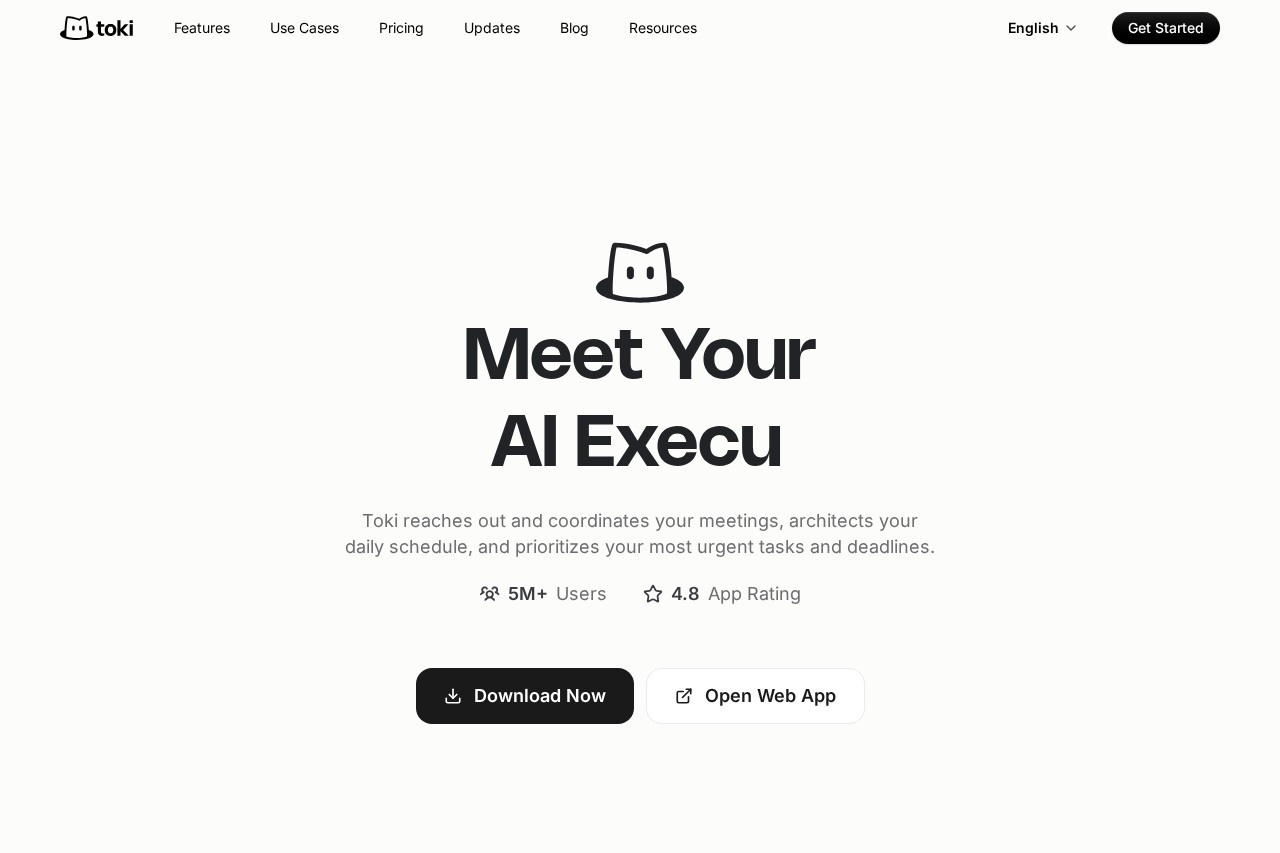
Toki is an AI executive assistant that manages calendars through natural chat, booking meetings, resolving conflicts, sending reminders, and tracking tasks automatically.
About
Toki is an AI-powered calendar and scheduling assistant that behaves like an executive assistant rather than a static calendar app. It addresses the everyday friction of coordinating meetings, juggling overlapping commitments, and remembering deadlines by letting users send plain-language messages, voice notes, or screenshots and having the resulting events, to-dos, and reminders created automatically.
Users interact with Toki through chat on the Toki mobile app (available for iOS and Android) as well as messaging platforms such as LINE and Telegram. Toki connects to Google Calendar, Apple Calendar, and Outlook Calendar, keeps multiple calendars in sync, and can contact meeting attendees to find times that work for everyone. It also learns user preferences over time, watches for user-defined triggers such as price thresholds or deadlines, and escalates important reminders through push notifications, iOS alarms, or phone calls. The product is developed by the team behind yestoki.com.
Key Features
Pricing & Fees
- Pricing: A Free plan allows syncing up to 3 calendars with a basic AI quota; Plus costs $3.99/month (billed yearly, $6.65 monthly) with up to 5 calendars, preference memory, and smart conflict resolution; Super costs $9.99/month (billed yearly, $16.65 monthly) with higher automation limits. Paid plans offer a 7-day trial for US$0.
- Platforms: Available on the App Store and Google Play, on the web, and through messaging apps including LINE and Telegram. WhatsApp is no longer a supported channel.
- Integrations: Google Calendar, Apple/iCloud Calendar, Outlook Calendar, Apple Watch, and Siri; Google Meet integration is available on premium tiers.
- Additional capabilities: Recurring events, event sharing, to-dos without fixed times, weather updates, voice replies, and visual schedule overviews.
Who It's For
Toki suits busy professionals and entrepreneurs whose calendars fill with meetings and shifting priorities, as well as freelancers coordinating with clients across different calendar systems. Reviewers with ADHD and heavy reminder loads report using it daily to keep appointments from slipping. It also fits students and anyone who prefers talking or texting to an assistant over manually tapping events into a calendar app, particularly those who want deadlines and conditional alerts tracked automatically.
FAQ
What is Toki?Toki is an AI schedule agent that turns texts, voice notes, images, and emails into scheduled, prioritized plans, then follows up with reminders and daily or weekly insights so the plans actually happen.
Does Toki have a free plan?Yes, a Free tier syncs up to 3 calendars with a basic AI quota; paid Plus and Super plans start at $3.99/month with yearly billing and include a 7-day trial for US$0.
Which platforms and calendars does Toki support?Toki runs on iOS, Android, the web, LINE, and Telegram, and syncs with Google Calendar, Apple Calendar, and Outlook Calendar, with Apple Watch and Siri support.
Is Toki still available on WhatsApp?No, Toki no longer operates on WhatsApp; existing users are directed to the Toki mobile app or other supported channels to continue using the service.
Is my data safe with Toki?Toki states that data is encrypted in transit and storage, that its servers are located in Virginia, USA, and that employees cannot access user data without explicit consent; synced Google Calendar data remains on Google's servers under the user's control.
Related Tutorials
View all →
Related Tools
View all → QClaw - AI-Powered Code Review & Optimization QClaw uses AI to analyze code, identify issues, and suggest improvements. It supports multiple languages and integrates with popular development tools.
  Cal AI - AI Photo Enhancer Cal AI enhances your photos with advanced AI, delivering professional-quality results in seconds.
  Cal.com Cal.com simplifies scheduling with smart automation, making it easy to manage appointments and meetings efficiently.
  Reclaim.ai Reclaim.ai is an AI calendar assistant that automatically schedules tasks, meetings, habits, and focus time for busy professionals and teams using smart scheduling agents.
  Morgen Morgen is a calendar and task planning app that combines multiple calendars, to-do integrations, scheduling links, and an AI daily planner for busy professionals and teams.