
TestDriver is an AI code review and end-to-end testing tool that runs every GitHub pull request in a desktop sandbox, finds bugs, and writes regression tests.
About
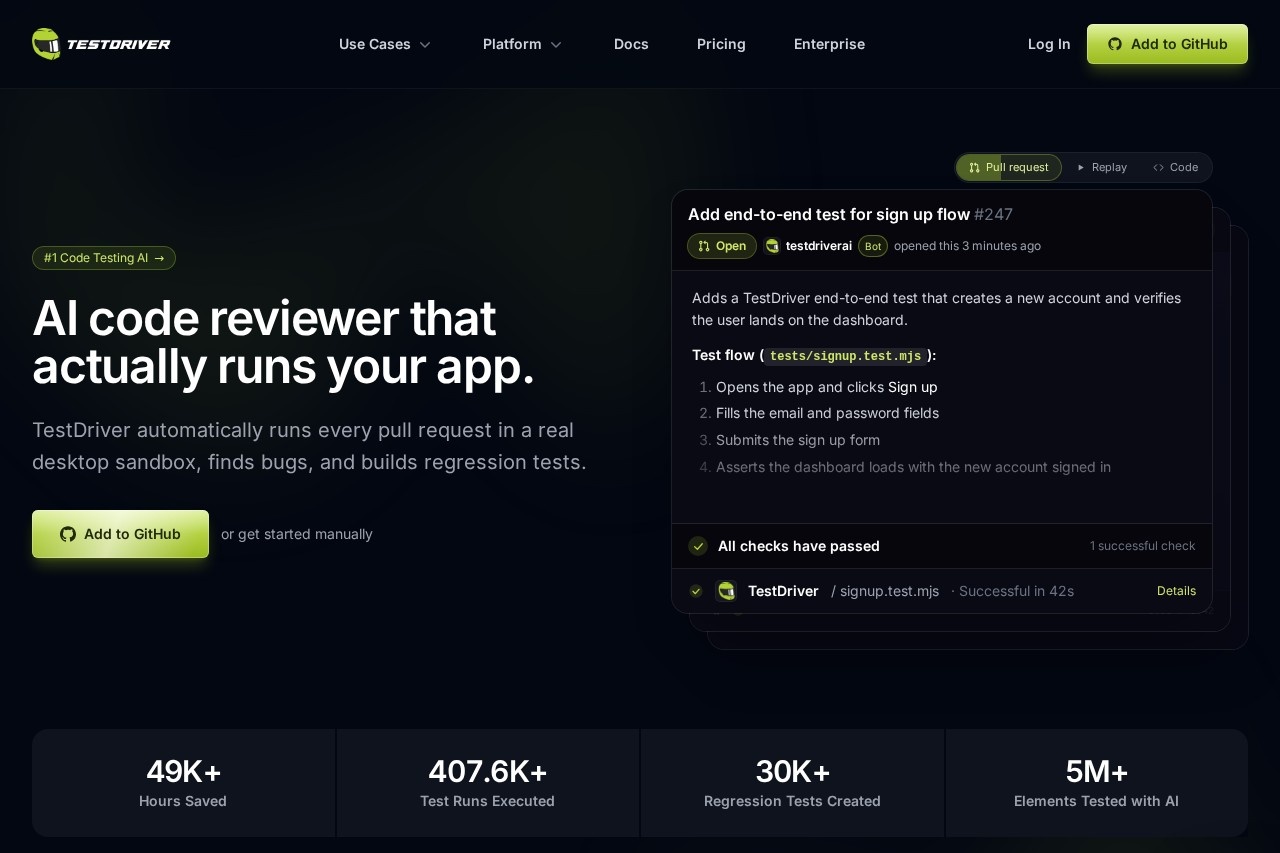
TestDriver is an AI testing and code review tool that reviews every GitHub pull request by actually running the application in a real desktop sandbox, rather than only reading diffs. It generates end-to-end tests from the pull request content, clicks through the UI like a human user, catches regressions before code merges, and contributes the resulting tests back as a new pull request.
The workflow has six steps. First, a vision-based agent reads the diff to understand what changed and writes tests that exercise the new behavior by interacting with the screen, without relying on selectors or DOM access. Second, passing tests are committed to a fresh pull request so the coverage lives alongside the change it protects. Third, because the tests are plain Vitest, they run identically on a developer's machine and in CI on real virtual machines. Fourth, tests self-heal: when the UI shifts, the agent re-locates the element and updates its cache. Fifth, failures come with video replays, network logs, and step-by-step action histories for debugging. Sixth, pass rates and failure trends are tracked, with export to JUnit XML. TestDriver is developed by the company behind testdriver.ai.
Key Features
Pricing & Fees
- Pricing: The Pro cloud plan costs $20 per seat per month and includes 120 testing minutes; additional testing minutes are billed at $0.14 per minute, metered by the second. The self-hosted Enterprise plan is custom-priced by demo and quote.
- Free trial: A 14-day Pro trial includes 120 testing minutes (a one-time allowance); the trial ends at day 14 or when the minutes run out, whichever comes first, and converts to a paid plan automatically unless cancelled.
- Seat definition: A seat is any GitHub user who receives a TestDriver review on a pull request or runs a test; inviting people to the web console is free and unlimited.
- Integration: Teams can install the GitHub app or tag @testdriverai in any GitHub repository to trigger reviews and test generation.
Who It's For
TestDriver is aimed at engineering teams that want automated QA on every pull request without hand-writing or maintaining test scripts. QA engineers can use it to build regression coverage continuously, while software developers get pre-merge feedback on runtime and visual bugs that static code review misses. It is particularly useful for teams testing targets that break selector-based tools — desktop apps, browser and VS Code extensions, third-party web apps, and embedded content — and for DevOps teams that want unattended test runs wired into existing CI pipelines.
FAQ
What is TestDriver?TestDriver is an AI code review and end-to-end testing tool that runs every GitHub pull request in a real desktop sandbox, finds bugs by interacting with the app like a user, and contributes the generated regression tests back as a new pull request.
How much does TestDriver cost?The Pro cloud plan is $20 per seat per month plus $0.14 per testing minute, with 120 minutes included in the free trial; the self-hosted Enterprise plan is custom-priced and quoted after a demo.
Is there a free trial?Yes — the Pro trial lasts 14 days or 120 testing minutes, whichever comes first, with no charge during the trial period; cancel before it ends to avoid being billed.
What platforms and app types does TestDriver support?It works with GitHub repositories and generates Vitest-based tests that run in CI on real VMs, covering web apps, Chrome extensions, native Windows and macOS desktop apps, VS Code extensions, and embedded content such as canvas and video players.
How does TestDriver differ from Playwright MCP or screenshot testing?Unlike code-only reviewers or single-browser tools, TestDriver executes the actual running application across web, desktop, and mobile end-to-end flows, reviews every PR automatically, and self-heals when UI elements move or change — capabilities the vendor's comparison table states Playwright MCP and screenshot testing each lack in part.
Related Tutorials
View all →
Related Tools
View all → Hacktron AI Hacktron AI is an AI-native cybersecurity platform that reviews pull requests, runs whitebox penetration tests, and performs continuous red teaming for development teams.
  Bitbucket Bitbucket is Atlassian's Git-based code hosting and CI/CD platform, combining version control, pipelines, code review, and AI features with native Jira integration.
  Aikido Security Aikido Security is a unified application security platform that scans code, cloud infrastructure, dependencies, and running applications for vulnerabilities and automates remediation for development teams.
  CodeBuddy - AI-Powered IDE for Efficient Coding CodeBuddy is an AI-driven IDE that boosts coding efficiency with intelligent assistance.
  Open SWE: An Open-Source Framework for Internal Coding Agents Open SWE is an open-source framework for building and deploying internal coding agents, leveraging Deep Agents and LangGraph to enhance developer productivity through intelligent automation.