
Talking Photo by LipSync is an online AI tool that turns a static portrait into a talking video, using typed text, uploaded audio, or a recorded voice, with daily free credits and no watermark.
About
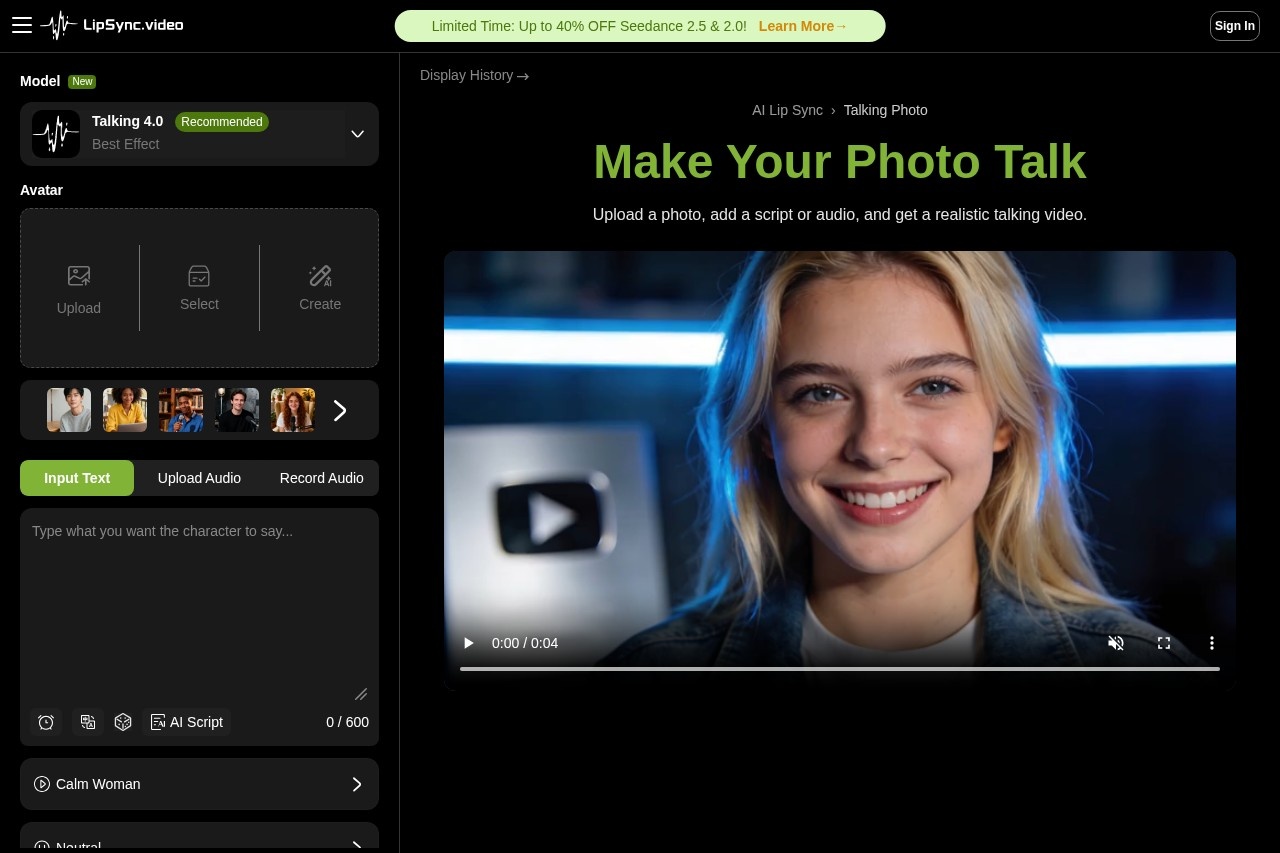
Talking Photo is a feature of LipSync (lipsync.video) that converts a still portrait into a video of a person speaking. It addresses a common production problem: creating spoken video content normally requires filming, recording equipment, and editing. With this tool, a user uploads one clear face photo and supplies speech as typed text, an uploaded audio file, or a voice recording made directly in the browser.
The system then animates the mouth, eyes, and surrounding facial movement so it lines up with the audio timing, and produces a downloadable video without a watermark. The tool offers several generation models with different balances of speed, maximum duration, and credit cost, so users can pick a fast draft option or a longer, more expressive one. It is aimed at social content creators, marketers, and anyone who wants a talking-head video without recording one.
Key Features
Pricing & Fees
- Pricing: Paid plans on the official site include Starter at $9.99/month (250 credits, discounted to $7.99), Pro at $29.99/month (900 credits, discounted to $20.99), and Ultra Unlimited at $159.99/month (discounted to $99.99) with 1,800 credits and unlimited use of most talking models; yearly billing adds further discounts.
- Free access: Daily free credits are available, and every downloaded result is watermark-free.
- Audio length limit: Uploaded or recorded audio is capped at 90 seconds per clip; the Talking 4.5 model supports videos up to about 3 minutes.
- Credit-based generation: For example, Talking 4.0 costs roughly 3 credits per second of output, while Talking 1.0 costs about 1 credit per second.
Who It's For
This tool suits social media creators who want talking clips without filming themselves, marketers producing personalized outreach or product messages, and educators or storytellers who want to give a voice to historical figures, artwork, or characters. It also works for podcasters promoting audio teasers and for anyone making short drama scenes or personal greetings from family photos, including restored old photos and pet pictures.
FAQ
What is Talking Photo by LipSync?It is an online AI generator that animates a still portrait into a talking video, syncing facial movement to text-to-speech, uploaded audio, or a recorded voice.
Is Talking Photo free to use?Yes, the tool offers daily free credits and watermark-free downloads, with paid subscription plans (Starter, Pro, and Ultra Unlimited) for higher monthly credit volumes.
What kind of photo works best?A clear, well-lit, front-facing portrait with a visible, unobstructed mouth produces the most stable results; sample portraits are available on the page if you don't have one.
Can I use my own voice?Yes, users can record audio directly in the browser or upload an audio file up to 90 seconds long, alongside the text-to-speech option.
What happens if the result looks off?The site recommends trying a different talking model, using cleaner audio, or switching to a clearer source image, since different portraits and clips respond differently to each model.
Related Tutorials
View all →
Related Tools
View all → MiniMax H3 Max MiniMax H3 Max is an AI video generation tool powered by text, images, or first-and-last frames: it supports 480P/768P output, 5–15 second clips, and multiple aspect ratios from 21:9 to 9:16, with per-second billing—ideal for rapidly producing short video content.
  D-ID D-ID is a digital human platform that generates AI avatar videos from scripts and documents and powers real-time conversational agents for businesses and creators.
  Visemix Visemix is an online AI lip-sync video generator: upload a video or photo, pair it with your own audio or text, and generate videos with naturally synchronized lip movements. Files are validated locally in your browser before upload—privacy-focused, with credit-based billing.
  Pika - AI Video An idea-to-video platform that brings your creativity to life through AI-powered video generation.
  Pixwit Pixwit is an all-in-one AI video creation platform for ads, avatars, and long-form storytelling, offering text-to-video and image-to-video generation.