
A free AI headshot generator from Supawork that turns a single selfie into studio-style professional portraits in over 30 styles for LinkedIn, resumes, and team pages.
About
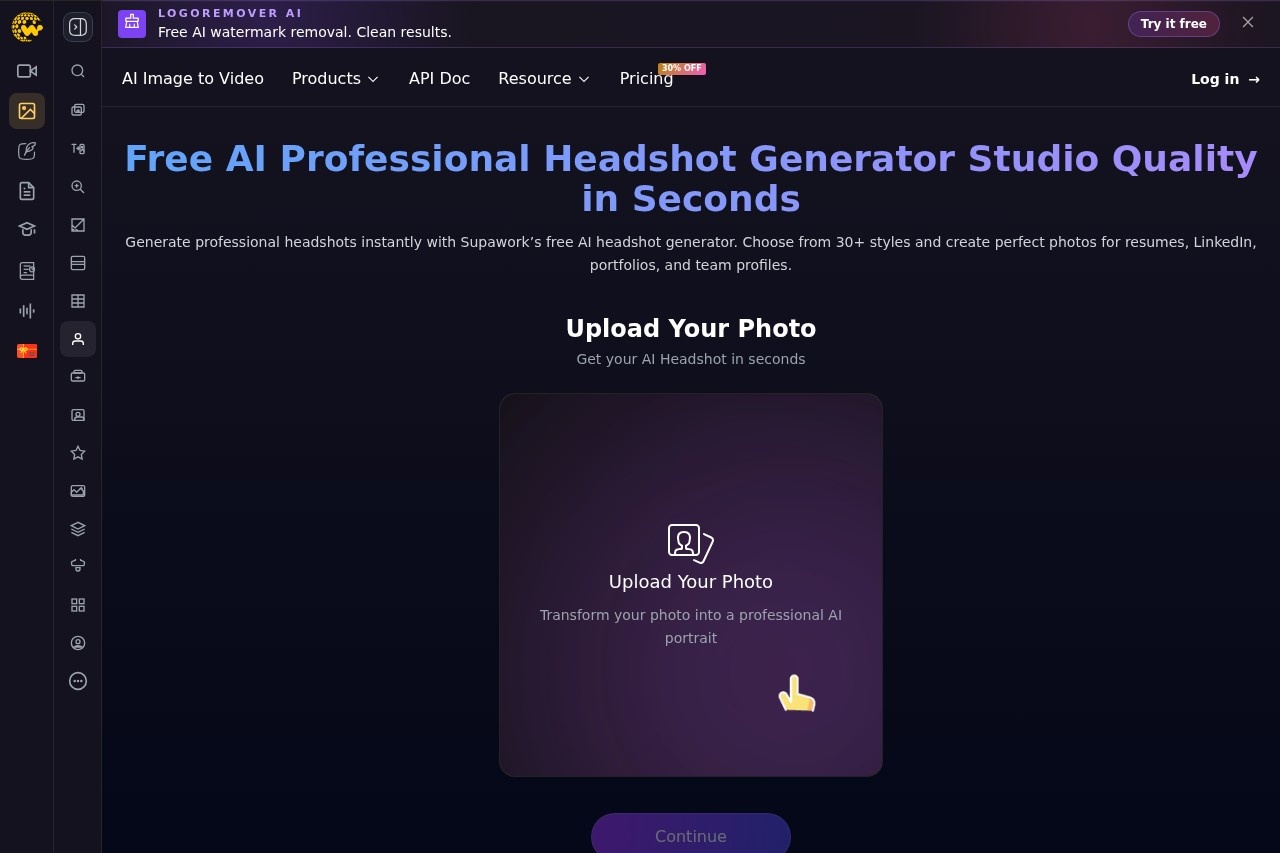
Supawork AI Professional Headshot Generator is a browser-based tool that converts an ordinary selfie into a polished, professional-looking headshot without a photographer or studio session. It addresses a common problem: many people need a credible portrait for LinkedIn, a resume, or a company page, but casual phone photos rarely meet that standard and professional shoots cost money and require scheduling.
The tool is part of Supawork.ai, a broader web platform of AI tools covering video generation, image editing, resume building, and academic translation. Users pick one of more than 30 pre-designed headshot styles, upload a single well-lit selfie, and generate a downloadable portrait within seconds. The site states that uploaded photos are used only to produce the AI headshots, and no software installation is required since everything runs in the browser.
Key Features
Pricing & Fees
- Pricing: The headshot tool is presented as free on its page. Supawork.ai as a platform uses a freemium coin system; paid coin packages start at $9.99 for 400 coins and go up to $89.99 for 8,000 coins, with a free daily coin allowance available.
- Free tier: The platform offers up to 30 coins per day through platform activities, and purchased coins do not expire.
- Platform: Runs entirely in the browser with no download or installation.
- Input requirements: Best results come from one clear, well-lit selfie with the face fully visible.
- Commercial use: Supawork states users retain full usage rights for content created with its tools.
Who It's For
The tool is aimed at job seekers who need a resume or LinkedIn photo quickly, professionals updating outdated profile pictures, and freelancers building a personal brand. It also serves HR teams, startups, and agencies that want uniform headshots across a company website or press kit without booking photographers. Content creators and social media users who want a polished but approachable profile image on Instagram, X, or YouTube are another natural audience.
FAQ
What is the Supawork AI Professional Headshot Generator?It is a free online tool that uses AI to transform a selfie into a professional-quality headshot in more than 30 styles, suitable for LinkedIn, resumes, and team profiles.
Does it cost anything to use?The headshot generator is advertised as free, while the wider Supawork.ai platform operates on a freemium model with a daily coin allowance and optional paid coin packages starting at $9.99.
Do I need to install anything?No. Supawork.ai is a browser-based platform, so all tools, including the headshot generator, run without any download or installation.
How many photos do I need to upload?The site recommends uploading a single selfie, ideally well lit with the face clearly visible, for the best results.
What happens to my uploaded photo?According to the official page, uploaded photos are used only to generate the AI headshots.
Related Tutorials
View all →
Related Tools
View all → AI Headshot Generator - Professional Business Photos in Minutes | HeadshotBook Transform your selfies into professional AI headshots in minutes - no photo shoot required. Leading AI headshot generator for professional business photos. Create high-quality AI headshots from selfies.
  PFPMaker PFPMaker is a free AI profile picture maker and face-focused photo editor that turns a single selfie into professional headshots, lifestyle photos, and creative PFPs.
  Aragon.ai Aragon.ai is an AI headshot generator that turns selfies into studio-quality professional portraits for individuals and teams, along with a suite of AI photo editing tools.
  Cleanup.pictures Cleanup.pictures is a free AI inpainting tool that removes unwanted objects, people, text, logos, watermarks and blemishes from photos in seconds, with a Pro plan for high-resolution exports.
  Flux Kontext AI Flux Kontext AI provides context-aware solutions for enhanced image generation and editing, offering precise control and creative flexibility.