
Riverside is a browser-based studio for recording, editing, and publishing podcasts, video interviews, and webinars in up to 4K, with AI-assisted repurposing tools.
About
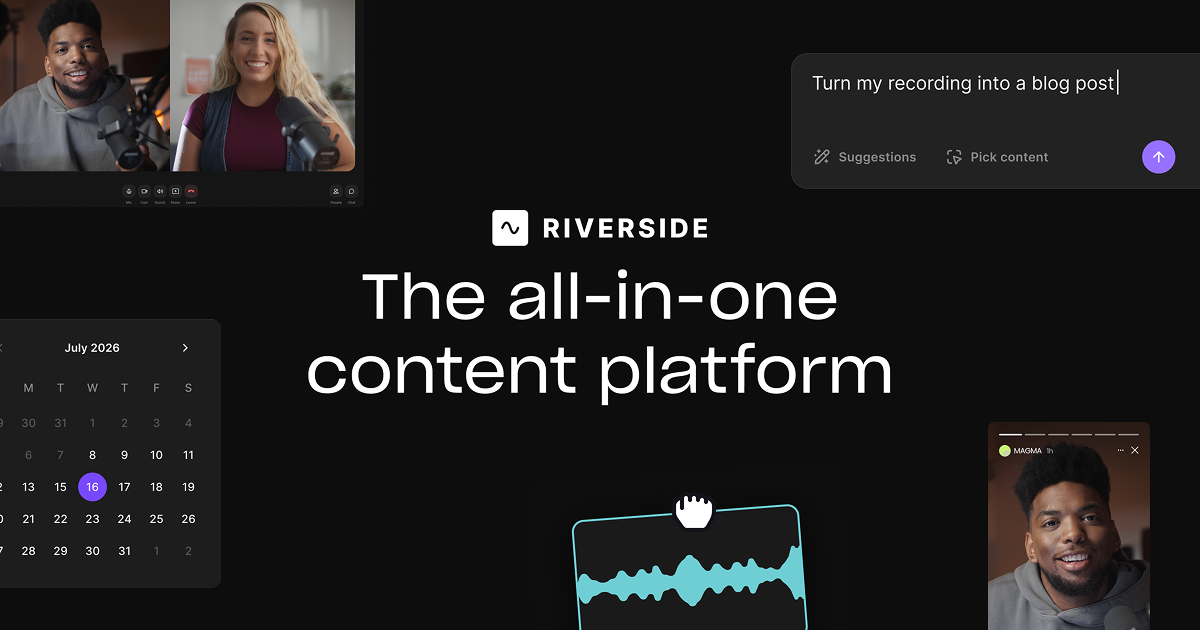
Riverside is a web-based production platform that handles recording, editing, repurposing, streaming, and publishing for podcasters and video creators in a single workflow. It addresses a common problem in remote content production: video calls recorded over the internet often look and sound poor. Riverside solves this by recording each participant locally on their own device, capturing up to 4K video and uncompressed audio as separate tracks that remain unaffected by a weak connection.
The platform works end to end. Users record solo sessions or remote interviews in a browser-based studio, edit the result through a text-based editor that treats the transcript like a document, and use built-in AI to generate clips, show notes, captions, and translations. Riverside also includes podcast hosting with distribution to Spotify, Apple, and YouTube, plus full HD multistreaming for live shows and webinars. The company offers a free tier, paid subscriptions, desktop and mobile apps, and a business plan with priority support for marketing and production teams.
Key Features
Pricing & Fees
- Pricing: The Free plan costs $0 and includes 2 hours of multi-track recording (720p video with a watermark, unlimited single-track recording, and editing tools). Paid tiers include Pro at $288 billed annually and Grow and Webinar at $408 billed annually; yearly billing is discounted up to 20%. Confirm current rates on the official site.
- Free trial: Paid plans come with a 14-day free trial.
- Pro plan limits: Pro raises recording to 4K video and 48kHz audio with no watermark, includes unlimited transcriptions and text-based editing, and allows 15 hours of separate-track downloads in one studio.
- Platform availability: Riverside runs in the browser, with Mac and mobile apps also available.
Who It's For
Riverside is built for podcasters, video producers, and content marketers who record remote interviews, testimonials, tutorials, or marketing videos and want studio-quality output without a studio. Producers use it to manage multi-track sessions and keep branding consistent, while marketers run webinars and internal communications and reuse the recordings as clips. Creators focused on social media benefit from the automatic clip generation, captions, and multi-platform publishing, and businesses get team collaboration features with priority support.
FAQ
What is Riverside?Riverside is an all-in-one platform for recording, editing, repurposing, streaming, and publishing podcasts and video content, available in a browser and through Mac and mobile apps.
Is there a free plan?Yes. The Free plan includes 2 hours of multi-track recording at up to 720p with a Riverside watermark, unlimited single-track recording and editing, and Magic Clips; paid plans add 4K recording and remove the watermark.
Where can content recorded in Riverside be published?Riverside publishes directly to YouTube, Spotify, Apple Podcasts, and other major apps, and it can live stream in full HD simultaneously to destinations including LinkedIn, Instagram, Twitch, Facebook, and X.
How does Riverside keep remote recordings high quality?Each participant's video and audio are recorded locally on their device as separate tracks at up to 4K video and uncompressed audio, so poor internet connectivity during the session does not degrade the downloaded files.
What AI features does Riverside include?The platform offers AI audio cleanup, filler-word and silence removal, AI speech correction with lip sync, eye-contact adjustment, AI-generated B-roll, captions, transcripts, show notes, Magic Clips, and translation and dubbing into more than 30 languages.
Related Tutorials
View all →
Related Tools
View all → Descript Descript is an AI audio and video editor that lets creators and teams record, transcribe, and edit content by editing text, then publish and repurpose it everywhere.
  AI Translator - Accurate Translation AI Translator provides high-accuracy translations with 98% precision, supporting 1200+ AI models and 100+ languages.
  Clipto.AI Clipto.AI is a local-first desktop app that turns videos, audio, meetings and documents into one searchable AI memory, with transcription and natural language search.
  AI Tool Directory - Discover AI Tools Explore a comprehensive directory of AI tools to find the best solutions for your needs.
  Audo Studio Audo Studio provides AI-powered audio editing tools for YouTubers and podcasters to enhance sound quality effortlessly.