Raccoon AI is a collaborative AI agent and workspace that builds web apps, presentations, documents, and analyses from a single plain-language prompt, working in the open while you steer it.
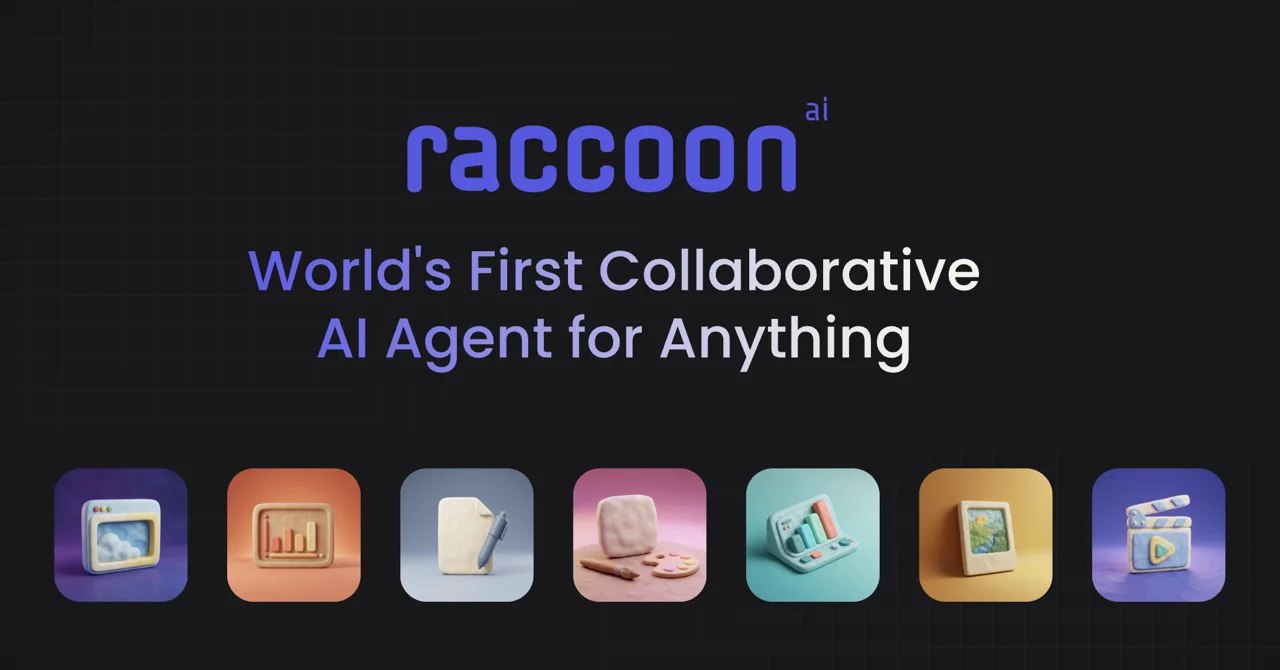
About
Raccoon AI is a general-purpose collaborative AI agent, developed by Flying Raccoon Pvt Ltd, that turns a described idea into finished work — web apps, slide decks, documents, designs, dashboards, and research briefs — from a single prompt. Rather than answering questions, it sets up a working environment, plans the task, executes it step by step, and publishes the result.
Users describe what they want by typing, speaking aloud, sketching, or uploading files and screenshots; no prompt engineering or configuration is required before starting. The agent spins up its own cloud computer, shows its plan as a live checklist, and works in full view, letting the user intervene, rewind, or branch at any point. It can connect to more than 50 services such as Gmail, Google Drive, Calendar, and GitHub, so it operates inside real accounts and remembers context across sessions. Finished work can be published to a live link or deployed to a custom domain in one click.
Key Features
Pricing & Fees
- Pricing: A free plan is available ($0, with standard usage limits, 1 concurrent task, production app deploys, and email support). Paid plans at the time of review carried launch discounts of 50% off for the first three months: Plus at $9.50/month, Plus 5x at $19.50/month, and Plus 10x at $39.50/month, with annual billing discounted at 60%. Teams and Enterprise plans are quoted through sales.
- Free tier: The free plan is listed as free forever, subject to demand-based usage limits.
- Usage scaling: Paid tiers raise usage limits (2x, 5x, 10x), increase concurrent tasks, and add custom domains, larger context windows, and priority support at higher tiers.
- Privacy note for teams: The Teams plan states that customer data is not used to train the agent; Enterprise adds SAML/SSO.
Who It's For
Raccoon AI is aimed at professionals and builders — solo founders, small startup teams, marketers, designers, and analysts — who need working output rather than text suggestions. Typical uses shown by the vendor include building booking or portfolio sites, generating 10-slide pitch decks, turning spreadsheets into dashboards, extracting invoices from Gmail, drafting newsletters, comparing competitors, and producing cited research briefs. Teams that want shared billing, usage controls, and organizational customization can move to the Teams or Enterprise plans.
FAQ
What is Raccoon AI?Raccoon AI is a collaborative AI agent and workspace that plans and completes end-to-end tasks — building apps, writing, designing, and analyzing data — from a plain-language description, working visibly so users can steer it at every step.
Does Raccoon AI have a free plan?Yes, a free-forever plan is offered with standard usage limits, one concurrent task, production app deployment, and email support; paid plans add higher limits and more concurrency.
Which tools does Raccoon AI integrate with?It connects to more than 50 services, including Gmail, Google Drive, Calendar, and GitHub, and works inside the user's real accounts while remembering context across sessions.
How does publishing work?Finished projects can be published to a live link or deployed to the user's own domain in one click, and the full cloud environment remains available when returning later.
How is data handled?On the Teams plan, Raccoon AI states that customer data is not used to train the agent, and the Enterprise plan adds SAML/SSO for organizational security requirements.
Related Tutorials
View all →
Related Tools
View all → Genspark Genspark is an all-in-one AI workspace by Genspark Inc. that combines AI agents, slides, docs, spreadsheets, code, images, and video tools for individuals and teams.
  Verdent Verdent is an agentic coding suite that builds complete software products from plain-language instructions, running parallel agents with Plan Mode, BYOK, and Eco Mode.
  VibeBot.gg An AI-powered, no-code Discord bot builder that turns plain-language descriptions into hosted, custom-branded Discord bots for moderation, music, tickets, leveling, and more.
  Felo Felo is a free multilingual AI search and creation platform that answers questions across languages and generates slides, mind maps, documents, images, and webpages.
  Abacus.AI Abacus.AI is an all-in-one AI platform that gives professionals and enterprises access to 100+ leading models plus agents that build apps, decks, reports and automations.