
A free in-browser profile picture maker that removes backgrounds, adds circle crops and borders, and exports HD images sized for Instagram, WhatsApp, Discord, LinkedIn and more.
About
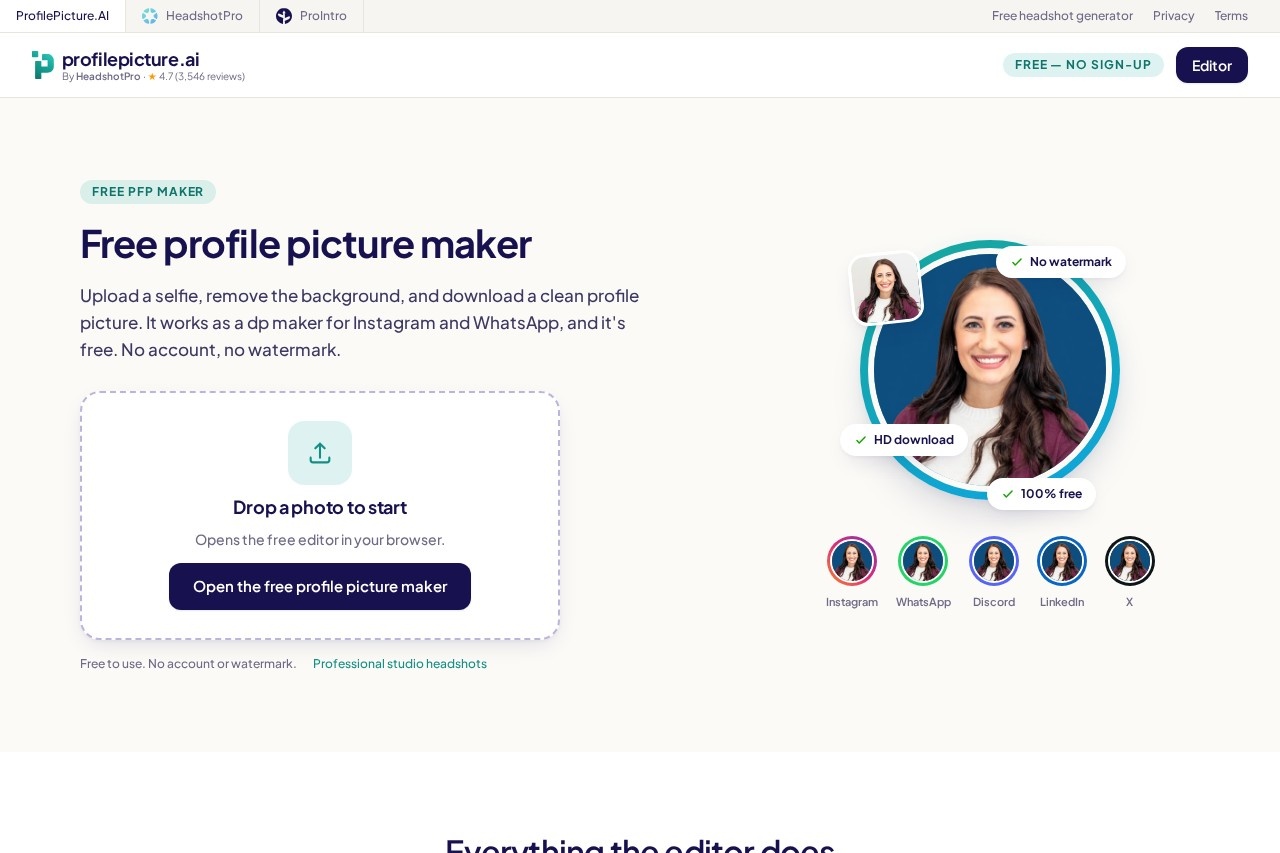
ProfilePicture.AI is a free, browser-based tool for turning an ordinary selfie into a clean profile picture. Instead of struggling with manual cropping or generic editing apps, users upload a photo, cut out the background, and download a correctly sized image for whichever platform they need.
The editor runs entirely in the user's browser. A person drops in a photo from a camera roll or desktop, removes the background with the built-in tool, then applies styling options such as solid or gradient backgrounds, circle crops, borders, filters, and curved text. Exports are available as HD PNG or JPEG files with no watermark. ProfilePicture.AI is part of the HeadshotPro family; the free editor handles photos users already have, while the separate HeadshotPro service offers paid studio-style AI headshots.
Key Features
Pricing & Fees
- Pricing: The editor is free with no account, no credit card, and no watermark. Paid AI headshots are a separate HeadshotPro product.
- No sign-up required: All editing and downloading happen without creating an account.
- Works on mobile: The editor runs in a mobile browser, with upload, editing, and download working the same as on desktop.
- Privacy: Background removal runs locally in the browser, and HeadshotPro states it does not train on customer photos.
Who It's For
ProfilePicture.AI suits anyone who needs a tidy profile image quickly without paid software. That includes Instagram and WhatsApp users wanting a round DP, Discord and TikTok members creating avatars that remain legible at small sizes, and professionals preparing a LinkedIn photo or CV headshot on a plain background. It also serves couples or friends looking for matching profile pictures, and job seekers who need a presentable resume photo without a studio visit.
FAQ
Is ProfilePicture.AI really free?Yes, the editor is completely free with no sign-up, no watermark, and no paywall, and HD downloads are included.
Is it an AI profile picture generator?No, this tool is a free editor for photos users already have; AI-generated studio-style portraits are offered separately through HeadshotPro.
Which platforms does it support?It provides size presets for Instagram, WhatsApp, Discord, TikTok, YouTube, X, LinkedIn, and CV photos, plus a 1024×1024 HD export.
What file formats can I upload and download?JPG and PNG uploads are supported, and finished images download as HD PNG or JPEG files.
Does my photo get uploaded to a server?Background removal runs in the browser, so the image is not uploaded to the company's servers for that step, and HeadshotPro states it does not train on customer photos.
Related Tutorials
View all →
Related Tools
View all → Cleanup.pictures Cleanup.pictures is a free AI inpainting tool that removes unwanted objects, people, text, logos, watermarks and blemishes from photos in seconds, with a Pro plan for high-resolution exports.
  remove.bg remove.bg is an online AI tool that removes image backgrounds automatically in seconds, producing transparent PNGs or clean cutouts for designers, sellers, and marketers.
  PicWish PicWish is an AI photo editor that removes backgrounds, enhances image quality, restores old photos, and generates AI backgrounds for e-commerce sellers, designers, and casual users.
  Photoroom Photoroom is an AI photo editing and product photography platform that helps e-commerce sellers and creators remove backgrounds, generate product scenes, and produce listings at scale.
  Clipdrop Clipdrop is a suite of AI image editing and generation tools, including background removal, object cleanup, upscaling and text-to-image, available on the web and via API.