
Plask is an AI motion capture tool that turns ordinary video into 3D character animation, with editing, rendering, and FBX, BVH, and GLB export for Blender and Unreal Engine.
About
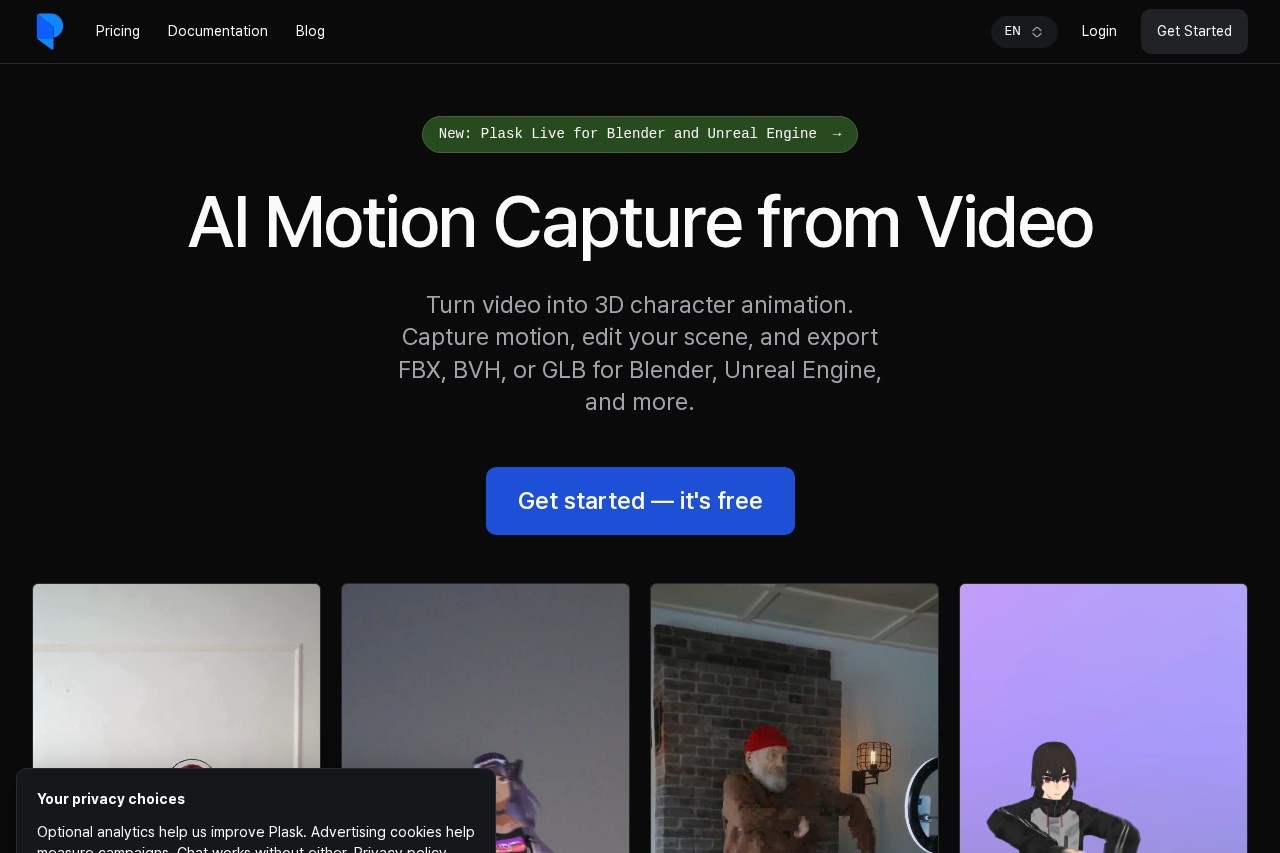
Plask is a browser-based AI motion capture service that converts ordinary video footage into 3D character animation, removing the need for a dedicated mocap suit or studio equipment. A clip recorded on a smartphone can be uploaded, and Plask's AI extracts full-body and hand motion that can then be applied to a 3D character.
The workflow moves through four steps: upload a video, import a 3D character model, adjust lighting and camera settings in the built-in scene editor, then export the result. Users can render a finished video directly or export the animated character as FBX, BVH, or GLB for continued work in Blender, Unreal Engine, Maya, or other compatible software. Plask also offers Plask Live for real-time capture into Blender and Unreal Engine, an API for programmatic motion extraction, and a service that produces custom dance animations within 24 hours.
Key Features
Pricing & Fees
- Pricing: Three plans — Freemium (free, 15-second daily capture limit, 1 GB storage), Standard ($18/month billed annually, 10 minutes of capture per month, 3 GB storage), and Pro ($50/month billed annually, 1 hour of capture per month, 10 GB storage, pre-release features). Paid plans can also be billed monthly.
- Free tier available: The Freemium plan requires no subscription and includes full body and hand capture, multi-person mocap, exports in FBX, GLB, and BVH, and video rendering.
- Intellectual property: Animations created by subscribers belong to the users themselves, according to the site's FAQ.
- Done-for-you option: Plask offers a service that creates custom TikTok-style dance videos within 24 hours for users who don't want to animate themselves.
Who It's For
Plask is aimed at 3D animators, indie game developers, and content creators who need character motion without access to a mocap studio. It also fits VTuber creators and the MMD/VRM community, since it imports PMX and VRM models and supports physics and auto-blinking for them. Technical users can integrate motion capture into their own software through the Plask API, while teams short on time can order custom dance animations through the 24-hour creation service.
FAQ
What is Plask?Plask is an AI motion capture tool that turns video footage into 3D character animation, with a scene editor, video rendering, and export to FBX, BVH, or GLB.
Is Plask free to use?Yes, the Freemium plan is free with no subscription and includes a 15-second daily motion capture limit; paid Standard ($18/month billed annually) and Pro ($50/month billed annually) plans add more capture time, storage, and faster processing.
Which 3D tools does Plask work with?Exports in FBX, BVH, and GLB are compatible with Blender, Unreal Engine, Maya, and other tools, and Plask Live streams real-time motion directly into Blender and Unreal Engine.
Can I upload my own 3D model to Plask?Yes, Plask supports GLB, FBX (version 7100 or later), VRM version 0.0, and PMX formats, with a maximum file size of 50 MB.
Who owns the animations created in Plask?According to the site's FAQ, all copyrights and intellectual property rights for animations created by subscribers belong to the users themselves.
Related Tutorials
View all →
Related Tools
View all → Wan 2.2 Animate Free AI tool for character animation and replacement. Animate expressions or replace characters in videos with holistic replication technology.
  Lip Sync LipSync AI - free AI lip sync video generator.
  SpeedPaint Turn any image into a hand-drawn whiteboard animation — AI traces and redraws it stroke by stroke. Free to start with 10 credits.
  LeiaPix AI (now DepthFlow AI) LeiaPix AI, now upgraded to DepthFlow AI, converts flat 2D photos into 3D depth animations delivered as MP4 video, aimed at creators making content for social platforms.
  Animaker Animaker is a browser-based AI animation and video maker that lets beginners and teams create animated explainer, training, and promo videos without prior design experience.