
PDNob Image Translator is a desktop app from Tenorshare that uses AI OCR to extract and translate text from images, screenshots, and scanned documents into 100+ languages locally.
About
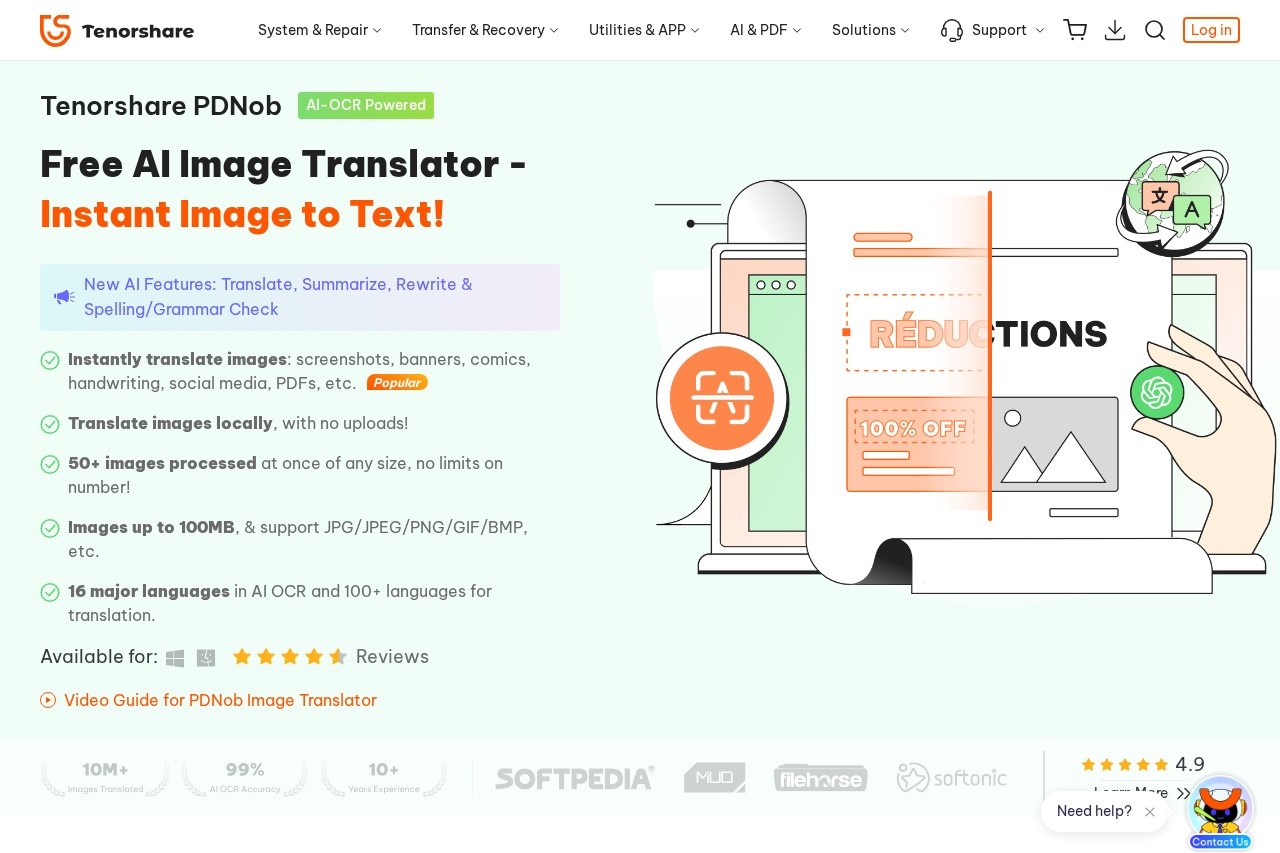
PDNob Image Translator is a free AI image translation app developed by Tenorshare. It addresses a common problem: text embedded in screenshots, scanned documents, comics, banners, handwritten notes, and social media images cannot be read or translated by standard tools. The app uses AI-based optical character recognition (OCR) to detect text in an image, translate it into one of more than 100 languages, and let the user export the result.
The workflow is intentionally simple and takes three steps: the user takes a screenshot or adds one or more images, the app runs AI OCR to recognize the text, and then it translates the content and exports the translated image or text. A notable characteristic is that translation happens locally on the user's machine rather than through uploads to a server, which keeps images private. The product is part of the broader PDNob family of PDF and OCR utilities from Tenorshare, a software company that also publishes system repair, data recovery, and file management tools.
Key Features
Pricing & Fees
- Pricing: Not publicly listed on the pages we reviewed; check the official site for current plans. The product page presents a free download alongside a "Buy Now" option with a 30-day money-back guarantee, indicating a freemium model.
- Platform availability: Desktop apps for Windows 11/10 and macOS (macOS 15 and below) are offered; Tenorshare also lists a separate online image translator.
- Free tier: The tool is marketed as a free AI image translator, with paid upgrade options available.
- Stated scale: Tenorshare reports that more than 10 million images are translated through the product each month and claims a 98% recognition rate.
Who It's For
Students can use it to translate scanned study material and foreign-language notes, while translators and language learners benefit from OCR across 16+ source languages and output in 100+ languages. Manga and comics readers can translate Japanese comic pages, and marketing professionals can localize multilingual ad creatives and banners. Travelers who photograph signs, menus, or documents with the Camera OCR feature get quick translations without uploading their images anywhere.
FAQ
What is PDNob Image Translator?It is a free desktop app from Tenorshare that uses AI OCR to extract text from images, screenshots, and scanned documents and translate it into more than 100 languages.
Is PDNob Image Translator free?The app is offered as a free download, and the vendor also sells paid options backed by a 30-day money-back guarantee; full pricing details are not publicly listed on the pages reviewed.
Which platforms does PDNob Image Translator support?It runs on Windows 11/10 and macOS (macOS 15 and below), and Tenorshare provides a separate online image translator for browser-based use.
Does PDNob Image Translator upload my images to a server?No; the product page states that images are translated locally on the user's device, so files are not uploaded for processing.
Are there limits on image size or batch quantity?The app accepts images up to 100 MB in formats such as JPG, PNG, GIF, and BMP, and processes 50 or more images at once with no stated limit on the number of images.
Related Tutorials
View all →
Related Tools
View all → Manga Translator AI manga translator supporting 50+ languages: upload manga images for automatic OCR, in-place bubble translation with smart typesetting, batch and background processing.
  AI Manga Translator AI Manga Translator translates full manga, manhwa, and comic pages online while preserving the original artwork—upload a PNG, JPG, or WebP image, pick your reading language, and download the translated page.
  Lufe AI Translator Lufe AI Translator is a bilingual browser translation extension that uses AI engines to translate webpages, PDFs, and images for language learners and readers.
  PhoText PhoText is a free browser-based AI tool that lets users edit, replace, remove, add, and translate text inside images and screenshots without design skills.
  AI Tool - AI-Powered Solutions This AI tool provides intelligent solutions to streamline workflows, enhance productivity, and deliver accurate results across various tasks.