
MyArchitectAI is a browser-based AI rendering tool that turns CAD models, sketches and photos into photorealistic architectural and interior renders in about 10 seconds.
About
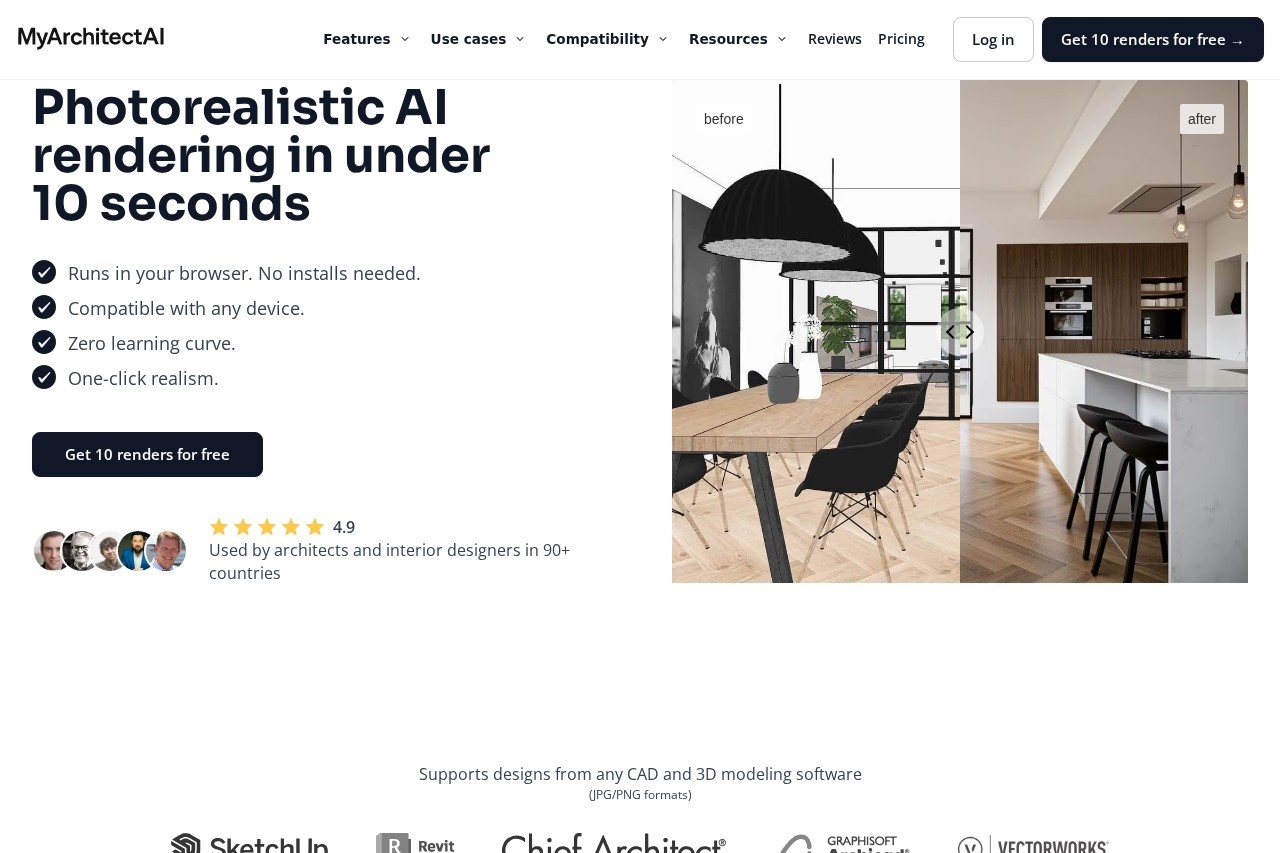
MyArchitectAI is an AI rendering application for architects, interior designers, and design-build firms that produces photorealistic visuals from CAD exports, sketches, elevations, or photos in under 10 seconds. Traditional rendering engines such as V-Ray or Lumion require powerful workstations, hours of manual material and lighting setup, and lengthy render times per image; MyArchitectAI runs entirely in a web browser and automates the realism work.
The workflow is simple: a user uploads a design image (JPG or PNG), clicks Render, and downloads a photorealistic result in 4K resolution, with the input geometry and materials preserved. The company reports more than 7.5 million renders generated to date and an average rendering time of 9.3 seconds. Beyond still rendering, the tool includes render editing by text prompt, AI style transfer from reference images, a one-click render enhancer, and an animation feature that turns still renders into short videos. It is used by professionals in over 90 countries.
Key Features
Pricing & Fees
- Pricing: Three subscription tiers — Starter at $29/month (1 seat, unlimited renders, 4K downloads, 10GB storage), Studio at $49/month (adds 50 animations/month, 8K downloads, 100GB storage), and Team at $99/month (5 seats, 200 animations/month, 8K downloads, 500GB storage). Annual billing is discounted (e.g., $290/year for Starter, two months free). Prices are in USD, exclude local taxes, and subscriptions can be cancelled anytime.
- Free trial: New users get 10 free renders without a credit card, plus a "Try for free" option on each plan.
- Platform availability: Runs in any modern web browser on any device, including Mac, with no software installation or dedicated GPU required.
- Education program: Students and educators can apply for an educational license, and volume discounts are available for larger teams.
- Licensing and support: All paid plans include a commercial usage license, auto-saved generation history, and priority live chat and email support.
Who It's For
MyArchitectAI is built for architects, interior designers, furniture and product designers, and visualization artists who need photorealistic images quickly without maintaining rendering workstations. It suits solo practitioners producing client presentation images, design studios that want to test material and lighting variations without re-rendering whole scenes, and teams creating marketing animations from still renders. Real estate professionals who need fast visuals of proposed renovations or listings can also benefit, as can students and educators through the educational license.
FAQ
What is MyArchitectAI?MyArchitectAI is a browser-based AI rendering tool that converts CAD exports, sketches, and photos into photorealistic architectural and interior renders in under 10 seconds, with additional editing, enhancing, style-transfer, and animation features.
Is MyArchitectAI free to try?Yes, new users receive 10 free renders without providing a credit card; paid subscriptions start at $29/month for the Starter plan.
Which CAD software does MyArchitectAI work with?It accepts JPG and PNG images exported from SketchUp, Revit, Archicad, Rhino, Chief Architect, Vectorworks, AutoCAD, or any other CAD or 3D modeling software.
How does it compare to traditional renderers like V-Ray or Lumion?MyArchitectAI runs in the browser on any device without installs or high-end hardware, and renders each image in seconds instead of the 30 minutes to several hours typical of offline rendering — although its output is AI-generated rather than a physically simulated render.
Does MyArchitectAI offer an API?Yes, the company provides a scalable pay-per-call API for integrating its rendering engine into external applications, documented on the official site.
Related Tutorials
View all →
Related Tools
View all → MindVideo AI MindVideo AI is an AI-powered video generation tool that creates videos from text or images, offering a seamless and creative video production experience.
  NextEnhancer - AI Image Enhancer to 4K NextEnhancer enhances images to HD and 4K quality using AI. Improve resolution and clarity effortlessly.
  AI Convert Hub | Online File Converter Convert video, audio, and images between 200+ formats with AI-powered optimization. Fast, free, and no software installation needed.
  MiniMax H3 Max MiniMax H3 Max is an AI video generation tool powered by text, images, or first-and-last frames: it supports 480P/768P output, 5–15 second clips, and multiple aspect ratios from 21:9 to 9:16, with per-second billing—ideal for rapidly producing short video content.
  KooX AI Transform any image into a video with realistic motion and cinematic effects using our free AI generator.