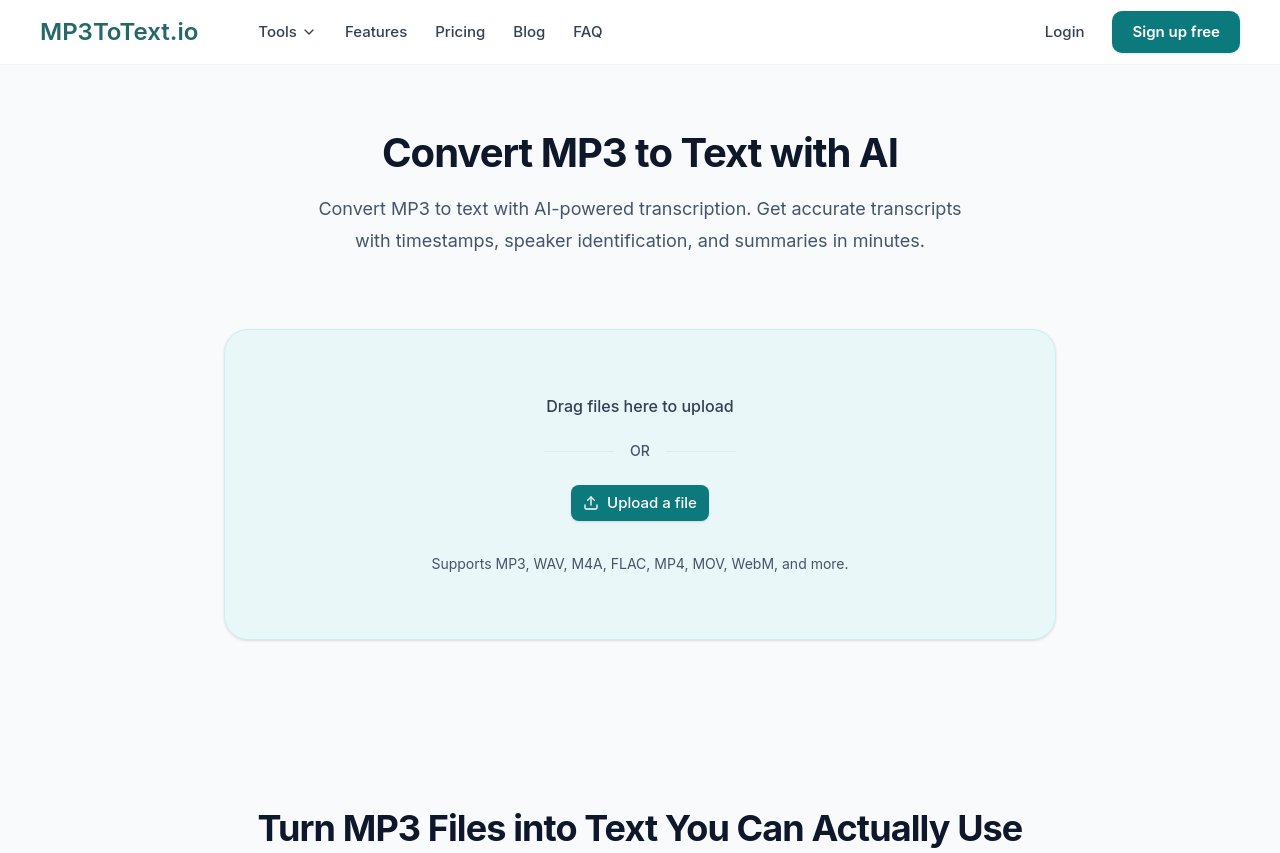
MP3ToText is a free online AI transcription tool that converts MP3, WAV, M4A, and MP4 files into editable, searchable text, supporting 150+ languages, timestamps, speaker identification, and exports like SRT, DOCX, and PDF.
Last UpdatedNov 10, 2026
About
MP3 to Text (mp3totext.io) is a browser-based AI transcription tool that converts MP3, WAV, M4A, MP4 and other audio or video files into editable, searchable text in minutes. No installation or downloads required — just open the site, upload your file, and let the AI engine handle the rest.
Key Features
Free online transcription: try it as a guest, or register to save history and unlock higher daily quotas
Broad format support: MP3, WAV, M4A, FLAC, MP4, MOV, WebM and more
150+ language recognition with automatic detection or manual selection
Timestamps and speaker identification for structured, easy-to-reference transcripts
AI-powered summaries and mind maps to grasp long recordings at a glance
Online editor with paragraph editing and full-text search & replace
Export to TXT, PDF, DOCX, CSV, SRT, VTT and other formats
Automatic SRT/VTT subtitle generation for video creators
Pricing & Fees
Pricing: Paid plans start at $5/month (Basic, 800 minutes), $10/month (Standard, 2000 minutes), and $20/month (Pro, 6000 minutes), with discounted yearly billing; one-time minute packs are also offered.
Free tier: A free account allows 5 transcriptions per day (up to 30 minutes each) with no credit card required; guest users can transcribe 2 files per day, also capped at 30 minutes per file.
Plan limits: Paid plans allow files up to 10 hours / 5 GB with no daily file limit, and include text summaries, transcription history, and export to Word, CSV, PDF, TXT, SRT, and VTT.
Billing quirks: Minutes are counted per minute of audio, rounded up to the next full minute; yearly plans are billed once a year but minutes are added monthly, and one-time packs never expire.
Who It's For
Students and researchers transcribing lectures and organizing study materials
Journalists and content creators turning interviews into articles or subtitles
Professionals documenting meetings and voice memos
Legal, medical, and academic users who need accurate, searchable archives
More
Key Advantages
Fully cloud-based: works on any device with a browser, nothing to install
Multilingual by default: handles 150+ languages accurately in one place
Structured output: timeline and speaker labels make transcripts easy to navigate and cite
All-in-one workflow: transcribe, edit, summarize, and export subtitles without switching tools
Reviews (0)
3.4 out of 5
Would you recommend MP3ToText - Free Online AI Audio to Text Transcription Tool? Leave a comment